Comparison
Firepanel vs Firebase Console
The Firebase console is where developers manage a project. Firepanel is where content gets managed — without needing to understand Firebase's internal structure.
The Firebase console is Google's own dashboard for managing a Firebase project — Firestore, Authentication, Storage, Cloud Functions, and more. It's a developer tool, not a content management tool: Firestore data shows up as a raw tree of documents and fields, with no field-level editing, no content modeling, and no safe way for a non-technical teammate to make changes. Firepanel sits on top of the same Firestore data and turns it into an actual content admin, generated automatically from what's already there.
Why teams choose Firepanel
A content admin, not a database viewer
Firepanel turns raw Firestore documents into field-level content editing — no JSON tree required.
Safe for non-technical teammates
Give content editors access to Firepanel without handing them the keys to your entire Firebase project.
Search and automation, without writing code
Full-text search (Algolia, Elasticsearch, or native Firestore on Enterprise) and Cloud Functions actions are configured from the panel, not deployed via the CLI.
One place for content, messaging, and auth
Query your own data to build audiences, A/B test and localize campaigns, and see Auth users cross-referenced with your Firestore data — without hopping between Firebase products.
Your data stays portable
Back up configuration and Firestore data to your own Cloud Storage bucket, restore into the same project, or migrate everything into a new one whenever you need to.
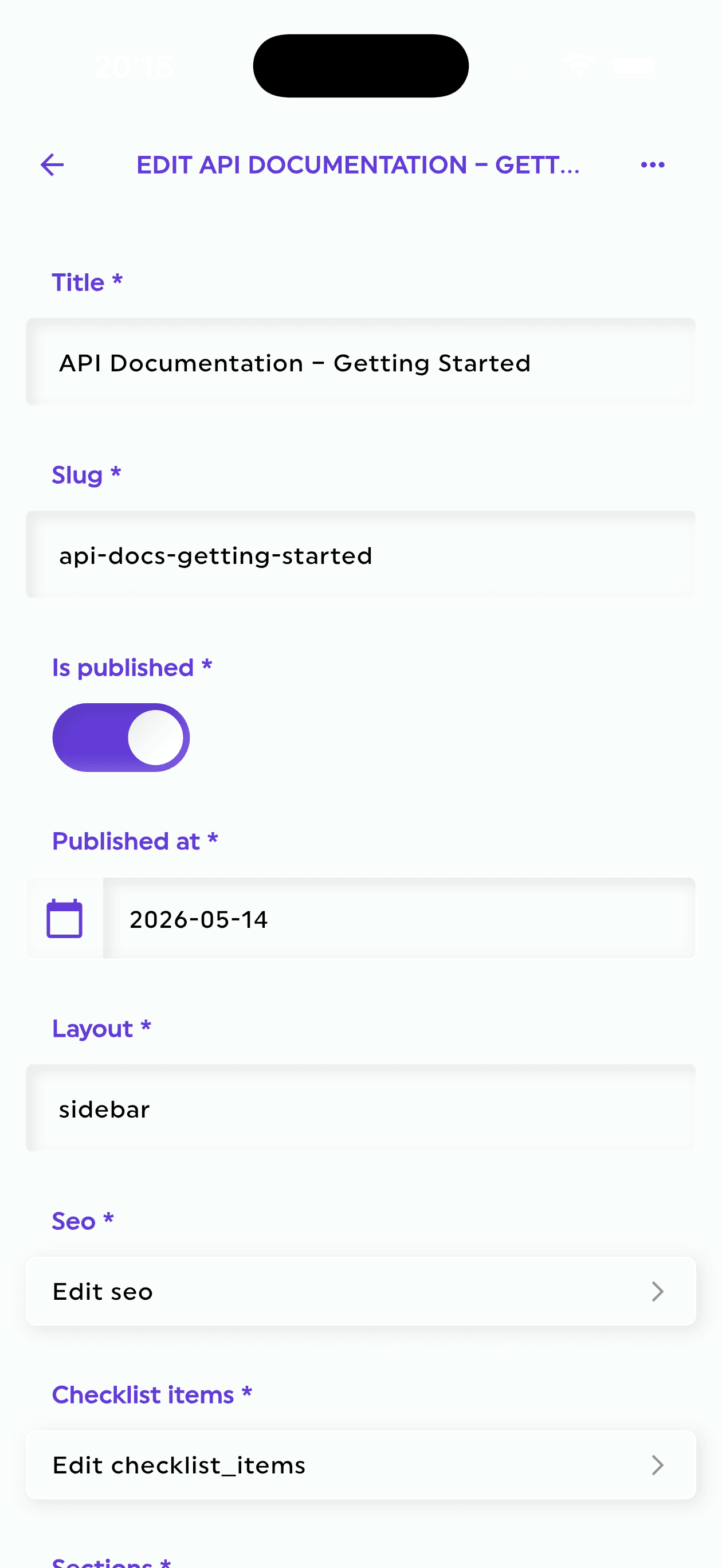
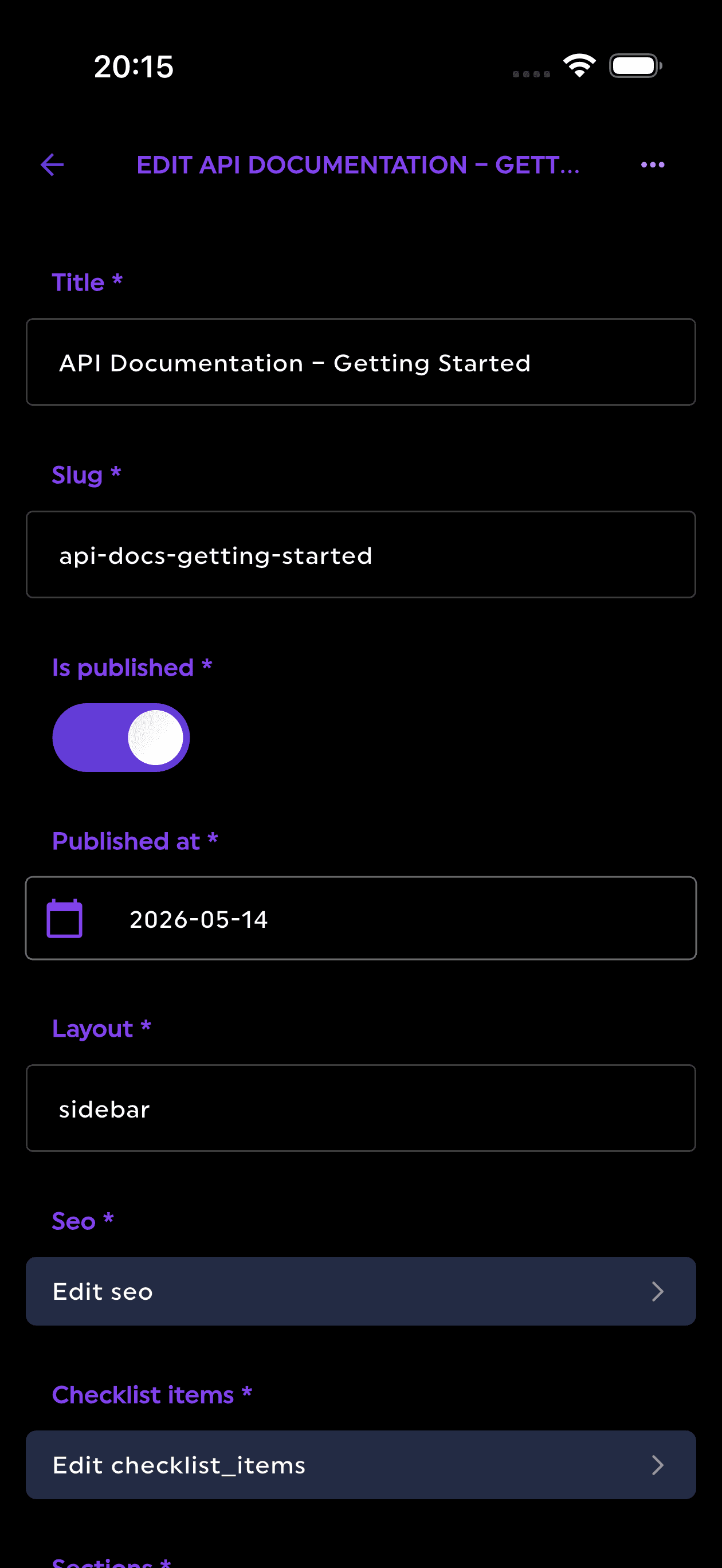
Edit content from your phone
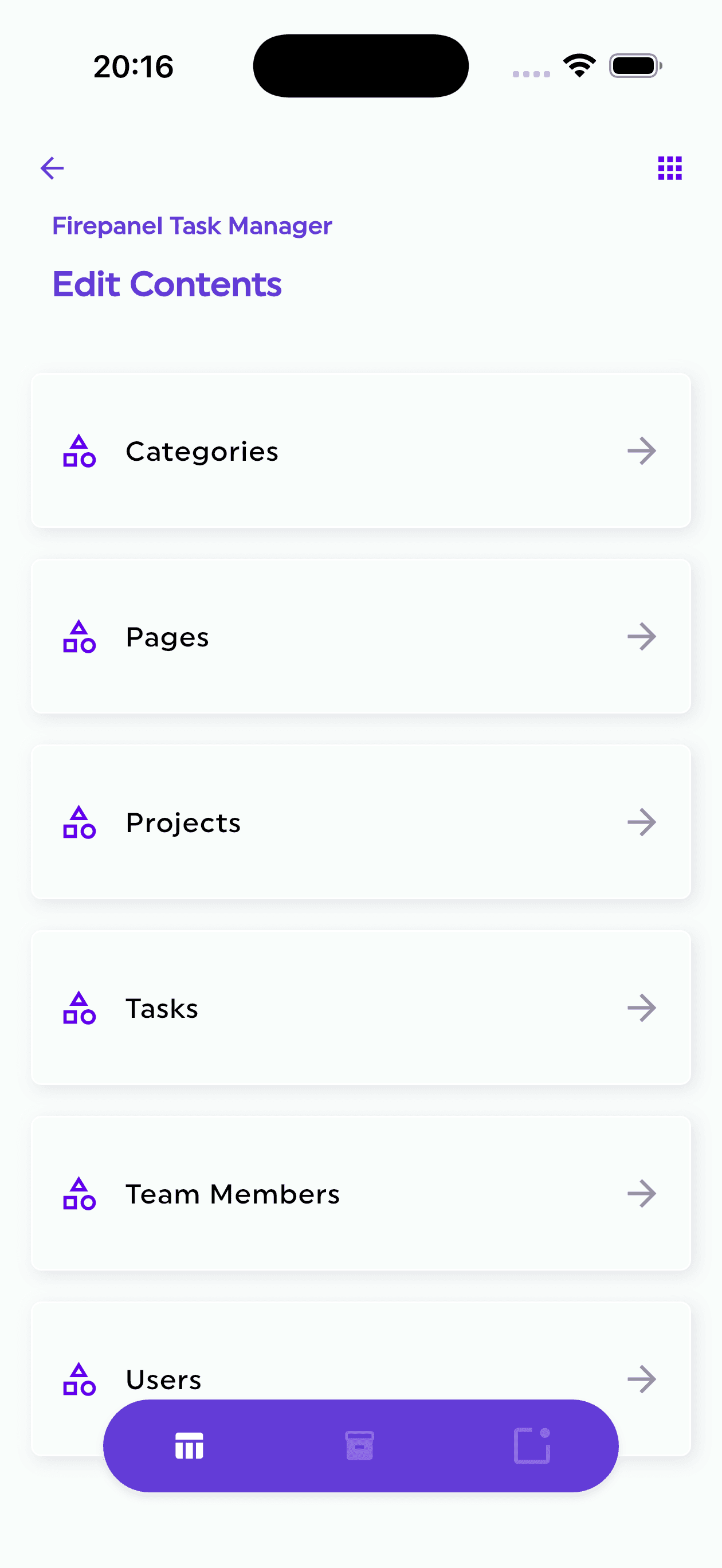
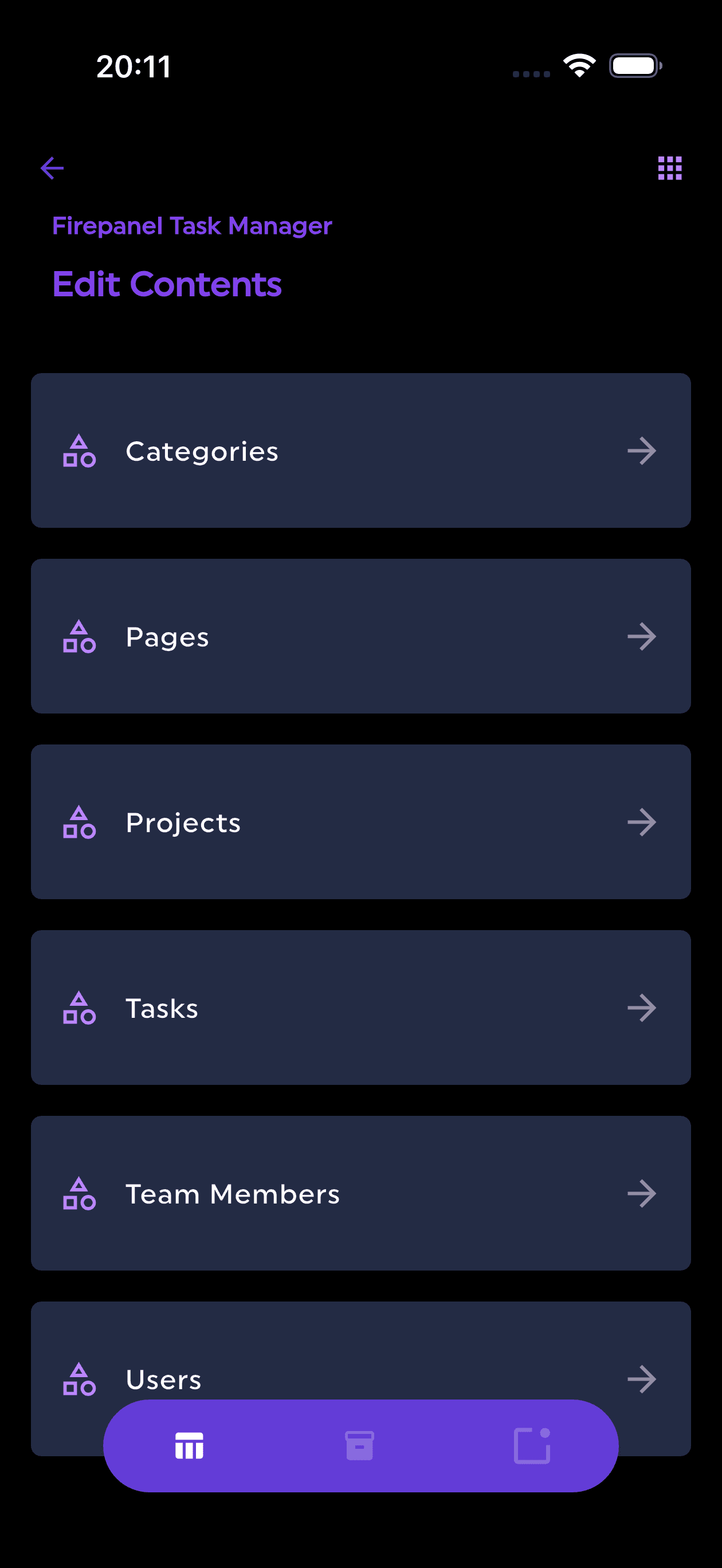
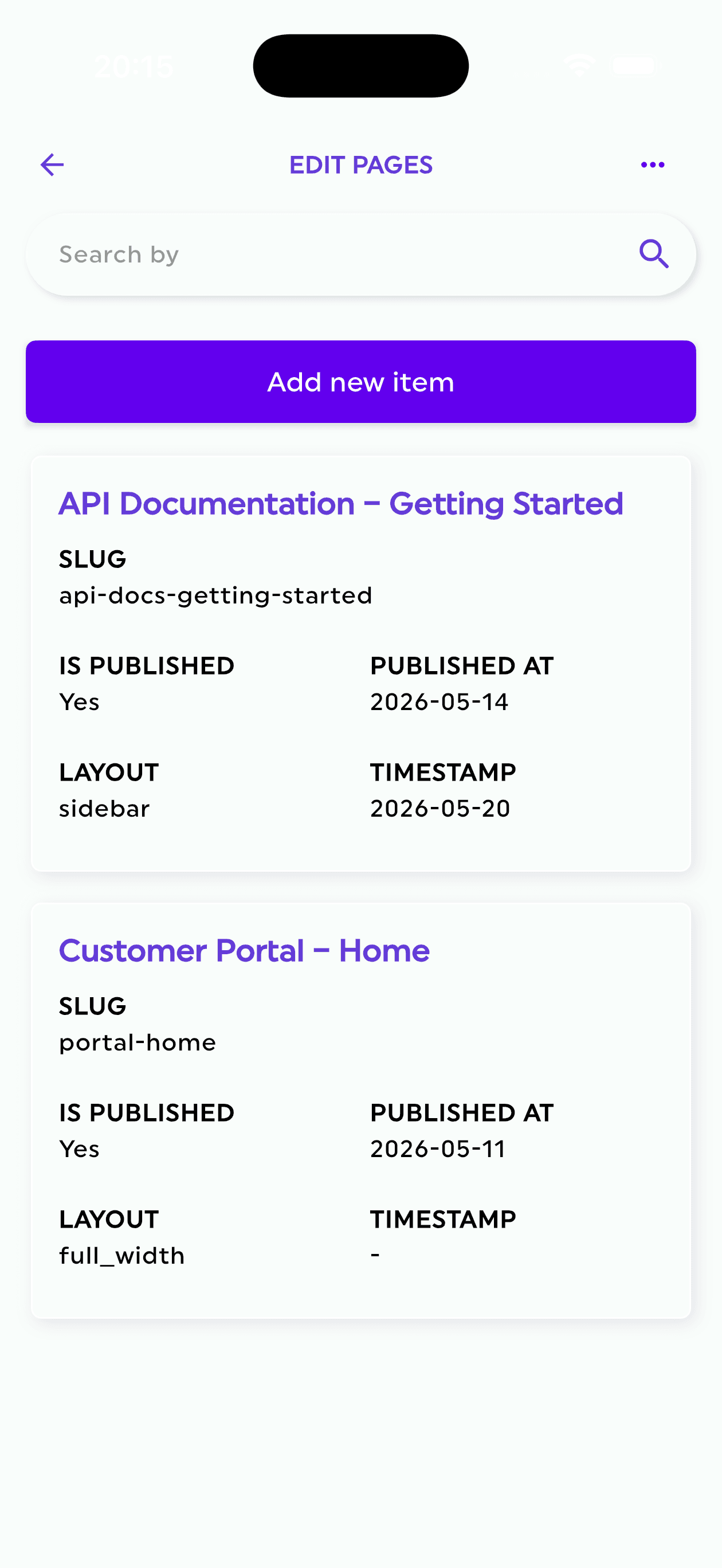
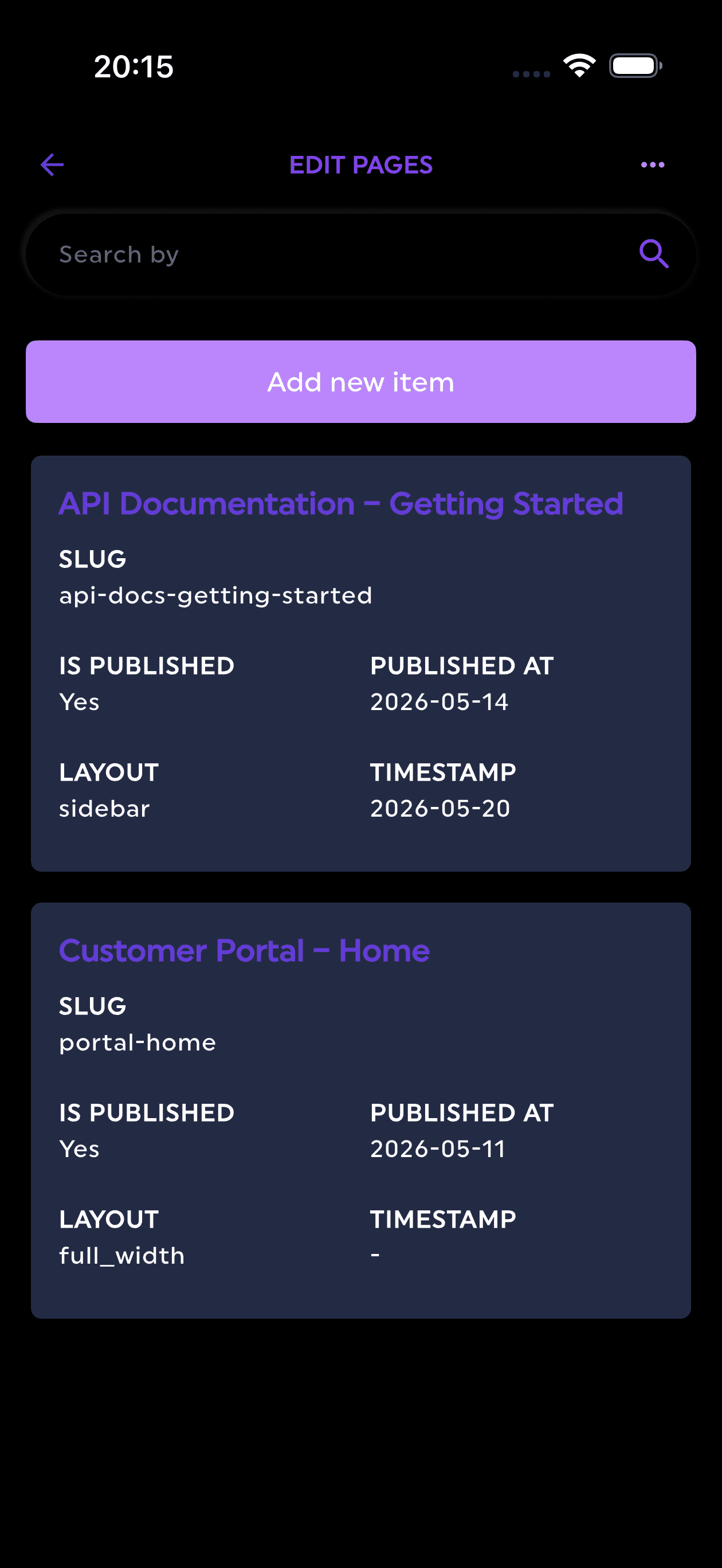
The Firepanel companion mobile app is a ready-made content editor — the Firebase console has no mobile equivalent for this.
From the blog
Latest articles
Tips, tutorials, and deep dives on Firebase development and content management.

Firepanel September 2026: Your Firebase App Has Data. Now Give It a Real Backoffice
Connect existing Firebase data, generate your backoffice, manage Auth users, run campaigns, back up Firestore and explore project data with AI.

Best Headless CMS for React in 2026: 8 Platforms Ranked by Setup Model, Firebase Fit, and Real Developer Cost
Compare 8 headless CMS options for React by setup model, Firebase fit, and real cost so you can choose the right one fast.

Google Cloud Cost Optimization for Firebase Founders: A Practical Guide to Cutting Your GCP Bill
Practical Firebase and Google Cloud cost optimization for technical founders, with specific fixes for Firestore reads, indexes, TTL, Cloud Run, and hidden admin tooling overhead.
The CMS your Firebase project deserves
Ready to ship faster?
Start free and see why developers and agencies choose Firepanel to deliver Firebase-powered projects in record time — no setup headaches, no finger-moving required.
Firepanel, Anywhere You Go
Stay in control no matter where you are. Update content on the go, send urgent push notifications, and manage everything effortlessly—anytime, anywhere. Available on every plan, even the free one.