Google Cloud Cost Optimization for Firebase Founders: A Practical Guide to Cutting Your GCP Bill

Luis Freire
Founder & CTO

Firebase is deceptively affordable at the start. The free Spark plan covers most early-stage workloads, and the Blaze pay-as-you-go model feels safe when traffic is thin. Then the product gains traction, a background job runs a collection-wide query, or a misconfigured index starts fanning out reads, and the monthly bill arrives with a number that has no obvious explanation.
For technical founders, this is one of the most disorienting moments in the growth phase: the infrastructure is working fine, users are happy, but the cost curve has decoupled from the revenue curve. The problem is almost never Google Cloud pricing itself. It is almost always a handful of specific Firebase behaviors that are easy to miss until they compound.
**The good news: every major Firebase cost driver has a concrete fix. This guide covers the highest-leverage levers, in order of impact, so you can audit your stack in an afternoon and leave with a clear action list.
TL;DR
If Firebase spend is climbing faster than revenue, start with three moves: cap runaway reads, cut index bloat, and right-size Cloud Run. Then add TTL policies and budget alerts so the same problem does not come back next month.
What you will find here:
- Where Firestore spend actually comes from and why the dashboard can hide it
- Cloud Run configuration mistakes that quietly double your bill
- Index and query patterns that multiply read costs by 10x or more
- How to use TTL policies, caching, and budget alerts to build a cost-safe architecture
- The hidden ops cost of managing Firebase without proper tooling, and how to eliminate it
Firestore Is Billed on Operations, Not Data Volume
The most common founder misconception about Firestore is treating it like a database where cost scales with storage. Storage is almost free. What costs money is reads, writes, and deletes, and the billing model charges per document operation, not per byte transferred.
Google's official Firestore pricing breaks down as follows (Blaze plan, us-central1 as of 2026):
| Operation | Cost |
|---|---|
| Document reads | $0.06 per 100,000 |
| Document writes | $0.18 per 100,000 |
| Document deletes | $0.02 per 100,000 |
| Storage | $0.18 per GB/month |
Writes cost three times more than reads, which is counterintuitive for founders coming from SQL databases. A batch job that updates 500,000 documents costs $0.90 in writes alone. Run that nightly and you have a $27 monthly line item from a single background task.
The Three Read Patterns That Inflate Bills
1. Collection-level listeners without filters. A real-time onSnapshot on a top-level collection with no where clause reads every document in that collection on every change. If the collection has 50,000 documents and you have 200 concurrent users, a single write event triggers 10 million reads. This is the most common cause of sudden Firestore bill spikes.
2. Unbounded queries in admin flows. Dashboards and internal tools frequently run queries like "get all orders from the last 30 days" without pagination. On a growing dataset, these fan out into thousands of reads per page load.
3. Redundant reads from missing caching. If your Cloud Functions or backend services re-fetch the same Firestore documents on every request without any in-memory or Redis caching layer, you are paying for reads that return identical data.
What to Do
- Add
limit()to every query. If you do not know the upper bound, default to 100 and paginate. - Replace collection-level listeners with targeted document listeners or queries scoped to a specific user or session.
- Cache frequently read, rarely updated documents (configuration, feature flags, lookup tables) in memory or via Firebase Remote Config, which does not bill per read.
- Use Firestore's query explain API to profile expensive queries before they hit production.
Rule of thumb: every query your app runs should have awhereclause, alimit, or both. Queries without constraints are cost liabilities.
Composite Indexes: The Silent Read Multiplier
Firestore requires a composite index for any query that filters or sorts on more than one field. This is well-documented. What is less discussed is what happens when you have too many of them, or when they are built on high-cardinality fields.
Every composite index is maintained by Firestore in real time. When a document is written, Firestore updates every index that covers that document. A document that participates in 10 composite indexes generates 10 index write operations per document write. At scale, index writes can cost more than the actual data writes.
How to Audit Your Index Usage
- Open the Firebase Console and navigate to Firestore > Indexes.
- Review every composite index. Ask: is this query actually running in production, or was it added during development and forgotten?
- Delete any index that no longer maps to an active query path. Unused indexes still incur write costs on every document update.
- Check for indexes on fields with high cardinality (timestamps, user IDs) combined with low-selectivity filters. These are expensive to maintain and often produce large result sets that drive up read costs downstream.
The Exemption Strategy
Firestore supports single-field index exemptions, which let you disable automatic indexing on specific fields. For fields that are never queried directly (large text blobs, embedded JSON, audit metadata), disabling auto-indexing eliminates unnecessary index writes entirely.
Key action: schedule a quarterly index audit. It takes 20 minutes and routinely uncovers 15-30% write cost savings on mature Firestore projects.
Use TTL Policies to Stop Paying for Data You No Longer Need
Most Firebase projects accumulate stale data faster than they clean it up. Session tokens, notification queues, temporary processing records, and ephemeral user state all pile up in Firestore collections over time. Storage costs are low, but the real problem is that this data participates in index maintenance and inflates query result sets, both of which drive up read and write costs.
Firestore TTL (Time-to-Live) policies solve this automatically. You designate a timestamp field on a collection, and Firestore deletes documents once that timestamp has passed, at no additional cost for the delete operations.
Collections That Benefit Most from TTL
| Collection Type | Suggested TTL |
|---|---|
| Session / auth tokens | 24-72 hours after expiry |
| Notification queue entries | 7 days after delivery |
| Temporary processing records | 1 hour after completion |
| Analytics event staging | 30 days |
| User activity logs | 90 days (or per compliance policy) |
Setting Up a TTL Policy
TTL policies are configured at the collection group level, not per-document. The setup takes under five minutes:
- Add an
expireAttimestamp field to documents when they are created. - In the Firebase Console, go to Firestore > TTL and create a policy pointing to that field.
- Firestore will begin deleting expired documents within 72 hours of expiry (deletion is eventually consistent, not instant).
One important caveat: TTL deletions are not guaranteed to happen at exactly the expiry time. If your application logic depends on precise deletion timing, TTL is not a substitute for explicit deletes in your code. Use it as a safety net and cost control layer, not as a business logic mechanism.
Cloud Run: Right-Size Your Services Before They Right-Size Your Budget
Cloud Run is the default compute layer for Firebase-adjacent backend work: Cloud Functions 2nd gen runs on it, and many Firebase projects deploy their own API services there. It is genuinely cost-efficient when configured correctly. The default settings, however, are tuned for availability rather than cost, which means a standard deployment will spend money even during quiet periods.
The Four Cloud Run Settings That Matter Most
1. Minimum instances. The default minimum instance count is 0, which means Cloud Run scales to zero when idle. This is the right setting for most workloads. If you have set min-instances above 0 for latency reasons, you are paying for idle capacity 24/7. According to Google's Cloud Run pricing documentation, even idle instances below the minimum threshold are billed at a reduced rate. Audit every service: if a service can tolerate a 1-2 second cold start, set min-instances to 0.
2. CPU allocation. By default, Cloud Run only allocates CPU during request processing. If you changed this to "CPU always allocated" (often done to support background tasks), you are billed for CPU even when the service is idle. Switch back to request-based CPU allocation unless you have a specific background processing requirement that genuinely requires it.
3. Memory and CPU limits. Most API services do not need 2 vCPUs and 4GB of RAM. Profile your actual memory usage in Google Cloud Monitoring and right-size your containers. Dropping from 2GB to 512MB memory on a low-traffic service can cut that service's compute cost by 60-75%.
4. Request concurrency. Cloud Run supports up to 1,000 concurrent requests per instance. Many Node.js and Python services are configured at a concurrency of 1 (one request per instance at a time), which forces horizontal scaling and multiplies instance count unnecessarily. Increase concurrency to match your service's actual I/O-bound capacity.
Quick Wins Checklist
- Audit
min-instancesacross all Cloud Run services. Set to 0 where cold starts are acceptable. - Switch CPU allocation to "request-based" on any service not running background jobs.
- Review memory limits in Cloud Monitoring. Downsize anything using less than 50% of its allocated memory.
- Increase request concurrency on I/O-bound services (HTTP proxies, Firestore wrappers) to 80-200.
- Enable Cloud Run committed use discounts if baseline usage is predictable.
Budget Alerts Are Not Optional
Every Firebase project on the Blaze plan should have at least two budget alerts configured before anything goes to production. This is not a nice-to-have. A single runaway query or misconfigured listener can generate thousands of dollars in Firestore reads in under an hour.
Google Cloud budget alerts can be set to notify at multiple thresholds and, critically, can trigger a Pub/Sub message that disables billing automatically. That last part is the important one: a notification you might miss at 3am is not protection. An automated disable is.
A Practical Two-Layer Alert Setup
Layer 1: Notification thresholds Set alerts at 50%, 90%, and 100% of your expected monthly budget. Use email and Slack (via Pub/Sub + Cloud Functions) so alerts reach wherever your team actually looks.
Layer 2: Automated cost cap For non-production projects (staging, internal tools, experiments), connect a budget to a Cloud Function that disables the billing account when spend exceeds a hard cap. Google provides a reference implementation for this pattern in its documentation.
Important: disabling billing on a project stops all billable services, including Cloud Run and Firestore. It does not delete data. Use this only on projects where downtime is acceptable.
Firebase Storage and Egress: The Often-Missed Line Items
Two cost categories that frequently surprise founders:
- Firebase Storage egress: downloads from Firebase Storage are billed by Google Cloud's network egress rates, not Firebase's storage rates. Serving large files (videos, exports, backups) directly from Storage without a CDN in front can generate significant egress costs. Put Cloud CDN or a signed URL cache in front of any large-file serving.
- Firestore export costs: the managed export feature writes to Cloud Storage and bills for both the export operation and the storage consumed. Schedule exports during off-peak hours and clean up old exports automatically with a lifecycle rule on the destination bucket.
The Hidden Cost: Building and Maintaining Your Own Firebase Admin Layer
Infrastructure cost is only one part of the equation. For technical founders, the more insidious cost is the engineering time spent building and maintaining internal tooling to manage Firebase itself.
Most Firebase projects eventually need some version of the same things: a way to browse and edit Firestore documents without writing raw SDK calls, a way to manage users in Firebase Auth without building a custom admin UI, a way to inspect Storage contents and metadata. The default Firebase Console covers the basics, but it does not support custom workflows, role-based access for non-technical teammates, or structured content editing.
The typical response is to build something internally. That decision carries a real cost:
- Initial build time: 2-4 weeks of engineering time to build a usable internal admin panel from scratch
- Ongoing maintenance: every Firebase SDK update, security rule change, or new collection requires updates to the internal tool
- Access control overhead: managing who can see and edit what, without a proper RBAC layer, becomes a recurring support burden
This is the cost that rarely shows up on a GCP bill but consistently shows up in sprint planning.
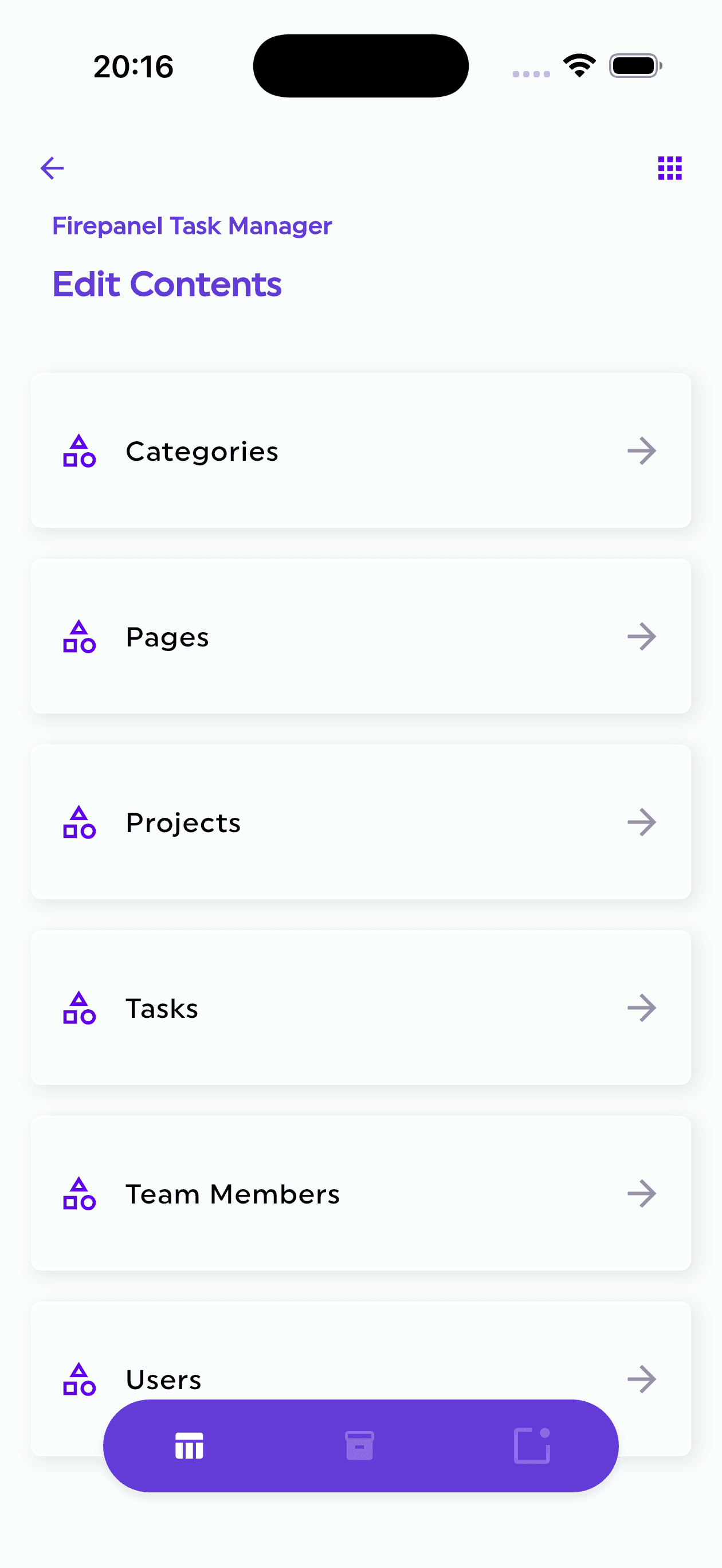
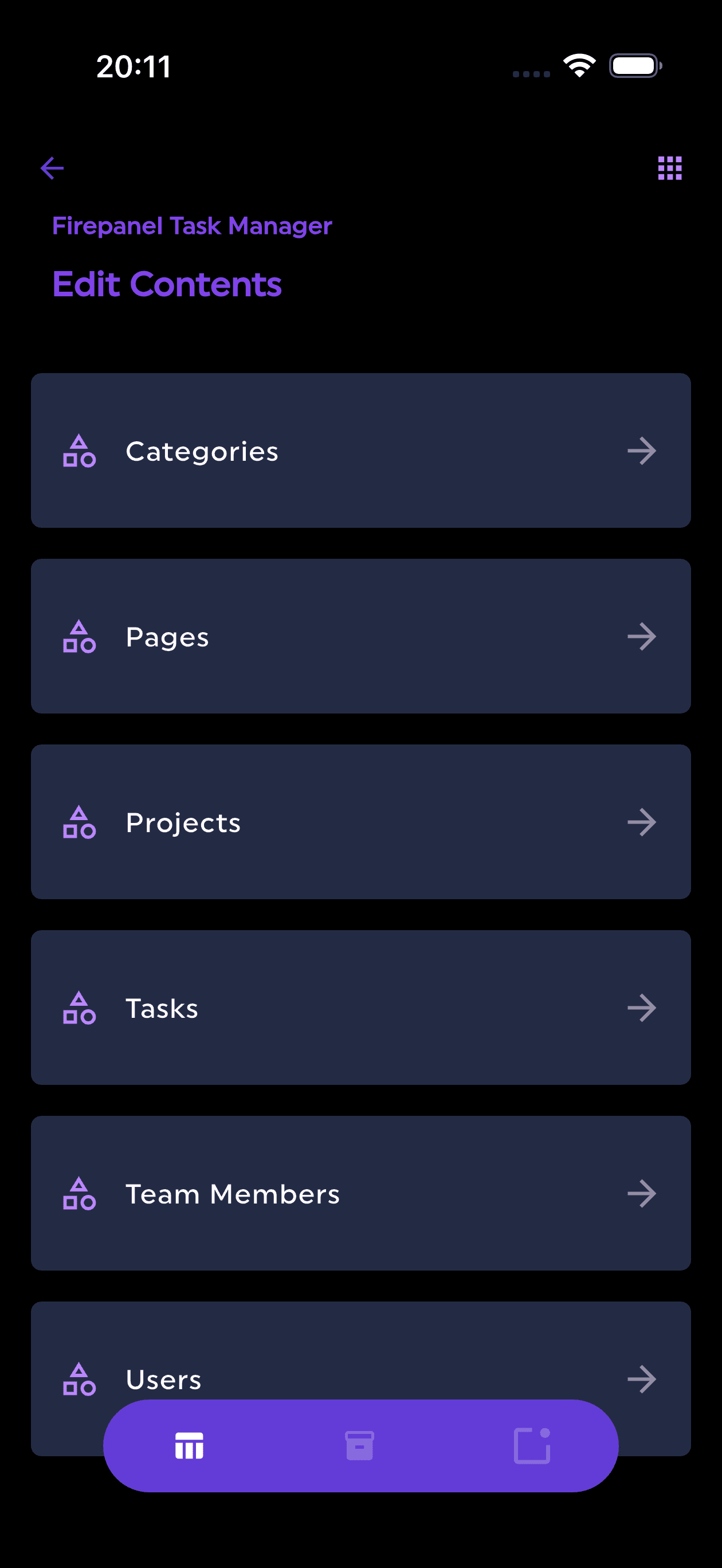
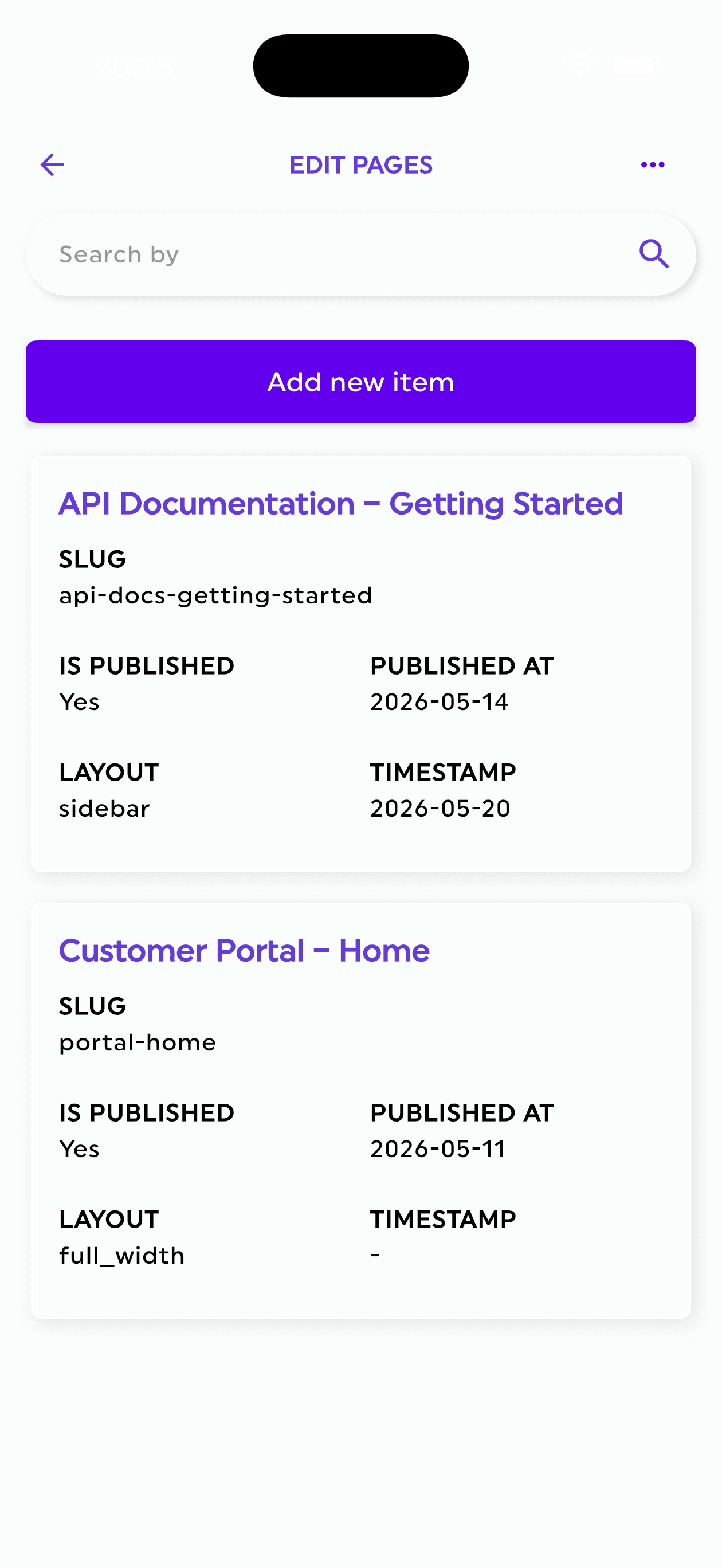
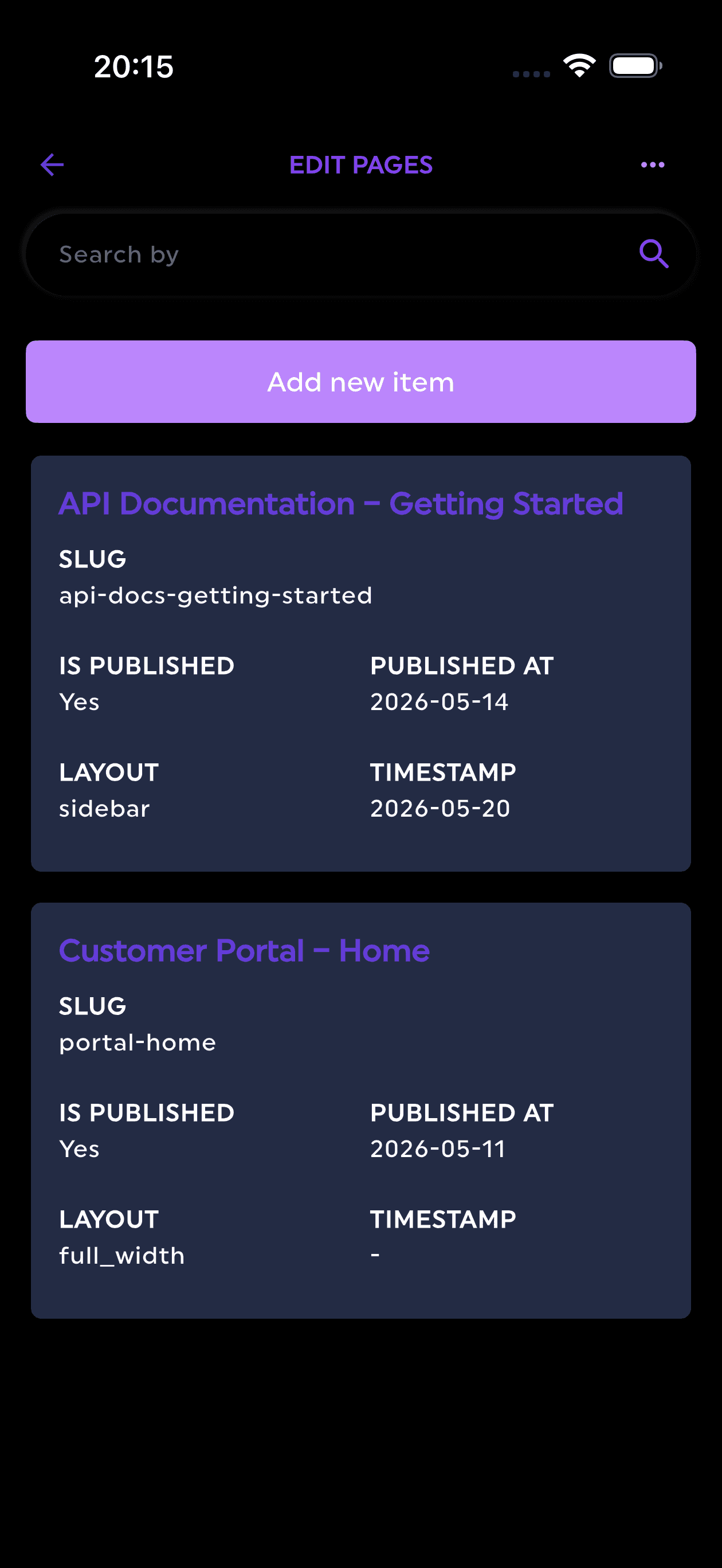
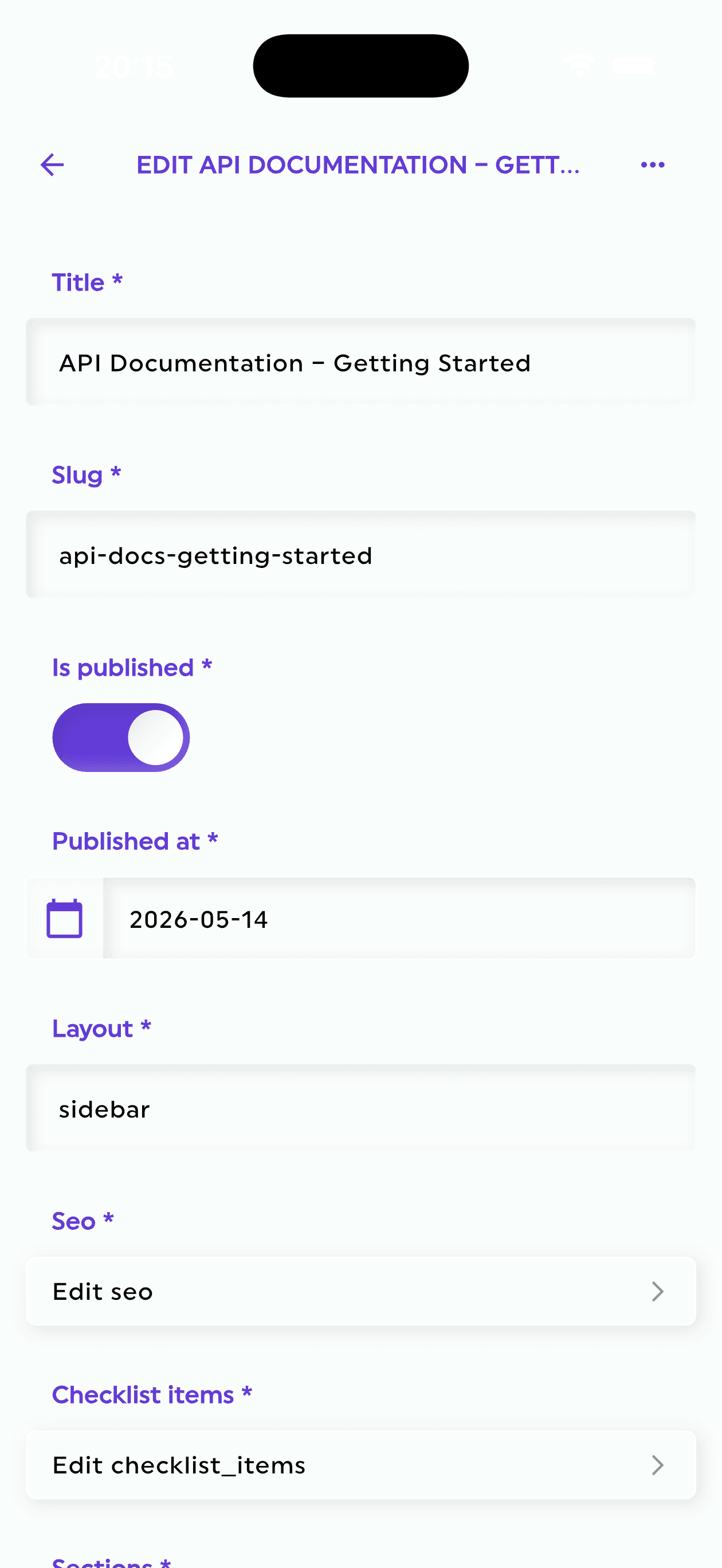
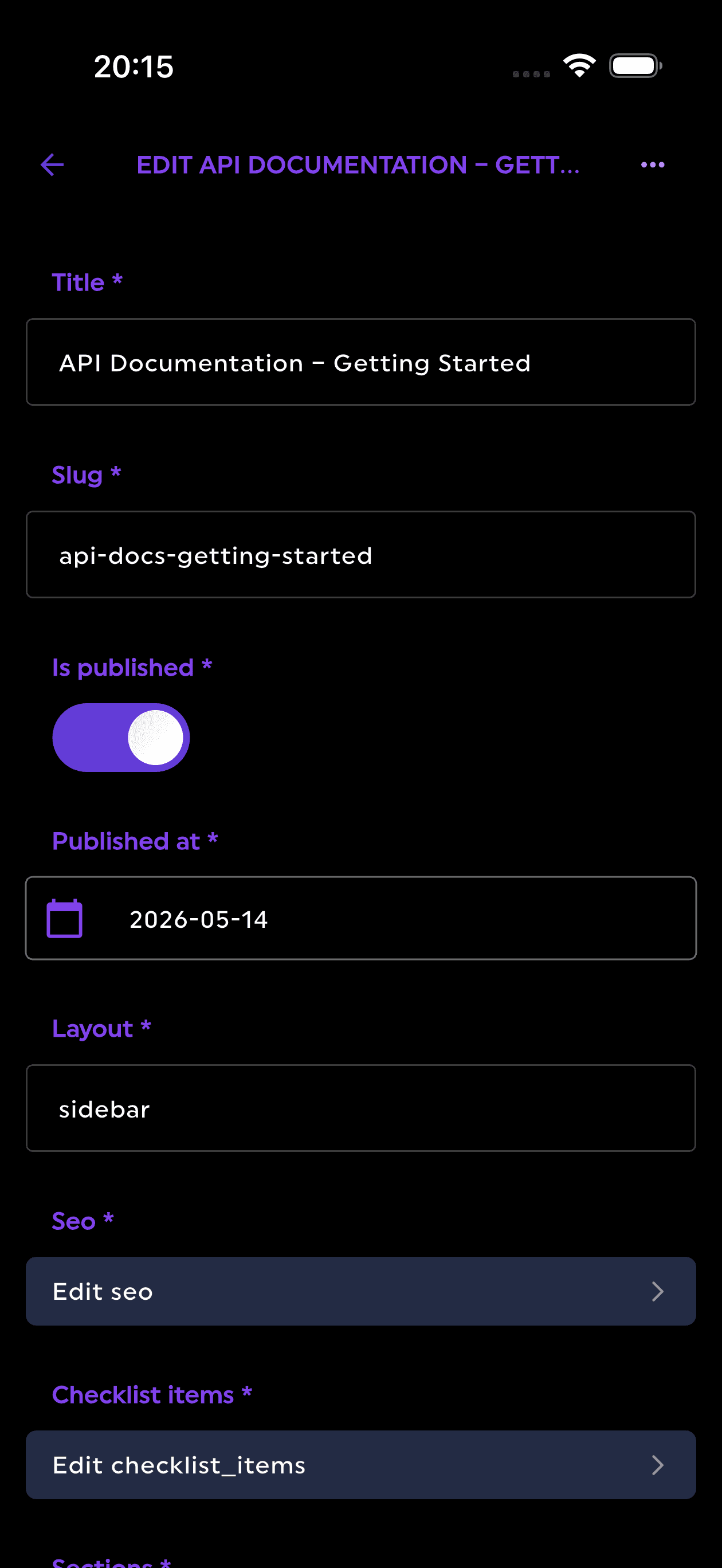
Firepanel eliminates this category of cost entirely. It auto-detects your Firestore structure, generates a content management interface from your existing data, and provides role-based access control for Admins, Editors, and Viewers, all without any custom code. The Firebase Storage Manager handles file and metadata operations. The result is a production-ready admin layer in minutes, not weeks.
For a technical founder optimizing infrastructure costs, the math is straightforward: the engineering time saved on internal tooling typically dwarfs the Firestore read and write savings covered in this guide. Both matter. Start with the quick wins above, then eliminate the ops cost that compounds every sprint.
Try Firepanel free and see how much of your Firebase management overhead disappears on day one.