Firepanel September 2026: Your Firebase App Has Data. Now Give It a Real Backoffic

Filipe Oliveira
Full Stack Developer

Firebase is very good at helping developers build things.
Authentication. Firestore. Storage. Cloud Messaging. A few SDK calls, a late night, too much coffee, and suddenly your prototype is becoming a product (or throw it to Claude…).
Then people start using it.
And that is usually when a different kind of work begins.
Someone needs to edit a product without opening the Firebase console. Support needs to understand why a user cannot log in. Your game needs to notify a segment of players about a new event. A client wants a safe interface for managing content. You are about to change a collection and would really prefer to have a backup first.
Before long, the app has an invisible second product attached to it: the internal tools required to operate it.
For an indie developer, a startup with three engineers, or a boutique agency running several Firebase projects, that work matters. Every hour spent building another CRUD screen, support script or notification tool is an hour not spent on the actual product.
That is the problem we have been working on.
Our September 2026 update is less about adding five unrelated features and more about making Firepanel a more complete operational layer for Firebase: connect what you already built, turn your existing data into a usable backoffice, and manage more of what happens around that data without building another application.

Start with the Firebase project you already have
The best backoffice is the one you do not need to build from scratch.
That sounds obvious, but it matters.
A lot of Firebase projects do not begin with a perfectly documented content model. They evolve. A players collection gets a few new fields. products gains nested pricing information. An agency inherits an application from another team. An MVP quietly becomes production.
Traditional admin-panel work often starts with the developer describing all of that structure again.
With the new Firepanel onboarding flow, the starting point can simply be your existing Firebase project.
Connect with Google and select a project you already have access to, or provide an existing service-account key when that fits your infrastructure better. Firepanel guides you through the required services, database and Storage configuration, discovers existing collections and lets you inspect what it found before setup is complete.
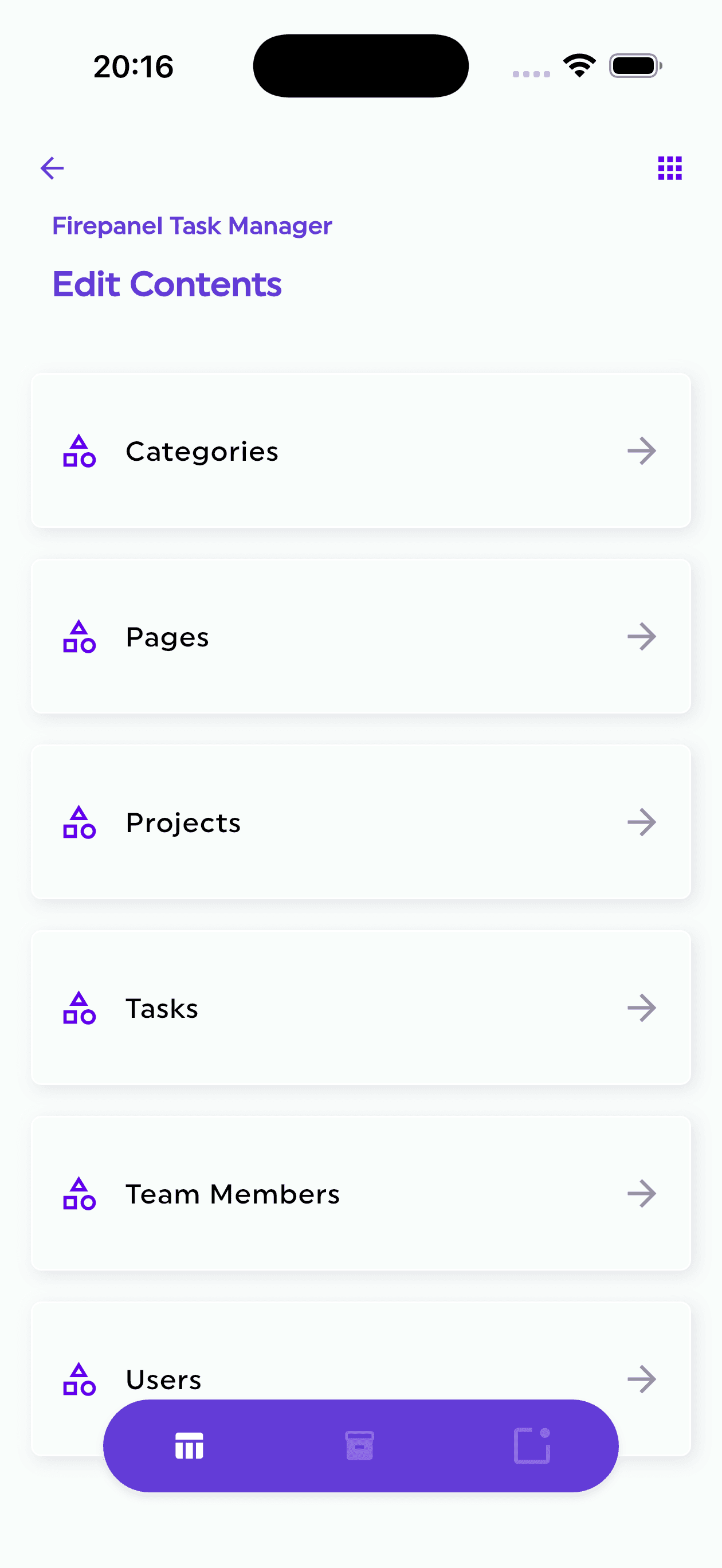
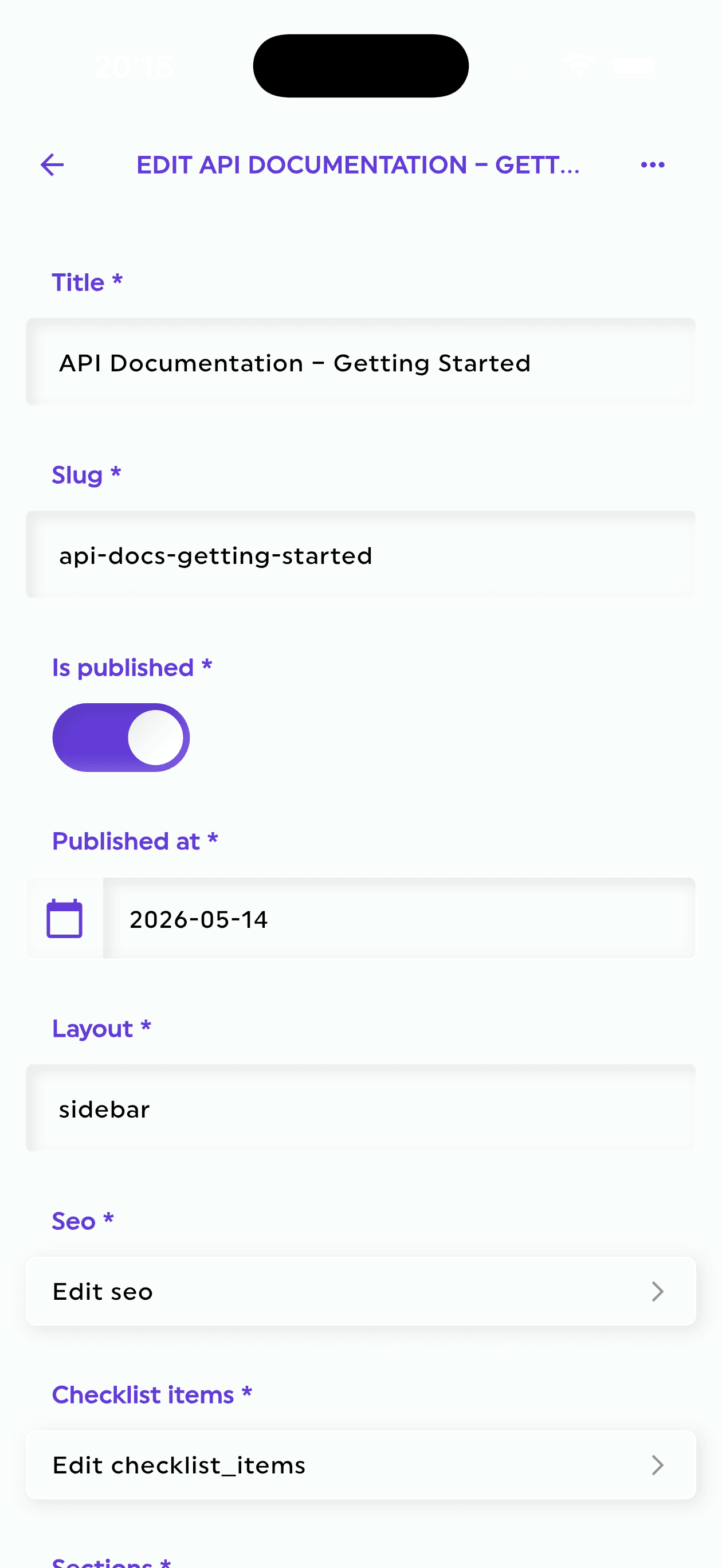
Then comes the useful part: Firepanel can generate editable content types from the data already in Firestore.
This is not a database migration.
Your application keeps using its existing Firebase project. We are not copying your records into a Firepanel database or asking you to redesign your app around our schema.
Instead, Firepanel samples existing documents — currently up to 50 documents per collection — and uses their structure to build a starting model for the backoffice.
It can infer fields from existing values, select useful title fields, recognise nested structures and turn them into reusable components. When the same nested structure appears repeatedly, components can be reused instead of generating another version of the same thing.
For supported Native-mode setups, Firepanel can also discover first-level subcollections and connect them to their parent content types.
The important word here is starting.
Real Firestore databases are messy because real applications are messy. A field that exists in one document out of 100,000 may not appear in the sample. An empty collection gives us nothing to infer. Your internal naming convention may make perfect sense to your code and no sense to anyone else.
That is fine.
Firepanel creates an editable model you can review and refine rather than pretending inference is magic.
Imagine an indie game with collections such as:
playersitemseventsnewsplayerProfiles
You have already written the game. The data already exists. Instead of spending the next weekend creating admin forms for each collection, you can connect the Firebase project, let Firepanel establish the first version of the content model, refine it, and move on.
For an agency, the same principle applies when inheriting an existing client's project.
You should not have to rebuild the backoffice every time you inherit the backend.
Authentication: a UID is not a customer
Firebase Authentication already does the hard security work of authenticating users.
Operationally, however, an Auth user often represents only half the story.
You have a UID, an email address, providers, verification state and sign-in metadata in Firebase Authentication. Then you have the data that actually explains who that user is in your application sitting somewhere in Firestore.
Maybe it is:
users/{uid}
Maybe it is a playerProfiles document.
Maybe their orders, subscriptions, licences or game activity live in other collections.
Support teams should not have to copy a UID from one screen, paste it into another tool, search three collections and ask a developer what a custom claim means.
The new Authentication module brings those pieces closer together.
Firepanel reads user information directly from Firebase Authentication, including identity and account information such as email, phone number, sign-in providers, verification status, account status, custom claims and MFA information where available.
You can then connect an Auth identity with its Firestore profile.
Profile fields can appear alongside authentication fields in the user list, and related collections can be configured so that useful application data appears in the user's context.
That can turn a typical support flow from:
“Send me the UID and I'll look in Firestore.”
into:
Find the user → check their account → inspect the profile → inspect related records → take the appropriate account action.
Depending on permissions, operators can disable or enable an account, revoke refresh tokens, trigger password-reset and verification emails, or permanently delete the Firebase Auth account.
Importantly, deleting an Auth user does not silently cascade through their Firestore data. Their profile and related records remain under your control.
Google's own Firebase documentation describes its Admin SDK as the foundation for building custom user-management consoles. Firepanel's approach is essentially: you should not need to build that console again for every Firebase product.
For larger user bases, Firepanel can also work with an external Algolia or Elasticsearch index for richer filtering and sorting. Without one, Auth browsing and exact identifier lookups remain available without pretending Firebase Auth provides an arbitrary full-text user index.
That distinction matters. Developer tools should make infrastructure easier to operate, not hide how it actually works.
Messaging & Campaigns: live ops without building the live-ops tool
Push notifications start innocently.
Send something to a device token.
Then somebody asks:
“Can we send this only to users whose subscription expires next week?”
“Can the Portuguese users get a different version?”
“Can we test it on our phones first?”
“Can we send one version to half the audience and another version to the rest?”
“Can this run automatically every Monday?”
And suddenly you are building a campaign system.
The revamped Messaging & Campaigns module is designed around that reality.
Campaigns now work with reusable audiences. An audience can be built from structured Firestore queries, FCM topics or named test devices.
For query-based audiences, notification tokens do not need to live in one very specific schema. Firepanel can resolve tokens stored directly in a field, an array or map, a subcollection, or a separate device collection connected through a user identifier.
That is particularly useful for mobile apps and games, where device registrations rarely remain as simple as the first proof of concept.
Once the audience exists, campaigns can include notification titles and bodies, images, deep links, custom data and action-button payloads supported by your app.
Messages can use fields from audience data for personalisation, and teams can author locale-specific content rather than maintaining completely separate campaigns for each language.
Multiple weighted A/B variants can be created for audiences where recipients can be resolved individually. Firepanel handles deterministic allocation, so the same recipient does not jump randomly between variants.
And then there is timing.
A campaign can run immediately, at a chosen date and time, on a recurring schedule, or relative to a date stored in your audience data.
For a SaaS product, that might mean a reminder before a subscription renewal.
For a game, it might mean communicating around an event date, entitlement or player-state field.
For an agency, it means giving the client's marketing or operations team something considerably safer than “message the developer whenever you want to send a push.”
Before sending, teams can preview content, use named test devices and — for resolvable audiences — review the recipient population.
Campaign runs continue in the background and expose progress, successes and failures. Firepanel can also identify invalid notification tokens, with cleanup remaining an explicit operation because removing those tokens changes your Firestore data.
We deliberately distinguish messages accepted by FCM from proof that a user saw a notification. Firebase itself distinguishes between sends, receipt, impressions and opens depending on platform and instrumentation. An accepted message is not the same thing as a human reading it.
That may sound like a small semantic detail.
Developers know it is not.
Backups & Migration: because “I think I can undo this” is not a strategy
There is a special kind of confidence that appears immediately before changing production data.
It normally lasts until the command runs.
Firepanel's extended Backups & Migration module now handles two different things that matter to a working backoffice:
your Firepanel configuration and your actual Firestore database contents.
You can create a configuration-only backup, a database-only backup, or combine both.
Configuration backups preserve the Firepanel-managed structure around the project — including content types, components, tags and messaging configuration.
Database backups use Google's managed Firestore export mechanism and write the export into a Cloud Storage bucket you control.
That distinction is important.
A content-model backup is useful when changing how your backoffice is configured. A Firestore database export is useful when the records themselves matter.
Restore operations make the choice explicit.
With Merge, imported documents overwrite documents with matching IDs while unrelated documents in the destination remain.
With Replace, the applicable target collections are cleared before import. That is intentionally destructive and requires explicit confirmation.
We would rather put the dangerous switch where you can see it than call every restore “safe.”
The same infrastructure also enables project-to-project migration of selected Firepanel configuration, Firestore data or both.
That is useful for agencies and startups maintaining separate environments. You might prepare a new Firebase project, move the managed content model across, migrate selected database content and then continue working against the target.
Google's managed Firestore export/import infrastructure has real requirements: billing must be enabled, Firebase projects using it need the Blaze plan, Cloud Storage must be configured appropriately and the relevant service account needs the required permissions.
Firepanel does not remove those Google Cloud constraints. It removes some of the operational ceremony around using them.
And a Firestore backup is still a Firestore backup. It does not magically include Firebase Auth accounts, every Storage object, Cloud Functions, security rules and every configuration setting in the Google Cloud project.
Precise tools are more useful than magical-sounding ones.
Ask Firepanel: talk to your data, without giving AI the keys to the building
AI is becoming part of almost every developer workflow, but adoption and trust are not the same thing.
In Stack Overflow's 2025 Developer Survey, 84% of developers said they were using or planning to use AI tools in their development process, while 46% said they did not trust the accuracy of AI output.
We think that tension is healthy.
So Ask Firepanel is intentionally narrower than “give an AI agent unrestricted access to your Firebase project.”
You can ask plain-language questions about readable content registered in Firepanel, and the system translates those questions into a constrained set of supported, read-only data operations.
That includes document lookup, filtered and sorted queries, aggregations, grouping, supported lexical search and bounded counts.
For example:
“How many orders have a pending status?”
“Show me the most recently updated products.”
“Group orders by status and count each group.”
“How many documents are in each of my content types?”
For a game project, perhaps:
“How many player profiles have region = Europe?”
or:
“Group tournament registrations by status.”
The AI does not receive permission to improvise arbitrary code against your project. It cannot decide to update a document, delete a collection or perform an unrestricted join because the model thinks that would be helpful.
Collection and field permissions still apply.
Answers can return metrics, tables, matching documents, warnings and links back into Firepanel so that the result can be inspected against the actual content.
That last part matters.
The goal is not to turn your database into a chatbot.
The goal is to let someone in content, support or operations answer routine questions without every question becoming a ticket for an engineer.
Ask Firepanel currently has specific infrastructure requirements, including Firestore Enterprise in Native mode and the required AI configuration, billing and permissions. Standard-edition and MongoDB-compatibility databases are not currently supported by this chat experience.
Again: precise boundaries over magic.
A Firebase backoffice, rather than another project to maintain
There are good tools in this space, and the distinctions are worth being clear about.
Rowy provides a spreadsheet-like interface over Firestore and can work with existing collections. Retool provides flexible building blocks for creating Firebase admin tools and internal applications. FireCMS also supports schema inference from existing Firestore documents and editable collection schemas.
These are real alternatives.
The direction we are taking with Firepanel is not based on pretending those capabilities do not exist.
The difference we care about is the workflow around the Firebase application.
Connect the project you already have.
Generate an editable content model from existing data.
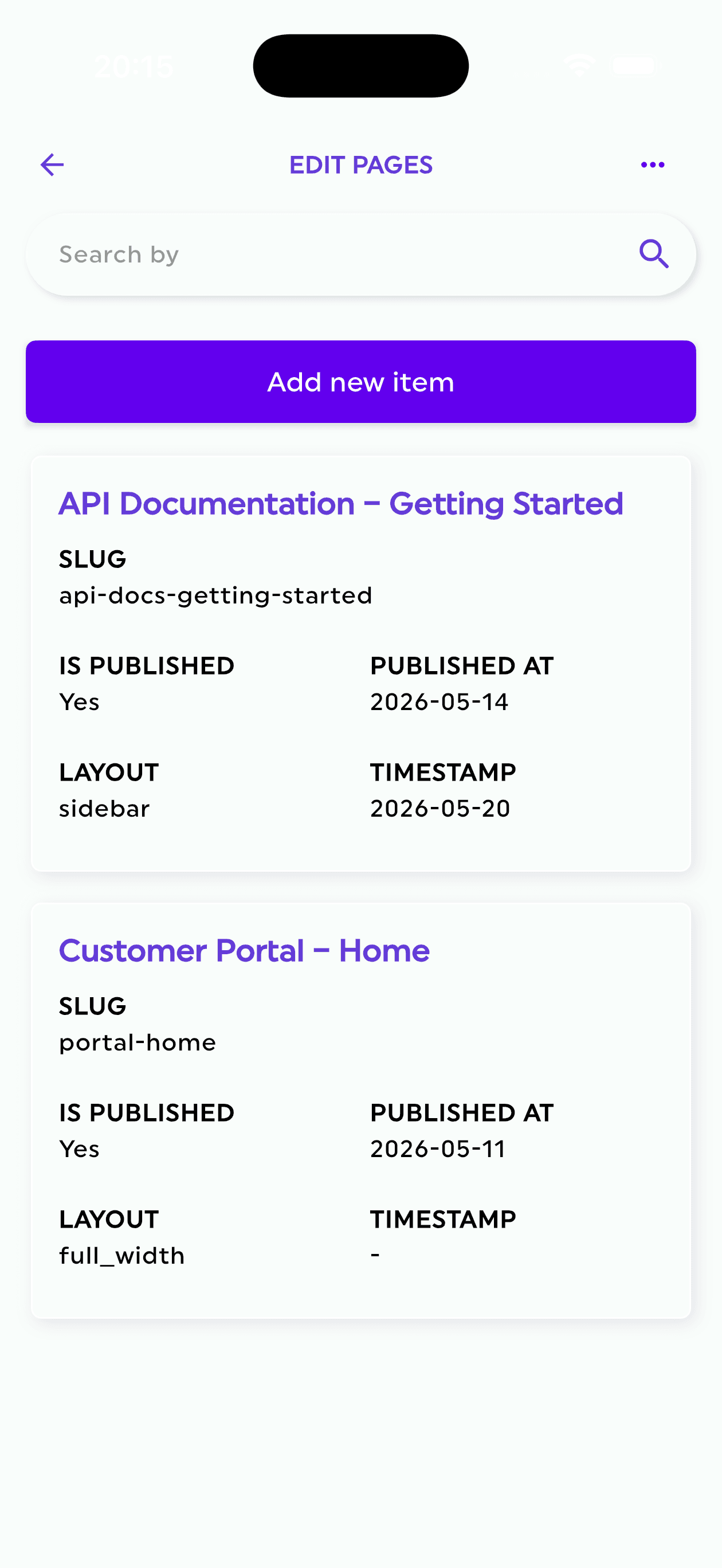
Give content teams proper forms instead of raw documents.
Put Firebase Authentication users next to their application context.
Create reusable messaging audiences and campaigns.
Back up the configuration or the actual Firestore database before making a risky change.
Move data and configuration between projects.
Ask routine questions about the project's content without handing an AI agent write access.
All without replacing Firebase as your backend.
For a large company, each one of those requirements can become its own internal platform project.
For a small startup, indie studio or boutique agency, they usually become something worse:
the thing somebody has to quickly build on Friday afternoon.
We would rather you ship the game.
Or the app.
Or the next client project.
Build the product. Keep the backoffice out of the way.
Firebase gives developers a lot of powerful primitives.
The operational work begins when real people need to use what you built.
That is where we want Firepanel to sit.
Not between your application and Firebase.
Not as another database.
Not as another architecture you have to migrate to.
Just a practical backoffice on top of the Firebase project you already own.
If you already have a project with real Firestore data, that is now the best place to start: connect it, see what Firepanel discovers, generate the first version of your content model and decide how much of the operational layer you want to stop building yourself.