Build Firebase apps with AI. Run them from one panel.
Describe an app and Firepanel builds it on your Firebase project. Your team manages it from the same panel.

Works with every framework & stack
Describe an app. Get it live on Firebase.
- 01
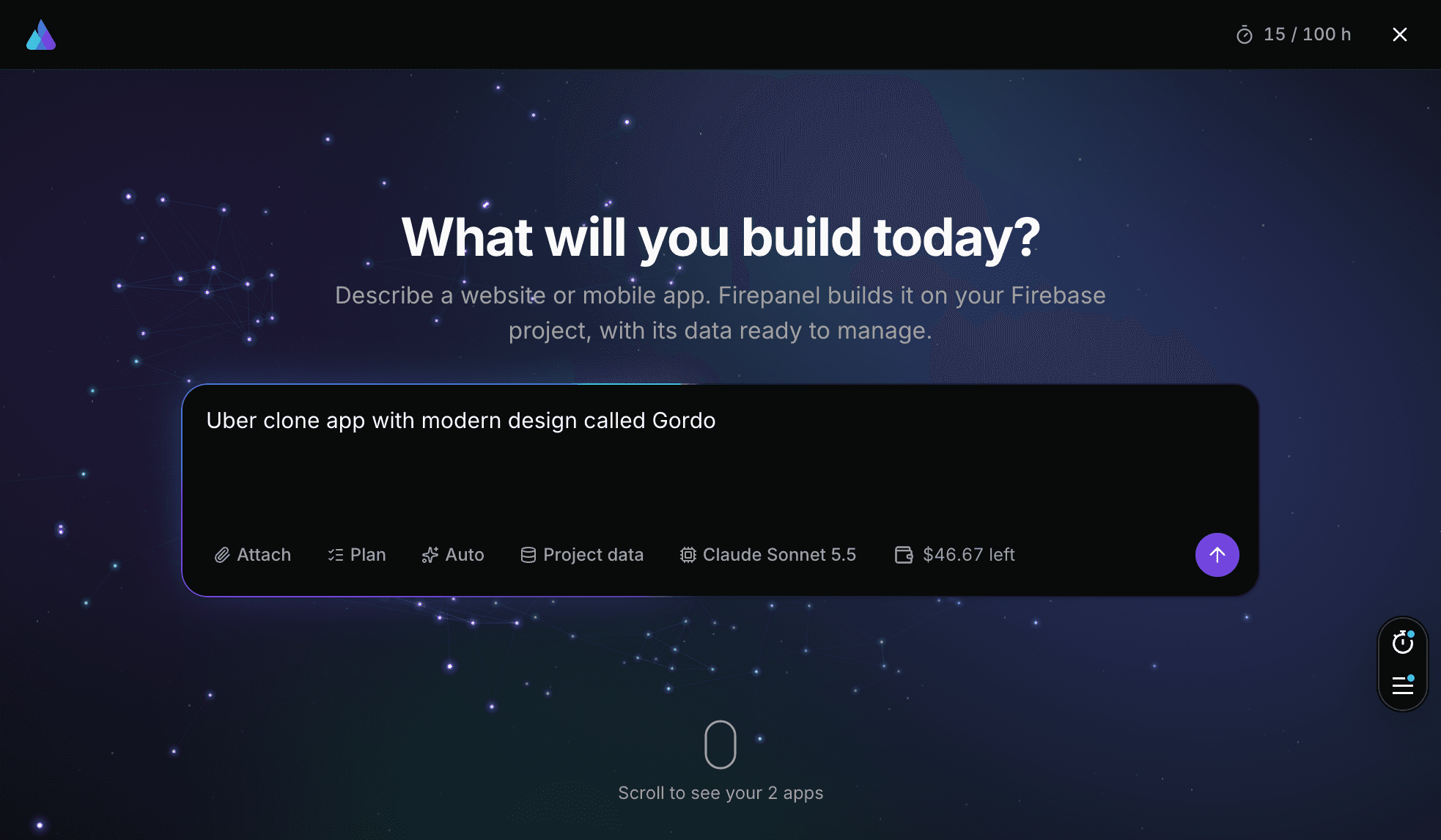
Describe it
Tell the agent what to build: a website on Next.js or a mobile app on Expo. It works in a live workspace and shows the preview as it goes.
- 02
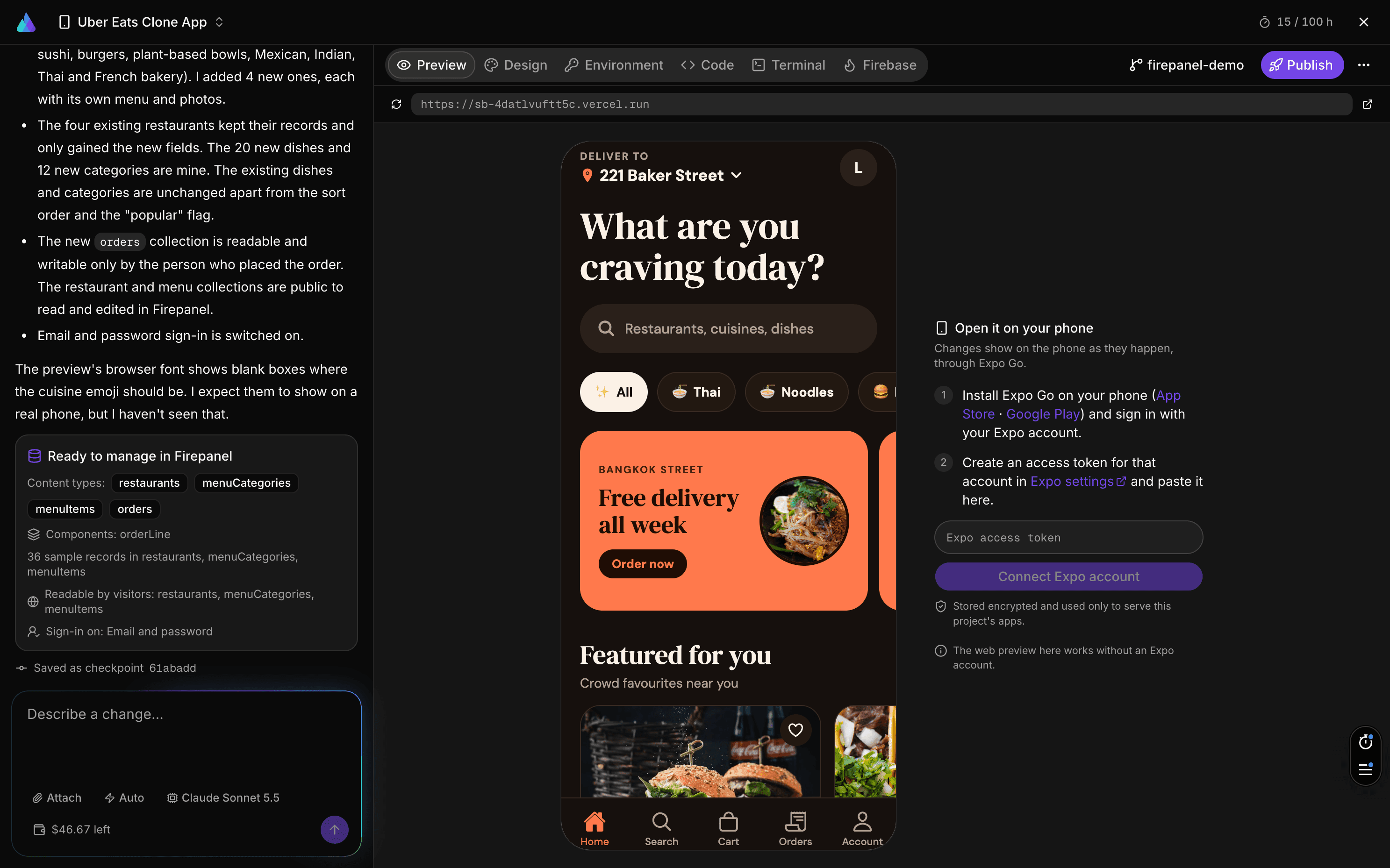
Watch it take shape
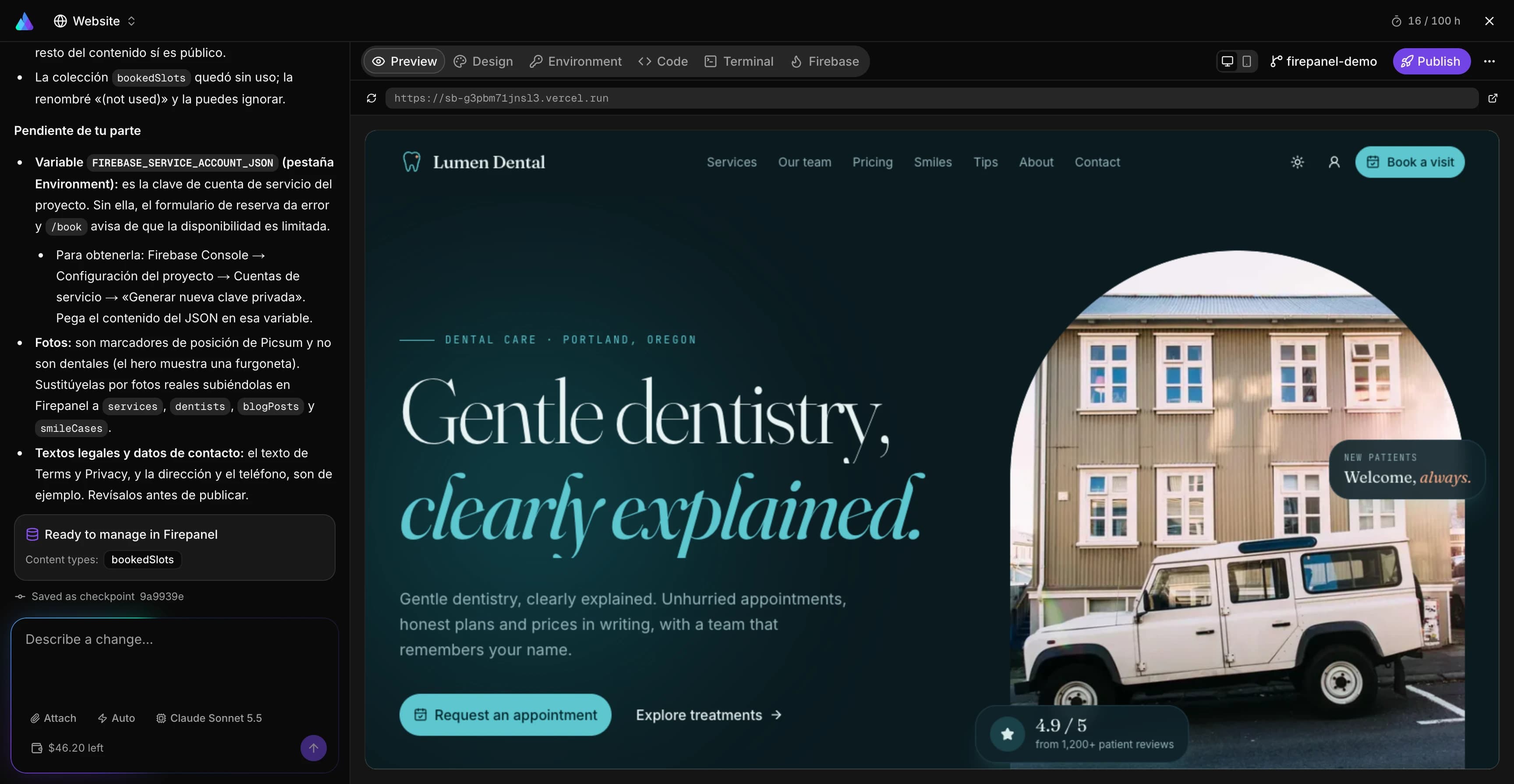
The preview reloads on every change. Adjust the design, set environment variables, or open the code and the terminal when you want to.
- 03
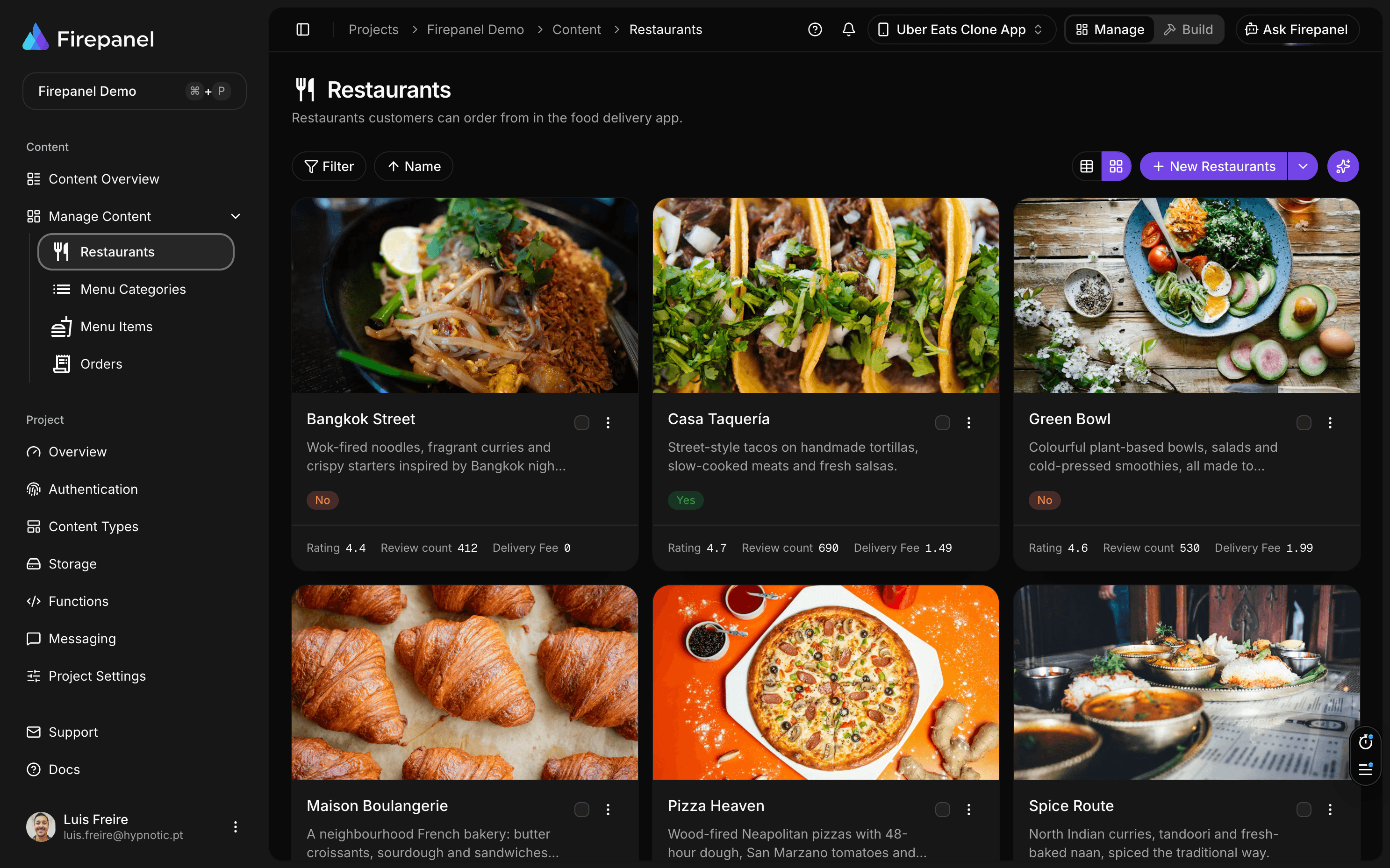
Wired to your Firebase
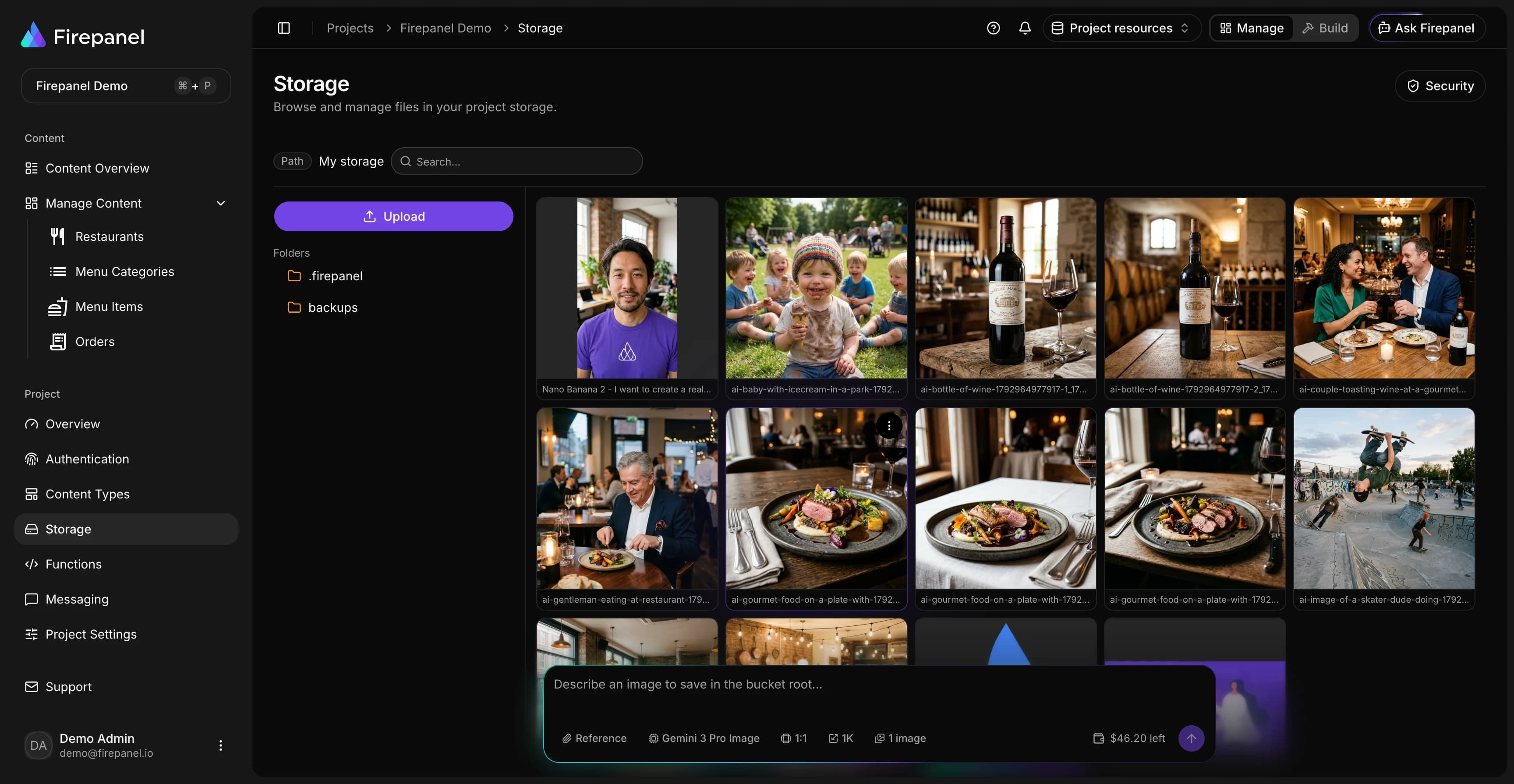
The agent designs content types in Firepanel, seeds sample data, sets Firestore and Storage access rules, and can switch on Authentication.
- 04
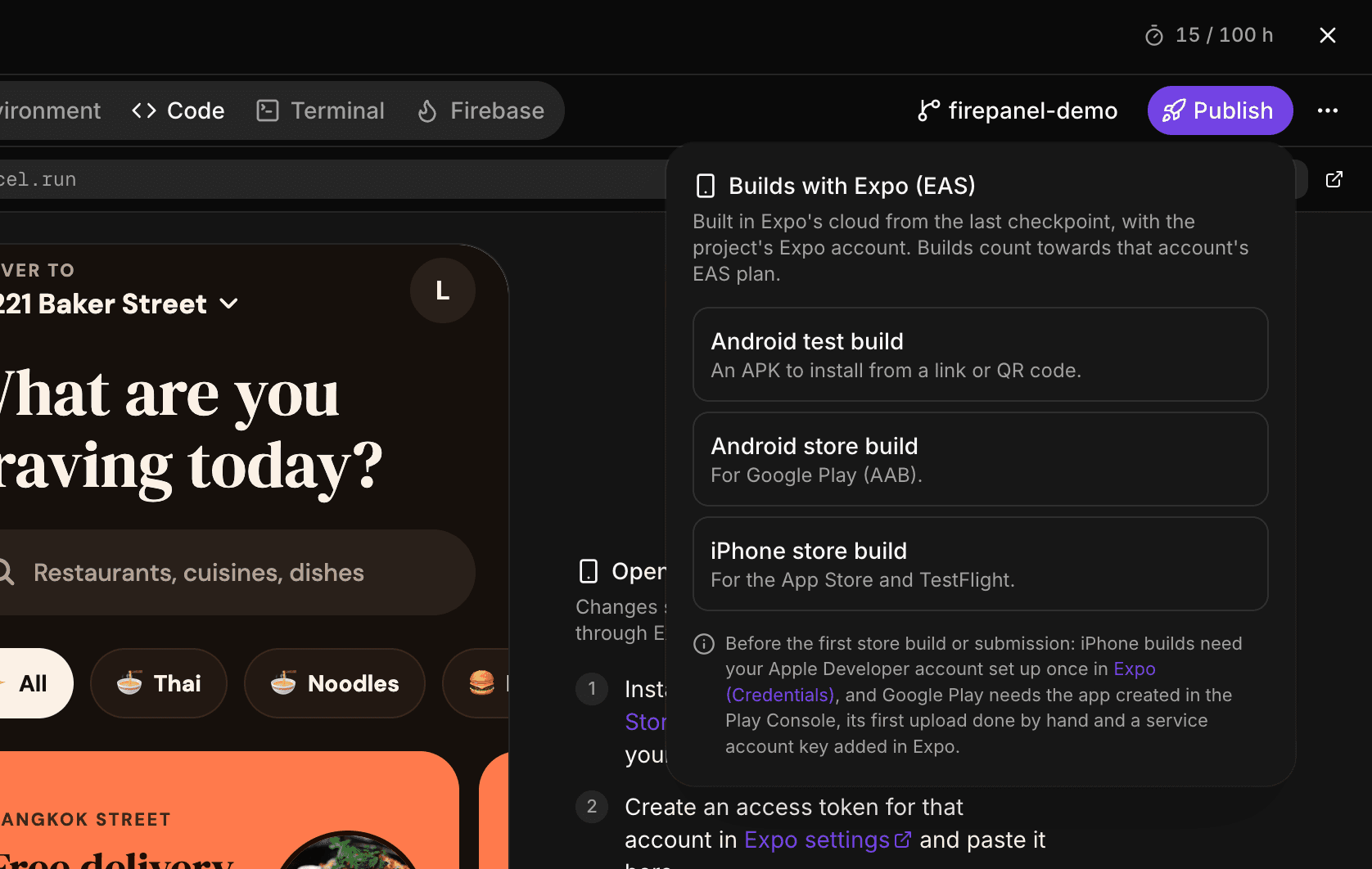
Publish it
Websites go live on Firebase App Hosting in your own project. Mobile apps build with Expo for Google Play and the App Store. Every checkpoint can sync to GitHub.
Describe an app. Get it live on Firebase.
Firepanel Build is an AI app builder that works on your own Firebase project, so what it builds is already connected to your data.
- 01
Describe it
Tell the agent what to build: a website on Next.js or a mobile app on Expo. It works in a live workspace and shows the preview as it goes.
- 02
Watch it take shape
The preview reloads on every change. Adjust the design, set environment variables, or open the code and the terminal when you want to.
- 03
Wired to your Firebase
The agent designs content types in Firepanel, seeds sample data, sets Firestore and Storage access rules, and can switch on Authentication.
- 04
Publish it
Websites go live on Firebase App Hosting in your own project. Mobile apps build with Expo for Google Play and the App Store. Every checkpoint can sync to GitHub.
AI that works on your own project
It runs on your Firebase and Vertex AI project, with the same roles and limits your team already has.
Ask Firepanel
Ask about your data in plain words. Answers come with tables and links, respect your role, and any change it proposes waits for your approval.
Image generation
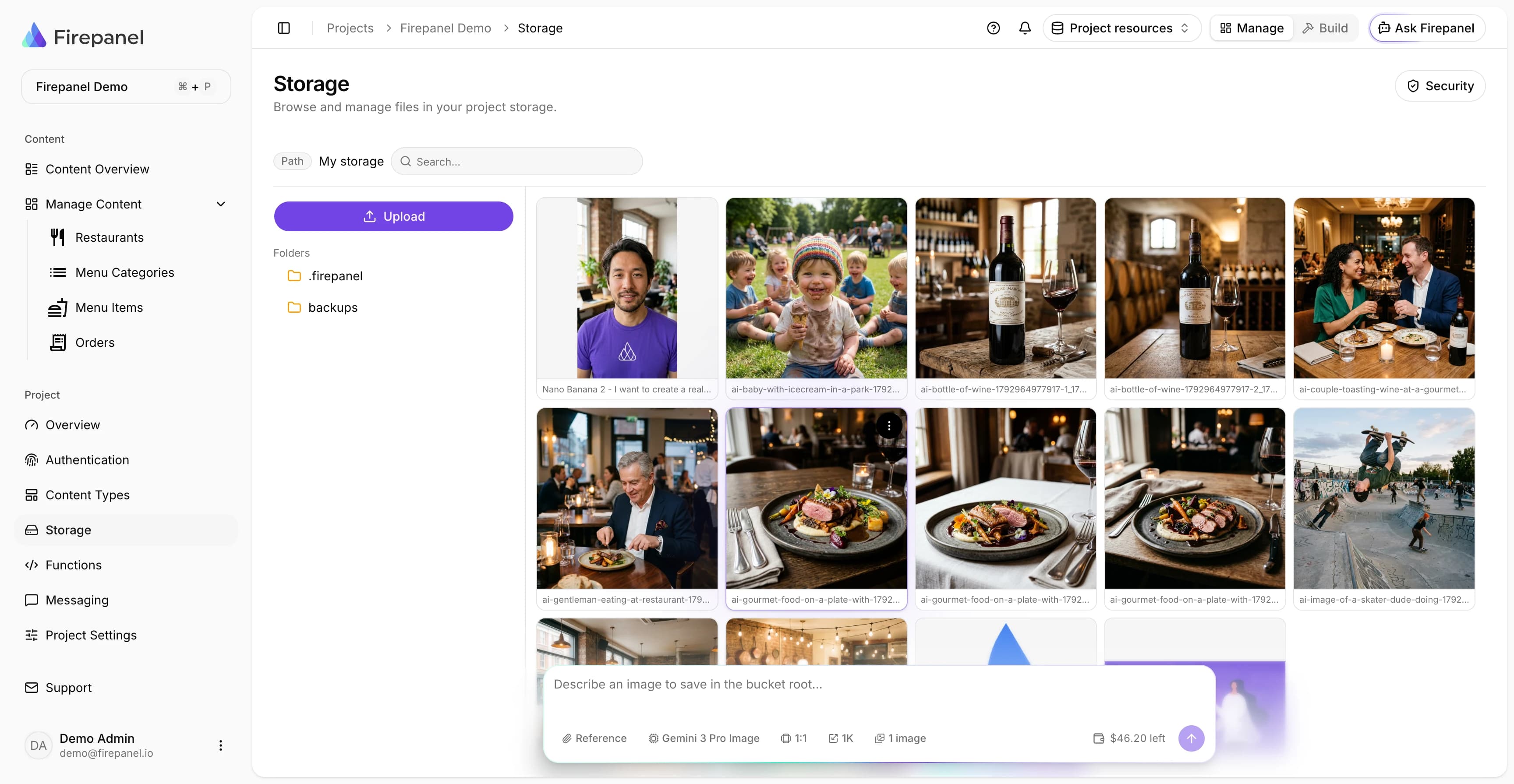
Generate images into your Storage bucket from a prompt or reference images, with Gemini image models.
Content generation
Create content types and realistic sample documents from a short description.
Cloud Functions
Describe a function. Firepanel writes it, deploys it to your project and fixes build errors.
Rules your editors cannot skip
Show, require or lock a field depending on other fields or on who is editing. No code, and no logic copied into every app.
For your database, pick who can read and write each collection, simulate requests with Google's own evaluator, then release.
The same rule runs in the console and in the API, so a hidden field is never the only protection.
And everything around your data
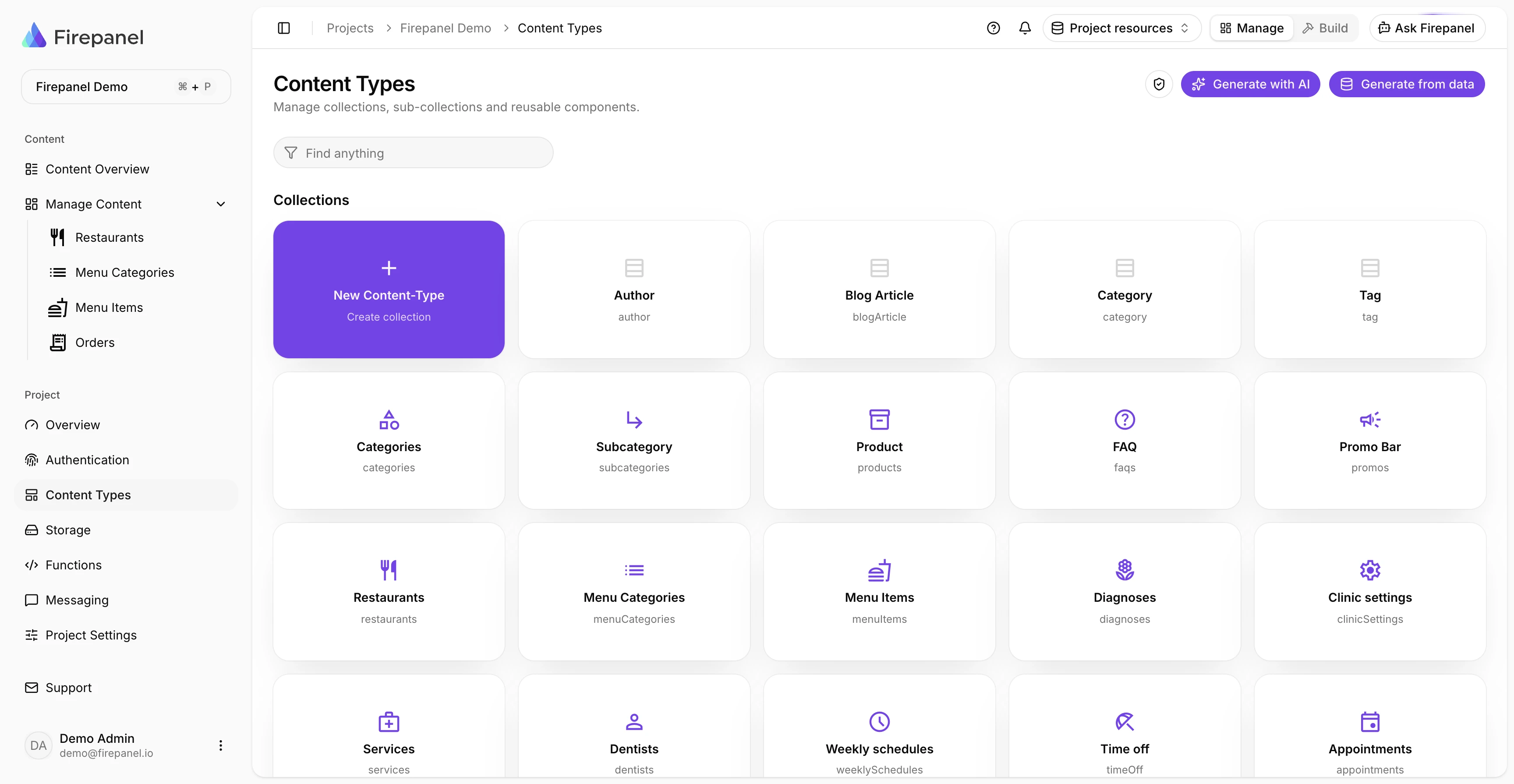
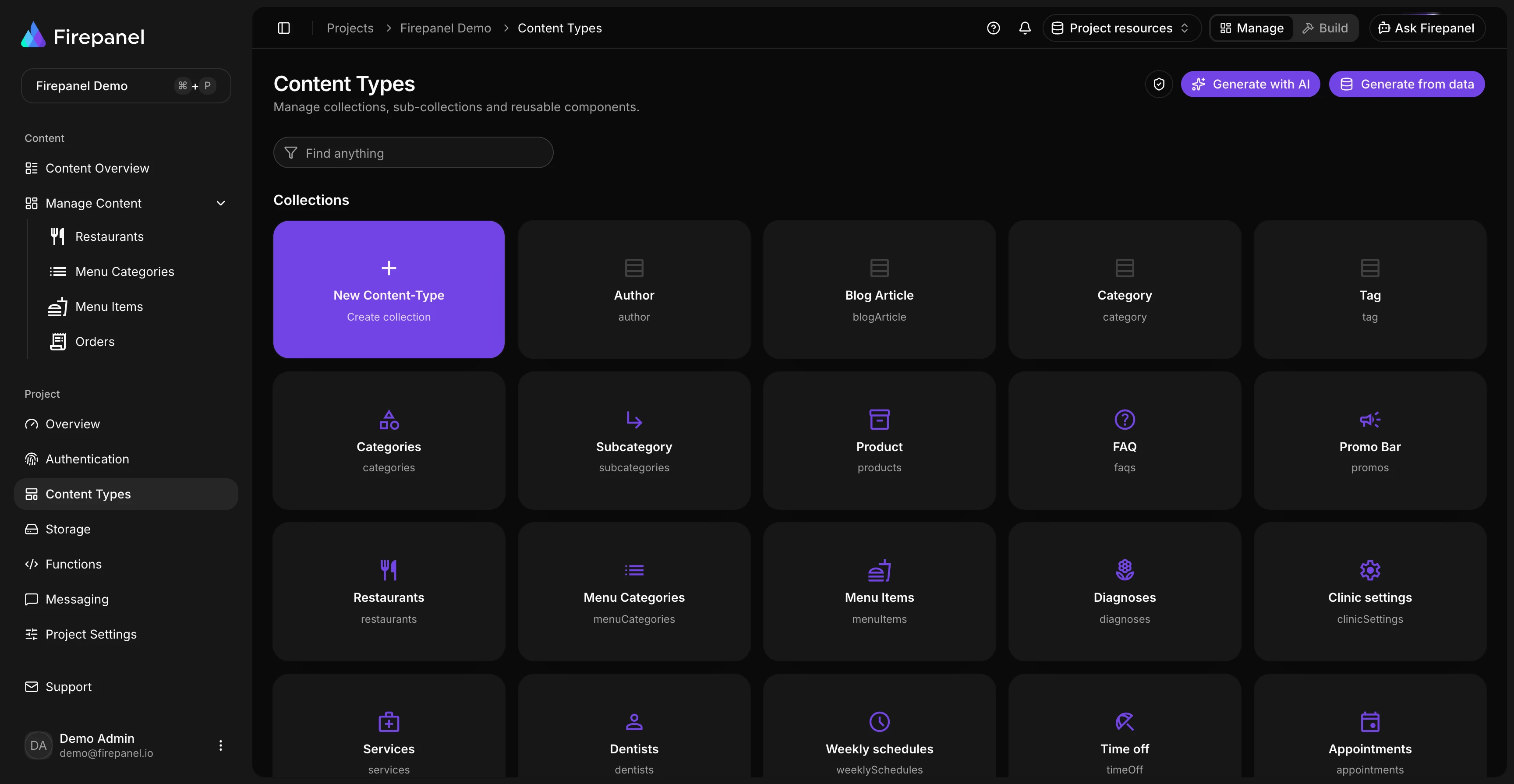
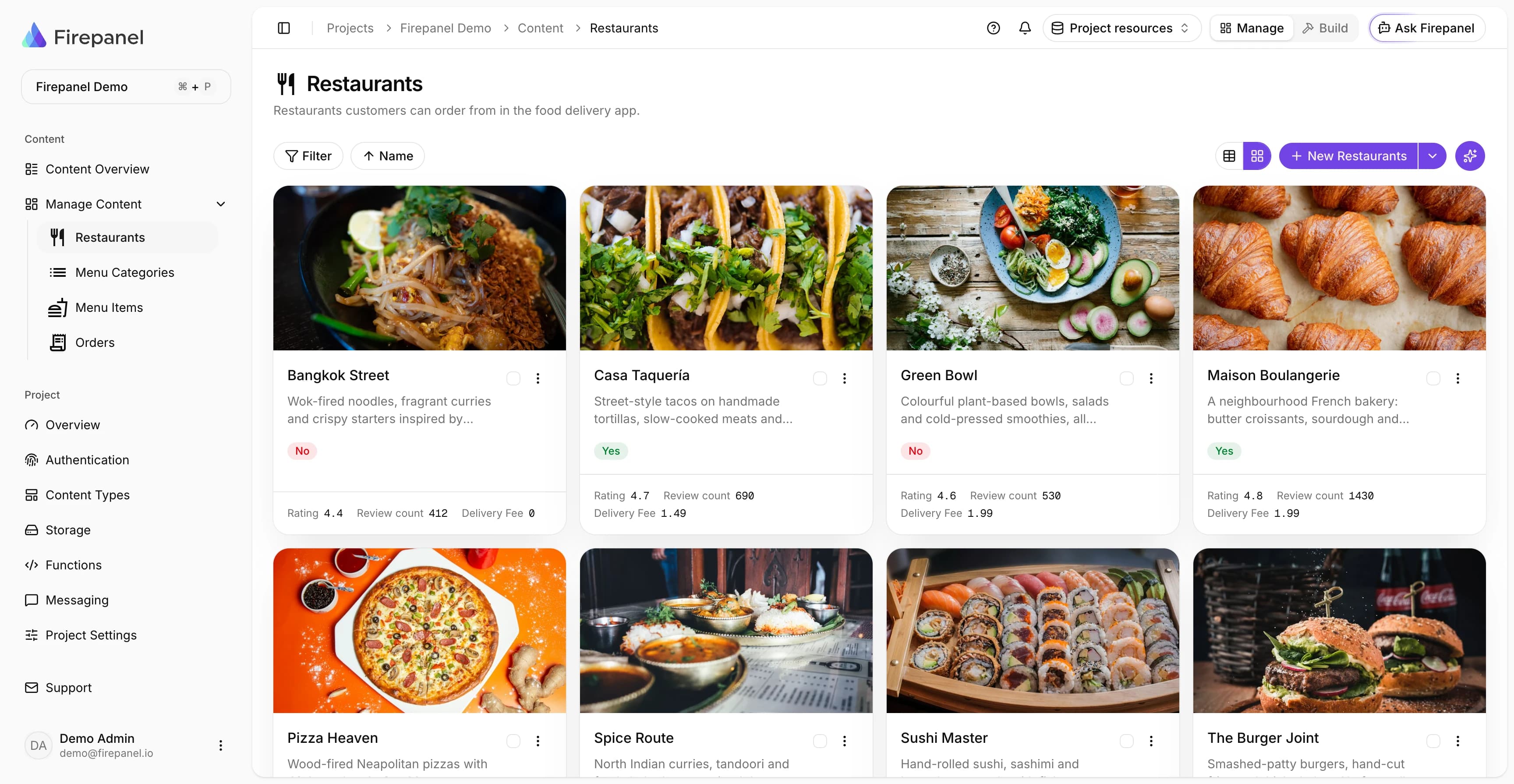
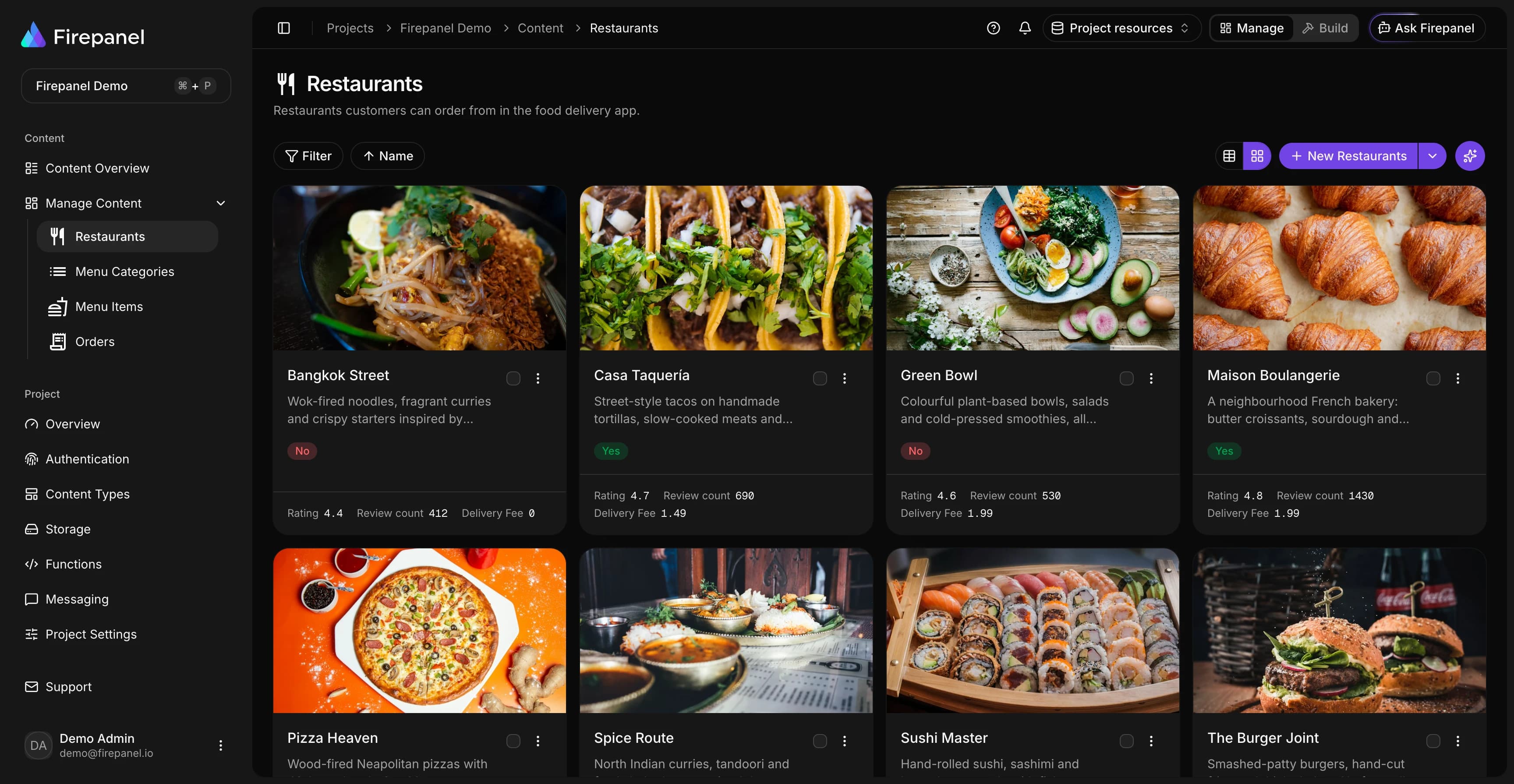
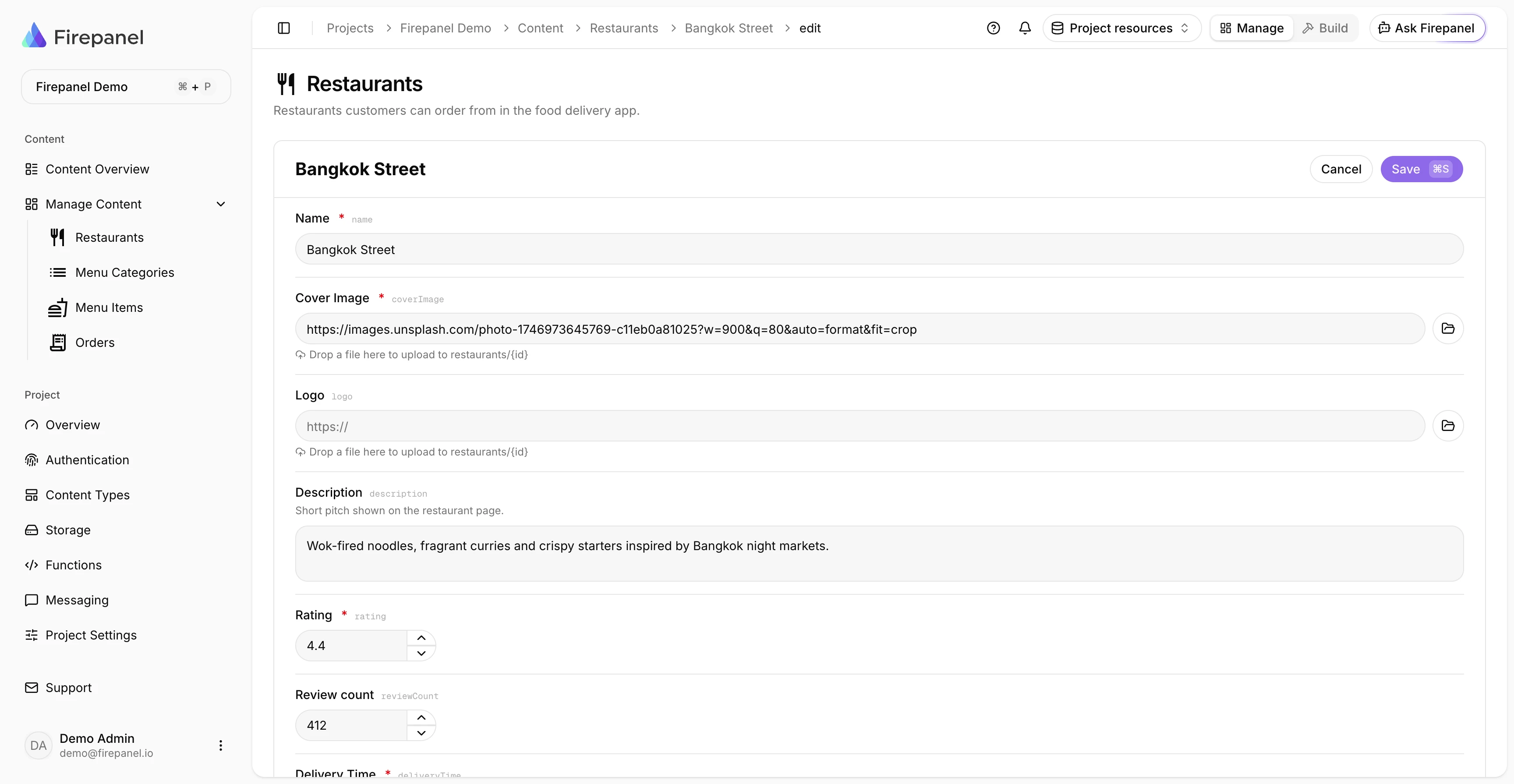
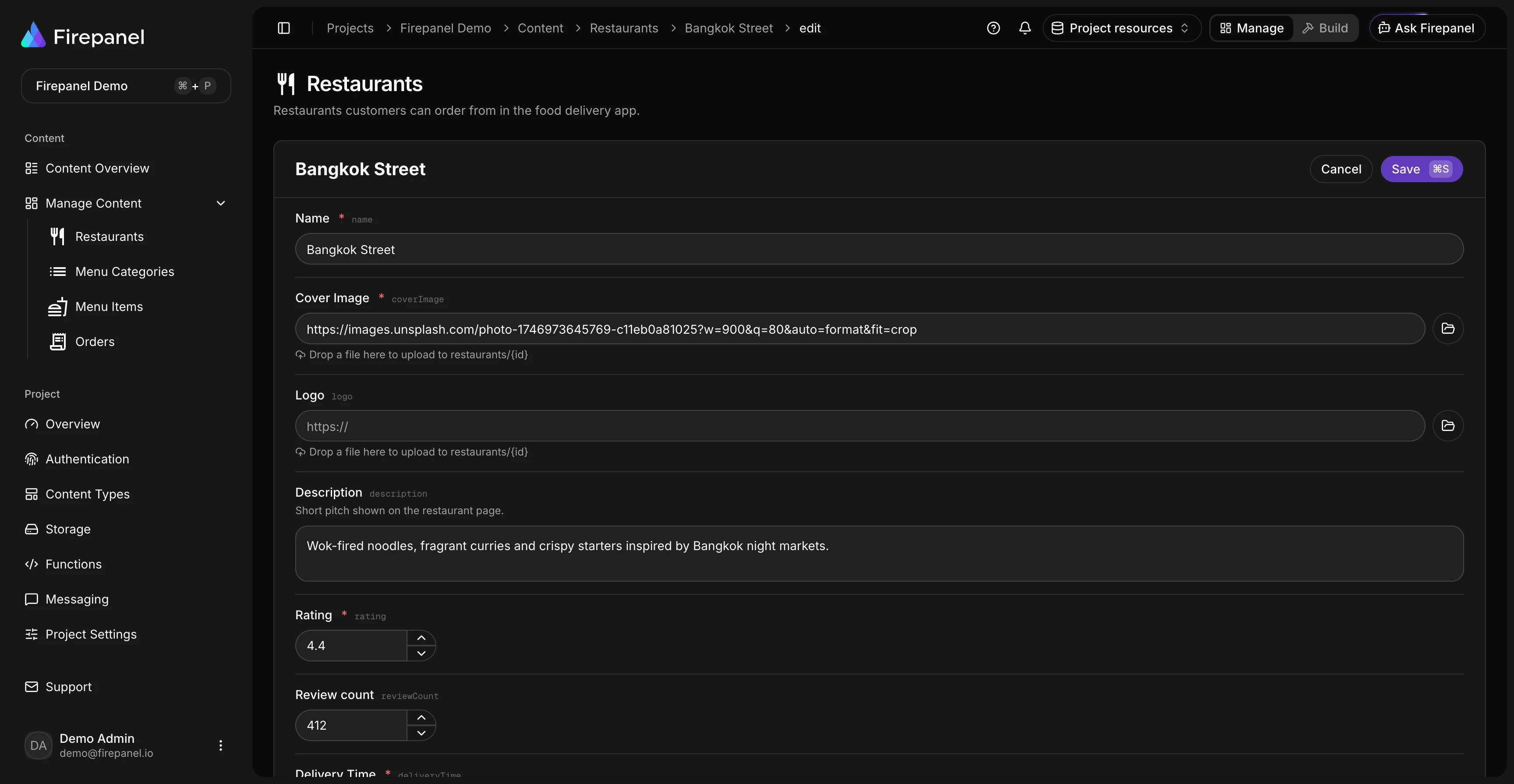
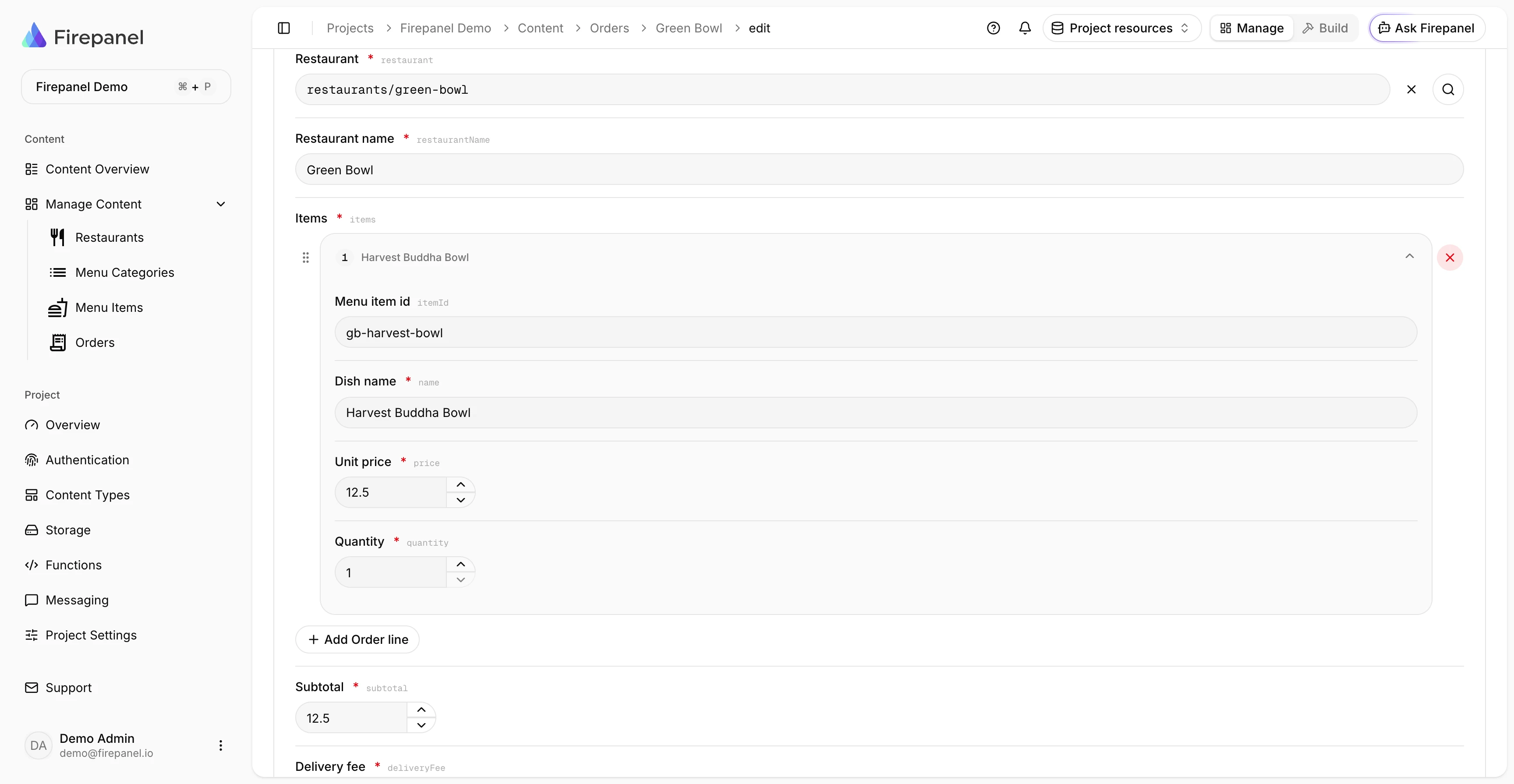
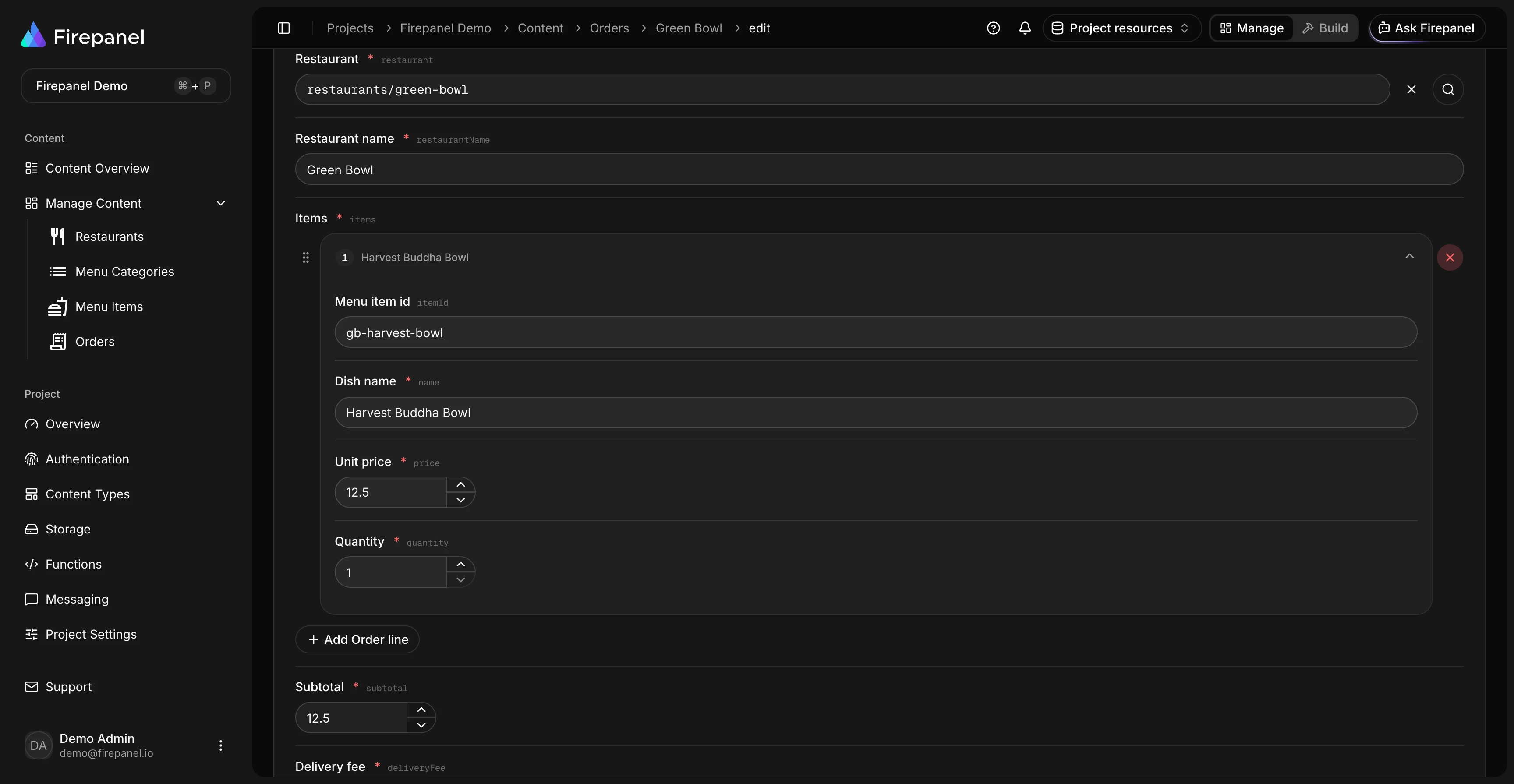
The admin panel your editors use, and the tools your developers expect.
Content
- Content types and nested components
- Import from your existing Firestore data
- Subcollections and references
- Full-text search
- A browser for your Storage files
Firebase services
- Authentication users, joined to their data
- Push notifications and campaigns
- Backups, restore and migration
- Remote Config (coming soon)
- Actions that call your Cloud Functions
Team and security
- Default and custom roles
- Field access by role
- Firestore and Storage rules
- Every change checked by the API, not just the screen
Developers
- MCP server for Claude, ChatGPT and other AI tools
- Insights on usage and AI spend
- AI-built Cloud Functions
- A mobile app for your content (coming soon)
Use cases
Built for the way you ship
From mobile apps to client projects, teams reach for Firepanel whenever Firebase needs a content layer humans can manage.
Mobile Apps
Power Expo and React Native apps with a Firestore-backed content layer. Manage screens, feeds, and config, then build audience-targeted, localized push campaigns through Expo or OneSignal - no new build required.
Agency Client Handoffs
Deliver projects your clients can actually run. Invite them with Admin, Editor, or Viewer roles, hand over Firebase Auth user management alongside their content, and give them a polished admin panel instead of the raw Firebase console.
Content-Driven Websites
Run blogs, landing pages, and marketing sites on Firestore. Model content with 20+ field types and nestable components, then add instant full-text search with your own Algolia account.
SaaS & Internal Tools
Give your team a real backoffice for Firestore and Firebase Storage - a proper admin dashboard to browse and edit records, run custom actions, and back up your setup, without building an internal backoffice or CRUD by hand.
Pricing
Start free, scale when you're ready
A free plan to explore and build. Upgrade when your project grows. Every paid plan includes a 7-day free trial.
Developer
For individuals getting started.
Free forever.
No credit card required
Key features
- Projects1
- Team members1
- Content types10
- Build30 min / mo
- Ask Firepanel
Startup
For small teams looking to power up.
7-day free trial
Key features
- Projects5
- Team members3
- Content types20
- Build20 h / mo
- Ask FirepanelIncluded
Agency
For organizations with growing teams and needs.
7-day free trial
Key features
- ProjectsUnlimited
- Team membersUnlimited
- Content typesUnlimited
- Build100 h / mo
- Ask FirepanelIncluded
FAQ
Still have questions?
Need more help?
Can't find what you're looking for? Our team is here to help. We'd love to hear from you.
Contact usFrom the blog
Latest articles
Tips, tutorials, and deep dives on Firebase development and content management.

Firepanel September 2026: Your Firebase App Has Data. Now Give It a Real Backoffice
Connect existing Firebase data, generate your backoffice, manage Auth users, run campaigns, back up Firestore and explore project data with AI.

Best Headless CMS for React in 2026: 8 Platforms Ranked by Setup Model, Firebase Fit, and Real Developer Cost
Compare 8 headless CMS options for React by setup model, Firebase fit, and real cost so you can choose the right one fast.

Google Cloud Cost Optimization for Firebase Founders: A Practical Guide to Cutting Your GCP Bill
Practical Firebase and Google Cloud cost optimization for technical founders, with specific fixes for Firestore reads, indexes, TTL, Cloud Run, and hidden admin tooling overhead.
The CMS your Firebase project deserves
Ready to ship faster?
Start free and see why developers and agencies choose Firepanel to deliver Firebase-powered projects in record time - no setup headaches, no finger-moving required.
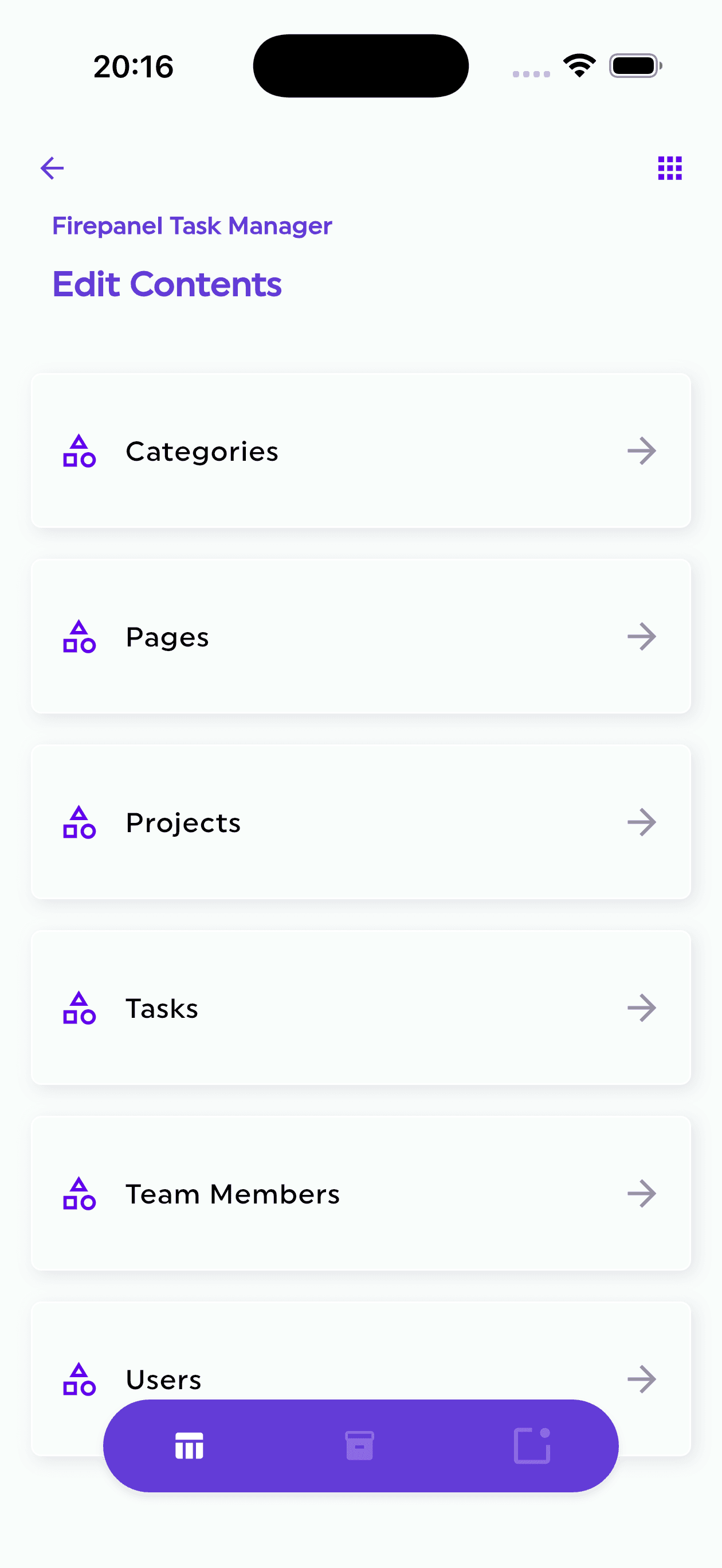
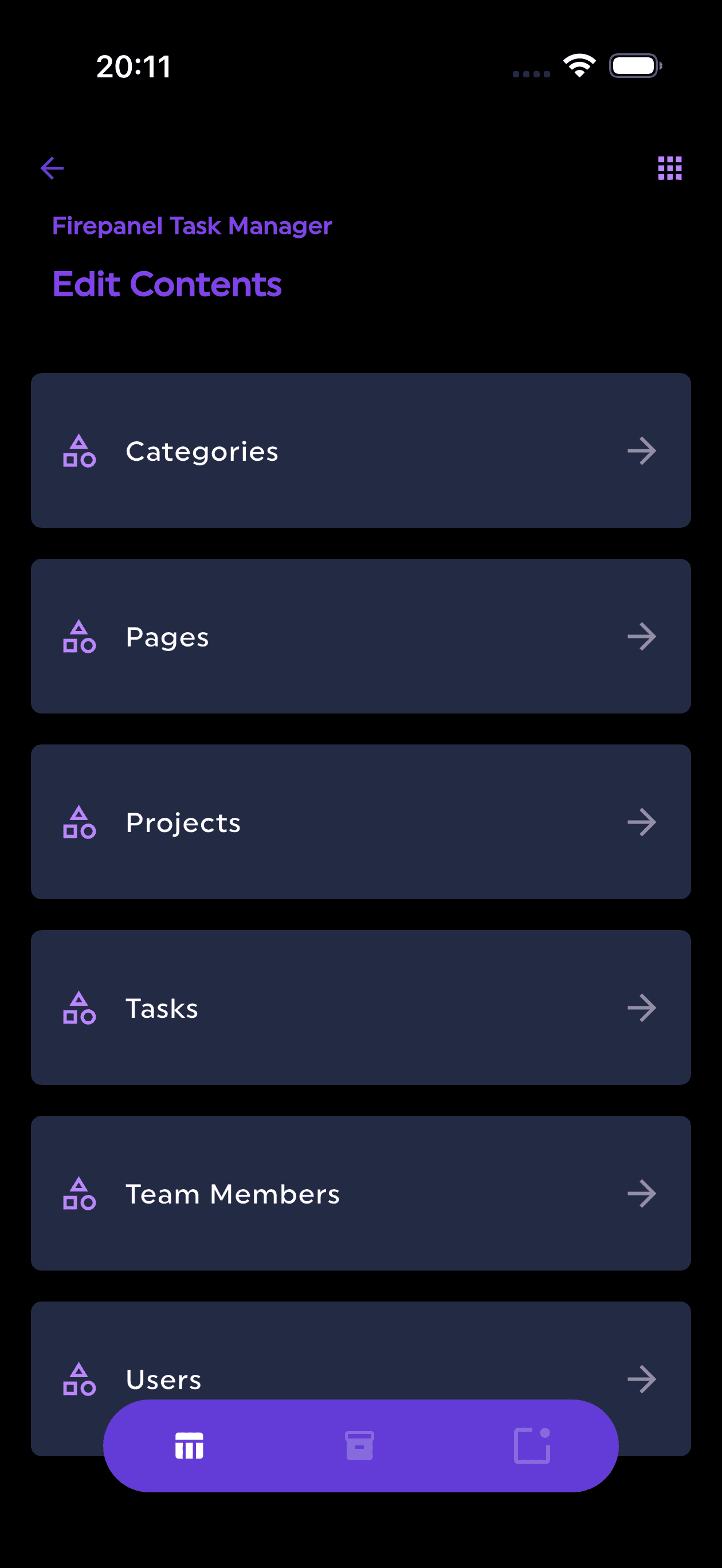
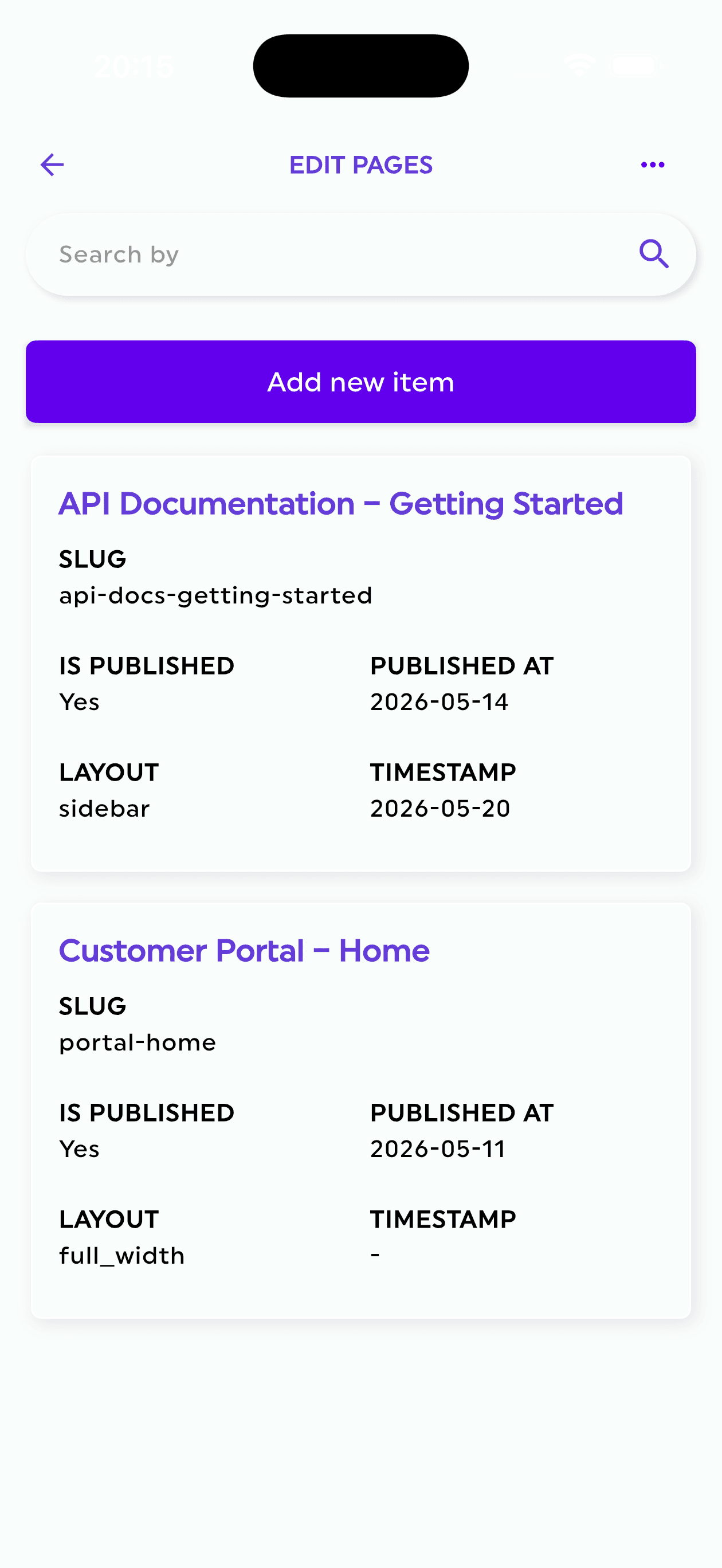
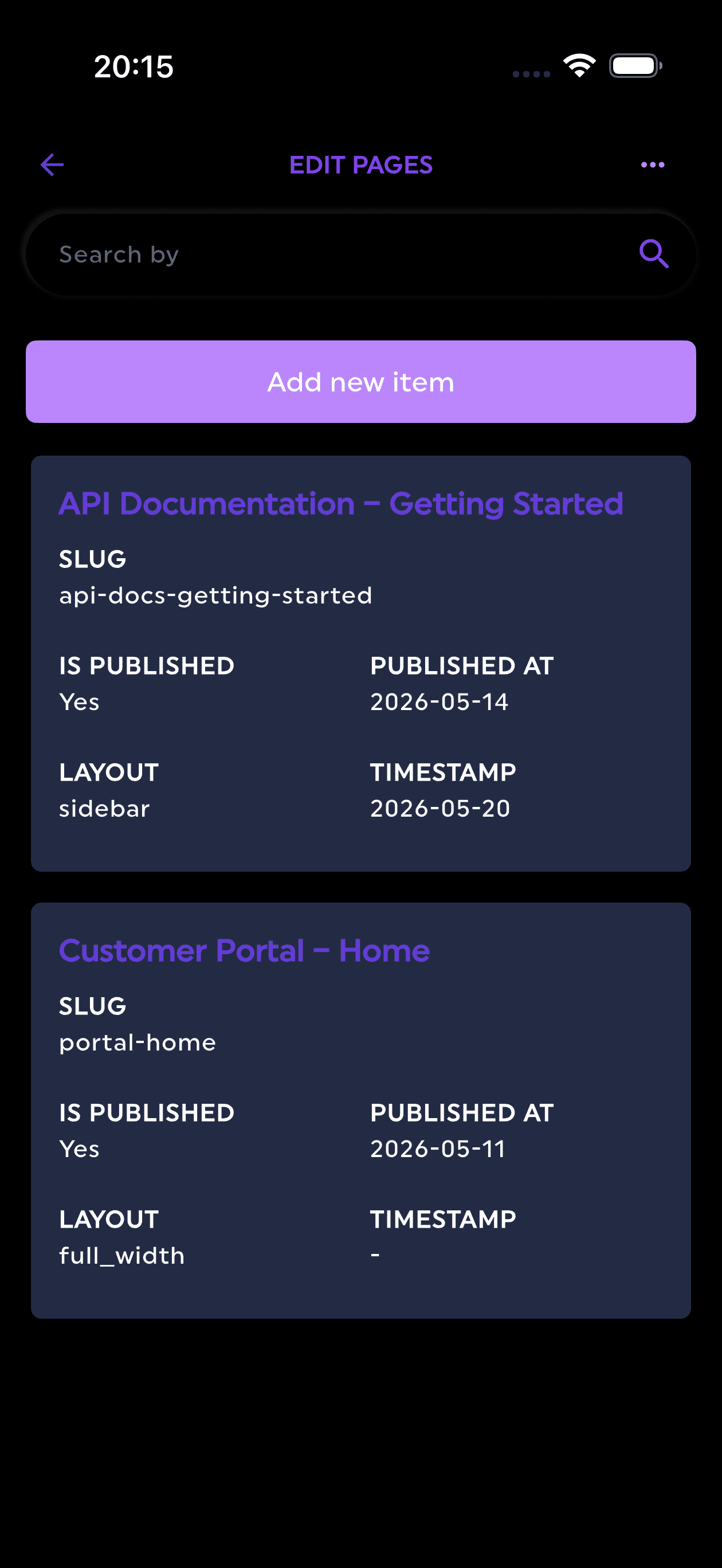
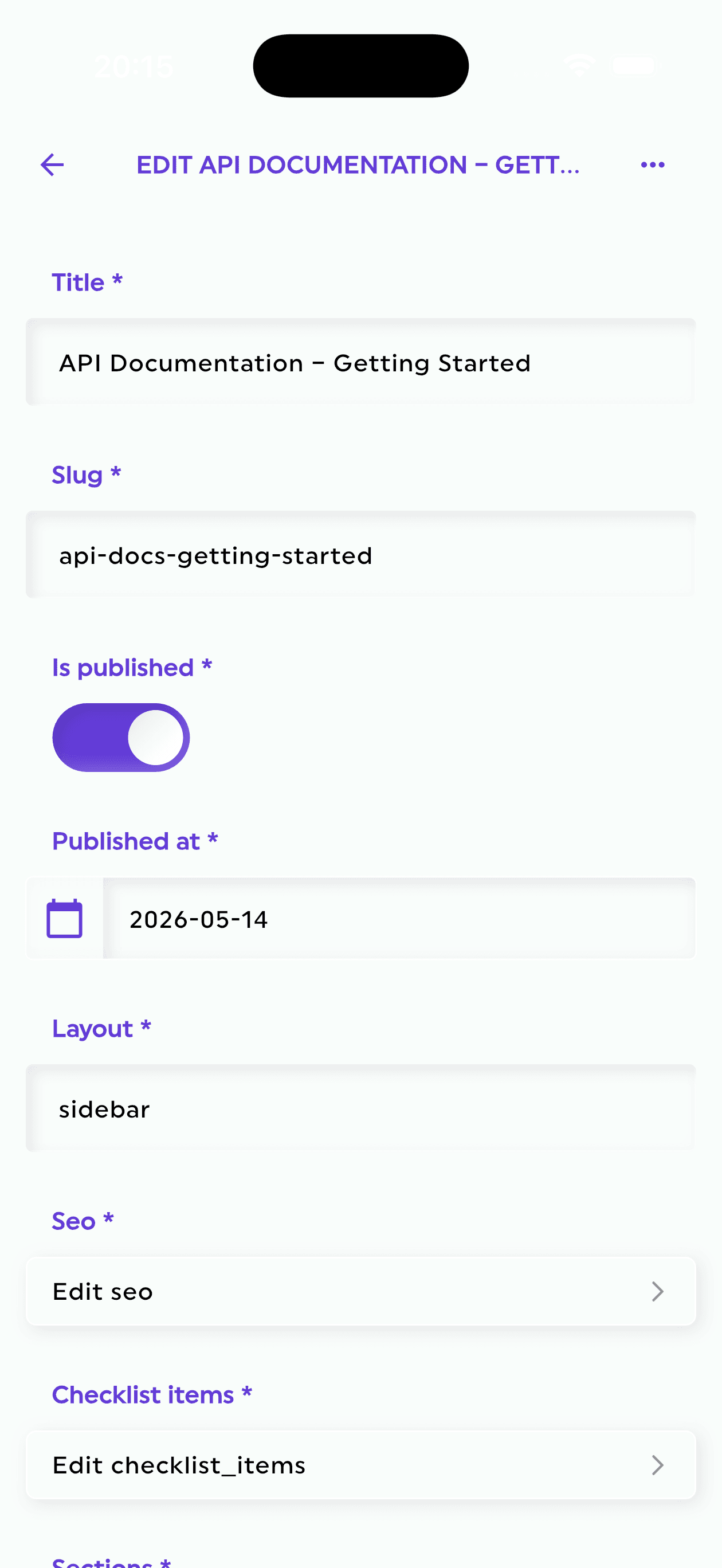
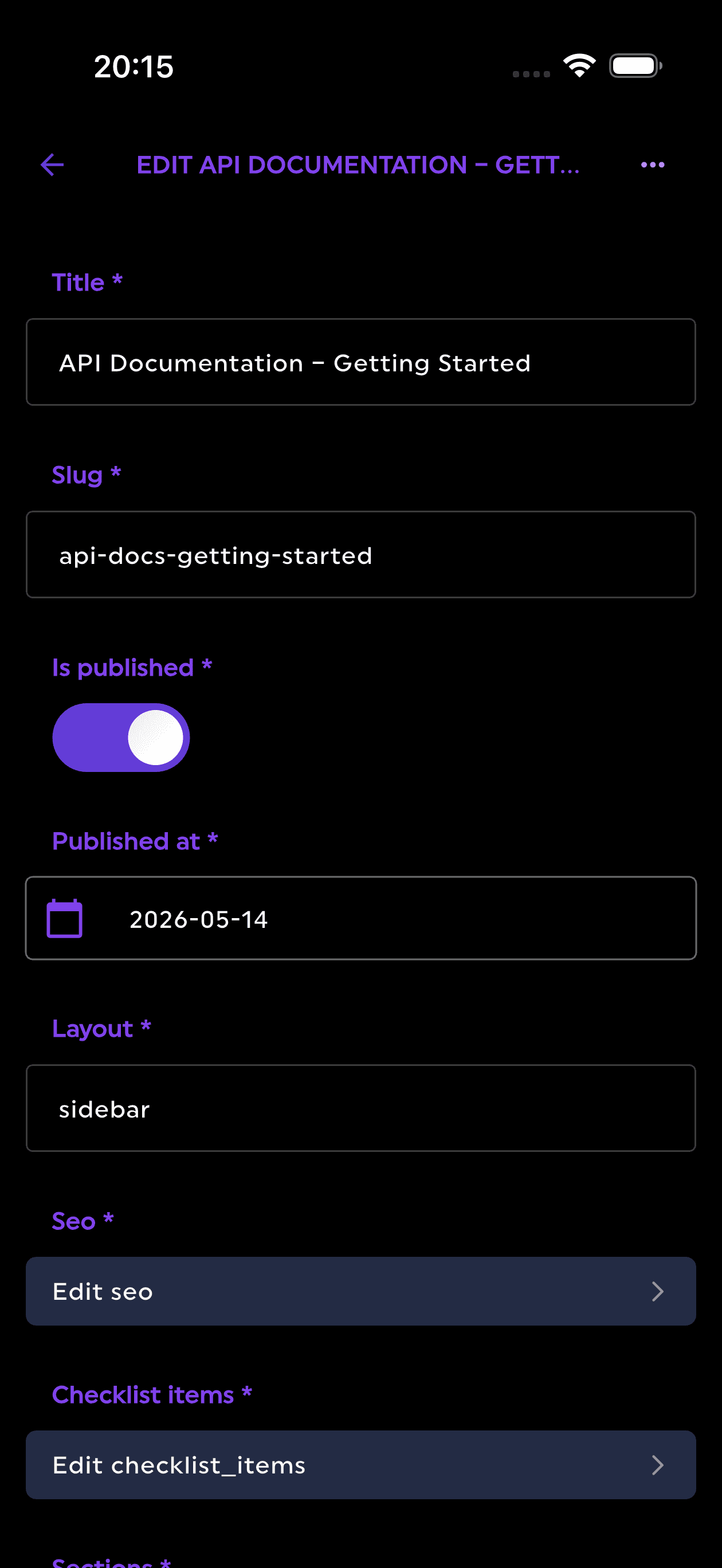
Firepanel, Anywhere You Go
Stay in control no matter where you are. Update content on the go, send urgent push notifications, and manage everything effortlessly, anytime, anywhere. It will be available on every plan, even the free one.