Best Headless CMS for React in 2026: 8 Platforms Ranked by Setup Model, Firebase Fit, and Real Developer Cost

Luis Freire
Founder & CTO

Most headless CMS roundups for React read like vendor marketing copy: every platform gets five stars, every integration is "seamless," and the only real differentiator is which company paid for the sponsored slot. That approach wastes your time.
This list ranks eight platforms on three criteria that actually determine whether a CMS works in production:
- Setup model (cloud SaaS, open-source self-hosted, or Firebase-native)
- Firebase fit (zero-friction, workaround-required, or fundamentally incompatible)
- Real developer cost (what you actually pay at 5 editors, not the free-tier bait)
The part most coverage misses: if your React app already runs on Firebase, the conventional CMS wisdom breaks down entirely. Pulling content through a third-party REST API means adding a data silo, a migration step, and a latency layer to a stack that already has a perfectly good real-time database. Firebase-native React projects have a different decision tree than teams building on Vercel + PostgreSQL.
The rankings below reflect both realities. Platforms are ordered by overall React developer experience in 2026, with a clear callout for which ones make sense when Firebase is already in the stack.
How to Read This List
Every entry covers four things: what the platform actually is, how React integration works in practice, where it falls apart, and the honest pricing picture. A quick-reference table opens the list so you can jump straight to the platforms that match your stack.
Quick-Reference Comparison
| CMS | Setup Model | React SDK | Firebase Fit | Free Tier | Starting Price (5 editors) |
|---|---|---|---|---|---|
| Sanity | Cloud SaaS | Official, TypeScript | Workaround | Generous | $99/mo |
| Payload CMS | Self-hosted | Official | Workaround | Free (hosting cost) | ~$20-100/mo hosting |
| Strapi | Self-hosted / Cloud | Community | Workaround | Free (self-host) | $0-25/mo |
| Hygraph | Cloud SaaS | Official | Workaround | Limited | $299/mo |
| Contentful | Cloud SaaS | Official | Incompatible | Very limited | $300+/mo |
| Storyblok | Cloud SaaS | Official | Workaround | Yes | $99/mo |
| Prismic | Cloud SaaS | Official | Workaround | Yes | $100+/mo |
| Firepanel | Firebase-native | No SDK needed | Zero-friction | Yes | €9.99/mo |
Key insight: "Firebase fit: Workaround" means the CMS works alongside Firebase but stores content in its own database, requiring you to maintain two data sources. "Zero-friction" means the CMS reads and writes directly to your existing Firestore collections.
The Rankings
1. Sanity — Best Overall for Developer-Led React Projects
Setup model: Cloud SaaS with open-source Studio Best for: Teams that want maximum schema flexibility and a fully customizable editing UI
Sanity earns the top spot on raw React developer experience. Sanity Studio v3 is itself a React application, which means customizing the editing interface is just writing React components. You define your content schema in TypeScript, and Sanity generates the admin UI from those definitions. The result is a feedback loop developers actually enjoy: schema changes show up immediately in the editor, and there are no YAML files or proprietary UI builders to fight.
The query language, GROQ, is a genuine differentiator. It handles relational queries, projections, and filtering in ways that REST APIs require multiple round trips to achieve. Combined with Sanity Live (real-time collaboration at the keystroke level), it is the strongest editorial DX in this list.
Where it falls apart:
- Self-hosting is not available for the content API, only for Studio
- At scale (20+ editors), pricing jumps to $99-$949/mo
- Firebase fit requires maintaining Firestore and Sanity as separate data sources
Real cost at 5 editors: Free tier covers most small teams. Growth plan at $99/mo unlocks more API calls and collaborators.
2. Payload CMS — Best for Full-Stack Next.js Control
Setup model: Open-source, self-hosted (installs inside your Next.js app) Best for: TypeScript-first teams who want the CMS and frontend in one codebase
Payload 3.0 changed the self-hosted CMS calculus. It installs directly as a Next.js plugin, which means your content API, admin panel, and frontend live in the same repository. TypeScript support is best-in-class across all the platforms in this list. According to Payload's documentation, every field, collection, and access control rule is defined in TypeScript with full type inference.
The tradeoff is operational overhead. You own the database (PostgreSQL or MongoDB), the hosting, and the upgrades. For teams comfortable running infrastructure, that's a feature. For solo founders and indie hackers, it often becomes a maintenance tax.
Where it falls apart:
- No managed cloud option that matches the simplicity of SaaS alternatives
- Real-time collaboration is limited compared to Sanity or Contentful
- Firebase fit requires a separate database; you cannot point Payload at Firestore
Real cost at 5 editors: Payload itself is free. Hosting on Railway or Render runs $20-$100/mo depending on traffic.
3. Strapi — Best Open-Source Option for Budget-Conscious Teams
Setup model: Open-source self-hosted or Strapi Cloud Best for: Teams that need full data ownership and a mature plugin ecosystem
Strapi's admin panel is built in React, and its GitHub repository has over 60,000 stars, making it the most battle-tested open-source CMS in this list. Auto-generated REST and GraphQL APIs mean you can start fetching content in a React app within an hour of setup. The plugin ecosystem covers most common use cases: media libraries, internationalization, email, and SEO.
The React frontend SDK is community-maintained rather than official, which introduces some maintenance risk as Strapi releases major versions. Strapi 5, released in late 2024, introduced breaking changes that required significant migration work for existing projects.
Where it falls apart:
- No real-time collaboration natively; editors work in isolation
- Community SDK means you may hit integration gaps with newer React patterns
- Firebase fit is a workaround; content lives in PostgreSQL or MySQL, not Firestore
Real cost at 5 editors: Self-hosted is free (plus ~$25/mo hosting). Strapi Cloud starts at $15/mo.
4. Storyblok — Best for Marketing Teams and Visual Editing
Setup model: Cloud SaaS Best for: Projects where non-technical editors need to compose pages visually
Storyblok's visual editor is the strongest in this category. Editors see a live preview of the React frontend as they edit content, with drag-and-drop block composition that requires no developer involvement for layout changes. For marketing-driven projects where content velocity matters more than schema purity, this is a significant productivity win.
The React SDK is official and actively maintained, with support for React Server Components and the Next.js App Router. Live preview works out of the box.
Where it falls apart:
- Visual editing is powerful but creates tight coupling between content structure and presentation
- Pricing scales aggressively: the free tier is limited, and production projects typically land at $99/mo or higher
- Firebase fit is a workaround; content is stored in Storyblok's cloud
Real cost at 5 editors: Free tier available. Entry plan starts at $99/mo.
5. Hygraph — Best for GraphQL-Native Stacks
Setup model: Cloud SaaS Best for: Data-heavy React projects with complex relational content and multi-source federation
Hygraph is GraphQL-first in a way the other platforms in this list are not. Every content type, field, and query is modeled around GraphQL schemas, which makes it the cleanest fit for React Server Component setups that benefit from precise data fetching. The content federation feature, which lets you pull data from multiple external APIs into a single Hygraph GraphQL endpoint, is genuinely unique and valuable for complex architectures.
Where it falls apart:
- The free tier is limited, and production pricing starts at $299/mo
- GraphQL-first means REST is a second-class citizen; teams not already on GraphQL face a learning curve
- Firebase fit is a workaround; data lives in Hygraph's cloud
Real cost at 5 editors: $299/mo on the Scale plan. Not competitive for smaller projects.
6. Prismic — Best for Slice-Based Page Building
Setup model: Cloud SaaS Best for: Developer-editor collaboration on page-level composition
Prismic's Slice Machine is a local development tool that bridges developer and editor workflows. Developers build reusable React components (Slices) locally, push them to Prismic, and editors compose pages from those components without touching code. Generated TypeScript types update automatically when the content model changes, which eliminates a common source of type drift in larger teams.
Where it falls apart:
- The Slice Machine workflow is opinionated; teams that don't want component-driven page building will find it constraining
- Firebase fit is a workaround
- Less flexible for non-page content (product catalogs, user-generated data) compared to Sanity or Payload
Real cost at 5 editors: Free tier available. Paid plans start around $100/mo.
7. Contentful — Best for Enterprise Scale, Worst Value for Smaller Teams
Setup model: Cloud SaaS (enterprise) Best for: Large organizations with established content teams and governance requirements
Contentful is the market leader by install base, and it earns that position on enterprise features: multi-brand content management, Fastly CDN with 60-120ms TTFB globally, GraphQL Federation, and polished editorial workflows. For a 50-person content team at a media company, it is a defensible choice.
For everyone else, the pricing is a dealbreaker. The entry plan starts at $300/mo, and meaningful enterprise features require $2,500/mo or more. The free tier is too limited for production use.
Where it falls apart:
- Pricing makes it inaccessible for startups, indie projects, and small agencies
- Firebase fit is fundamentally incompatible: Contentful's value proposition is being your single source of truth, which conflicts with Firestore already playing that role
- No self-hosting option
Real cost at 5 editors: $300/mo minimum. Most teams will pay $1,000-$3,000/mo at mid-scale.
8. Firepanel — Best for Firebase-Native React Projects
Setup model: Firebase-native CMS and admin panel layer Best for: React developers already running Firebase who need an instant content management interface without a second database
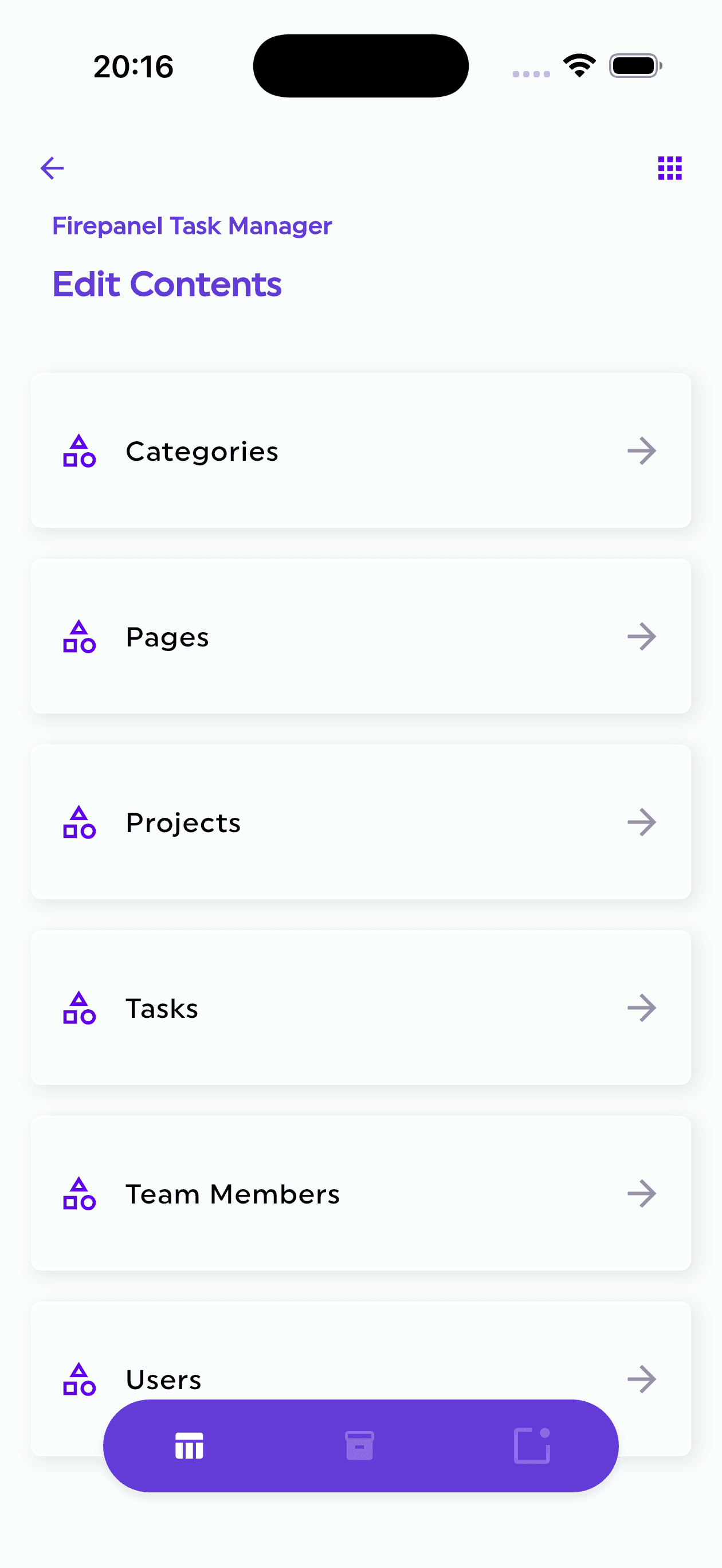
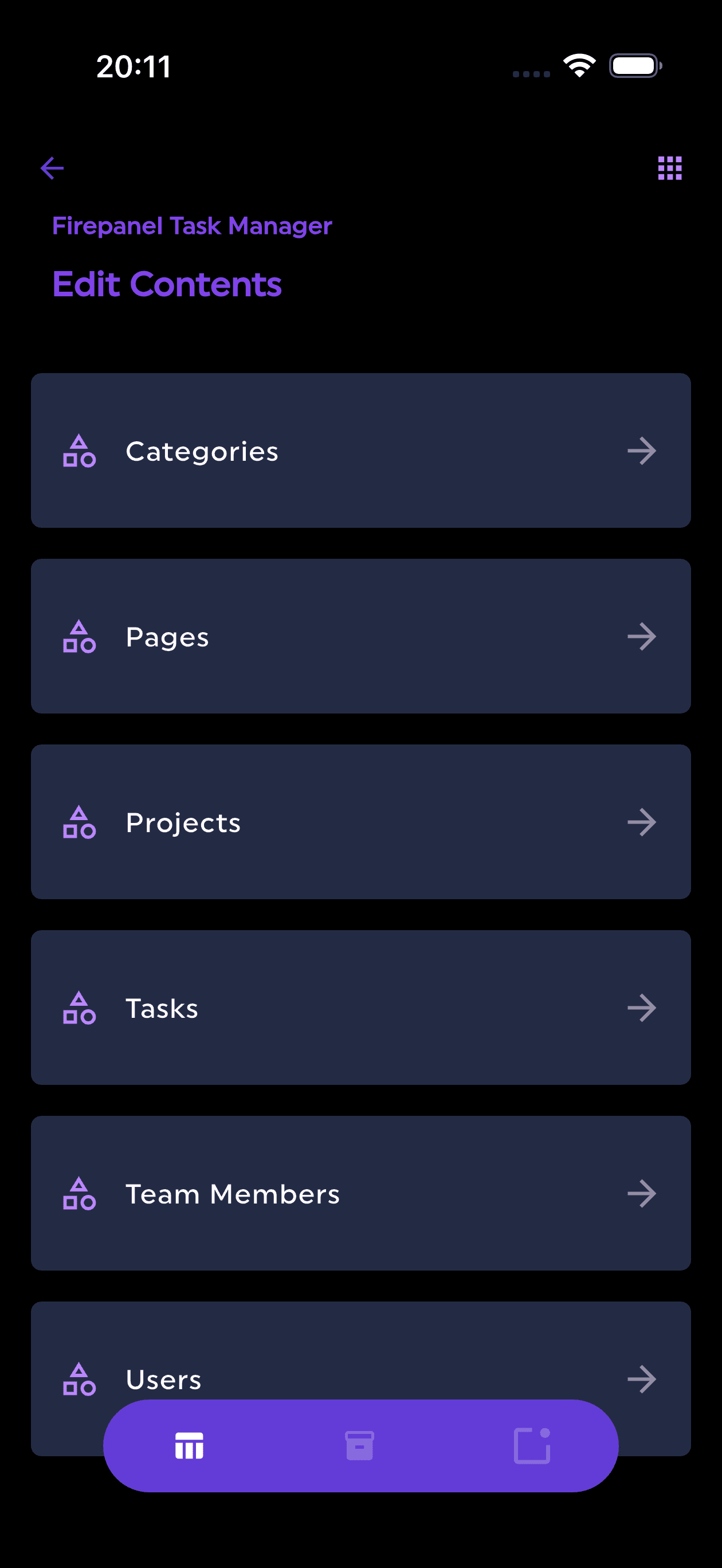
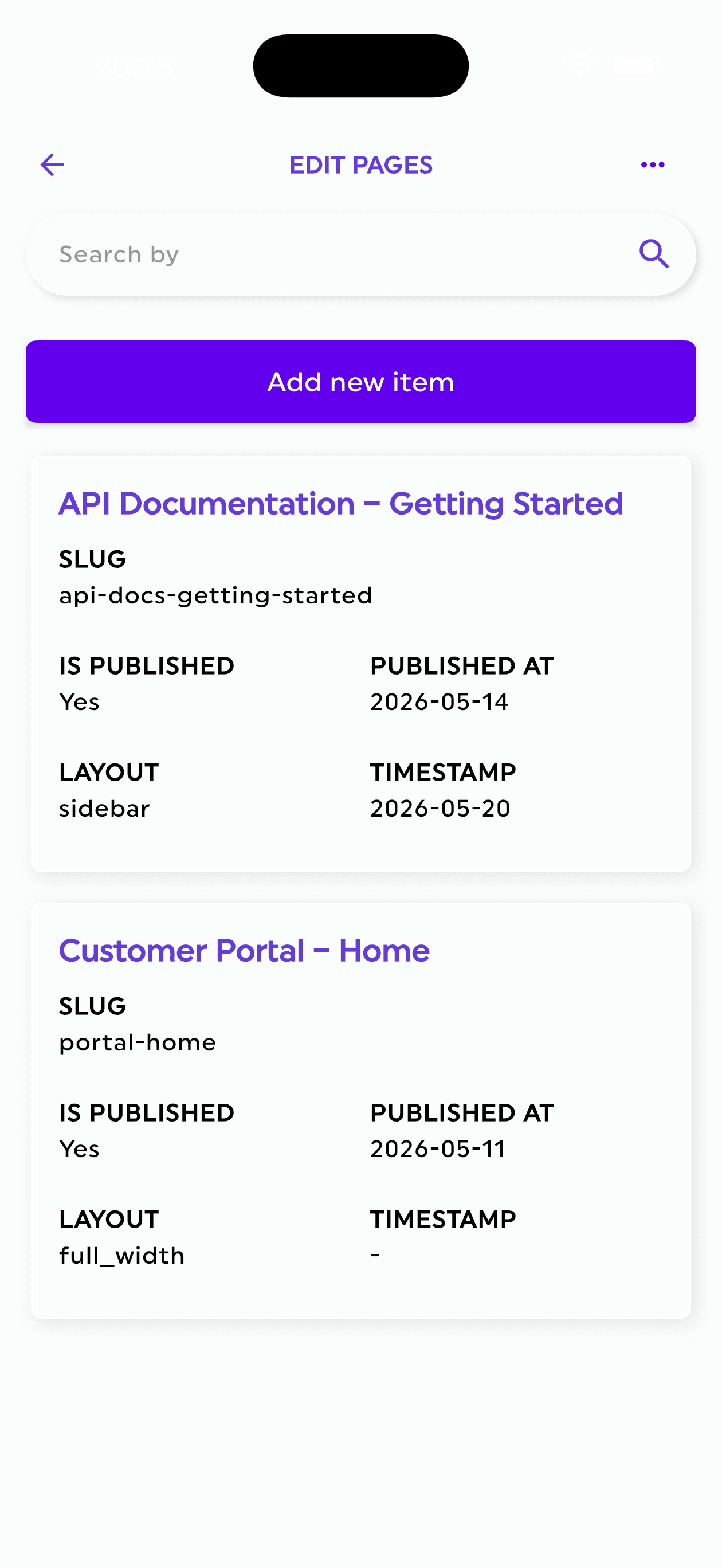
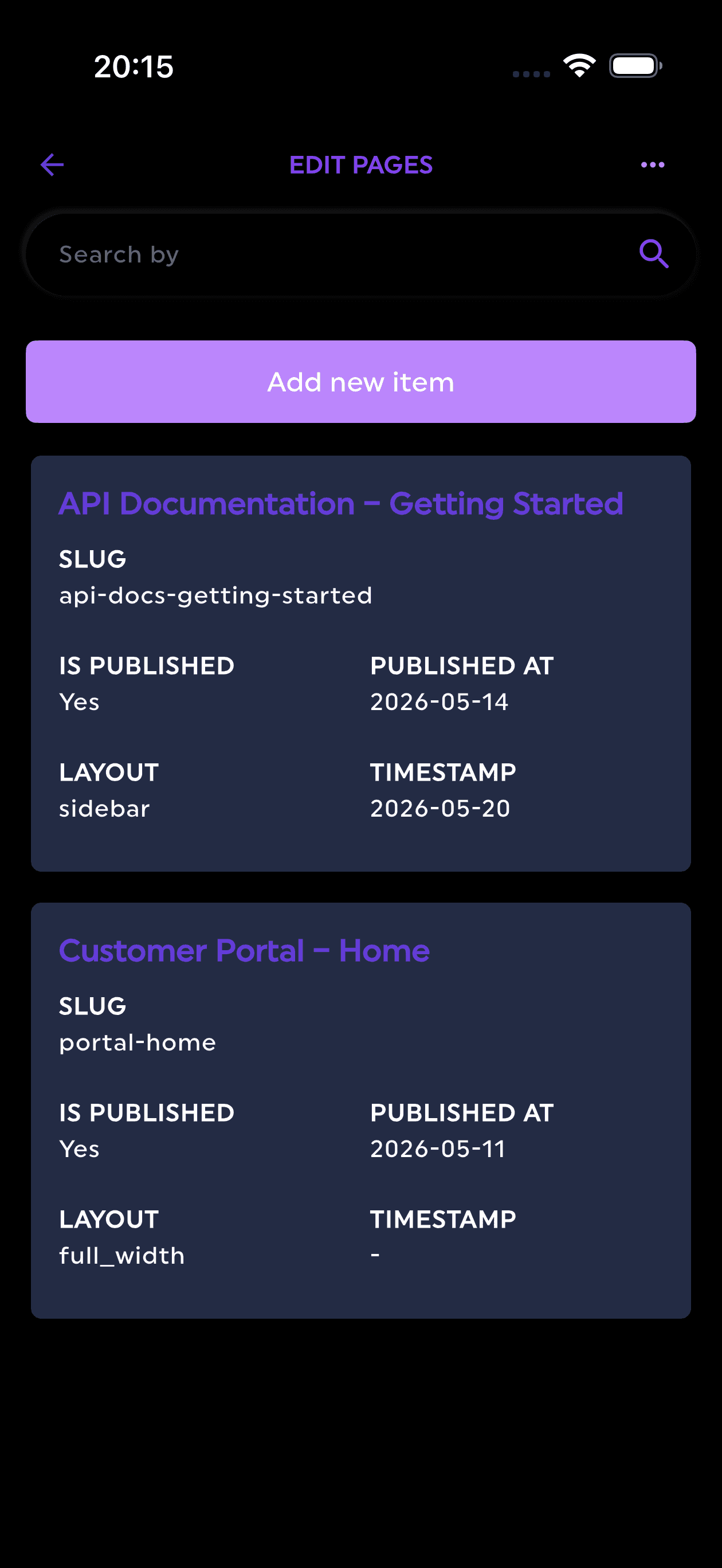
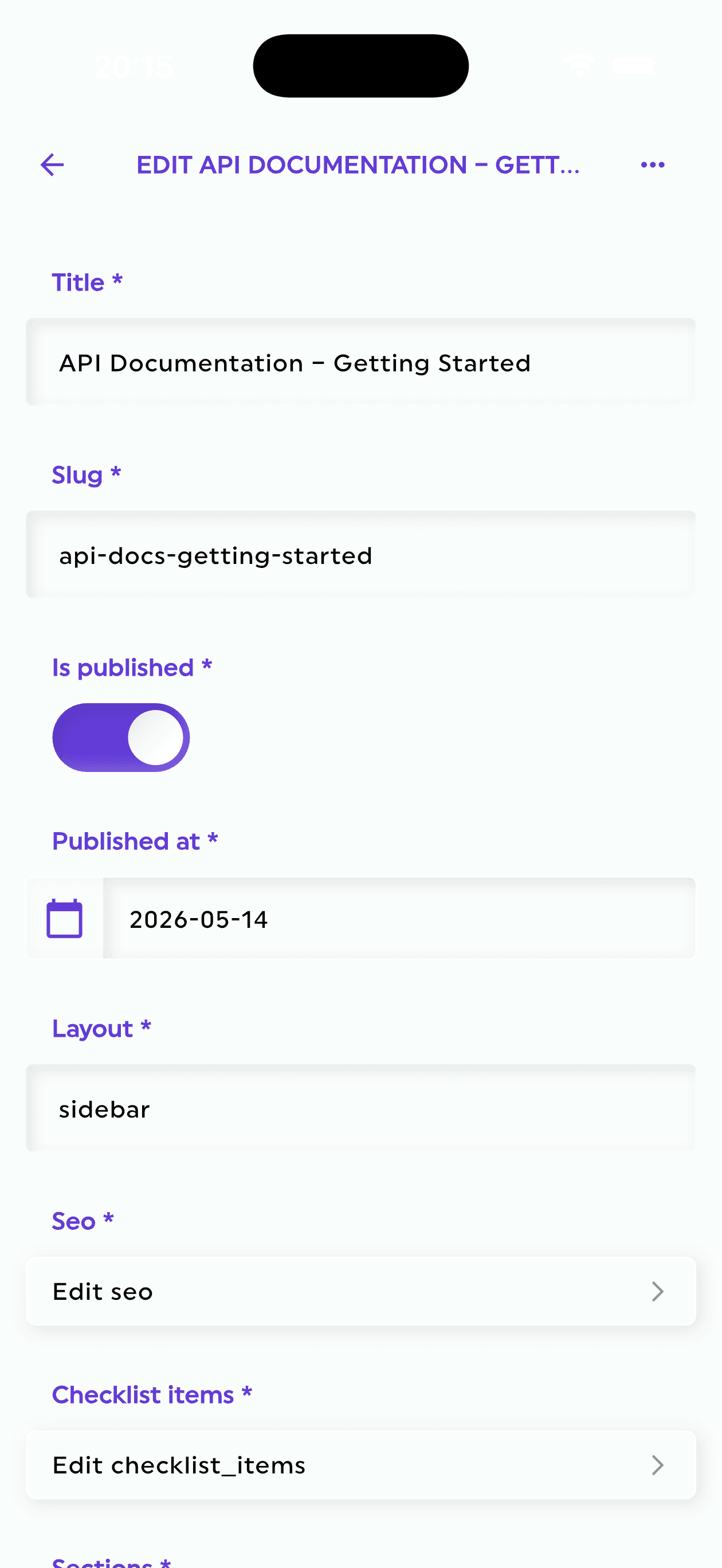
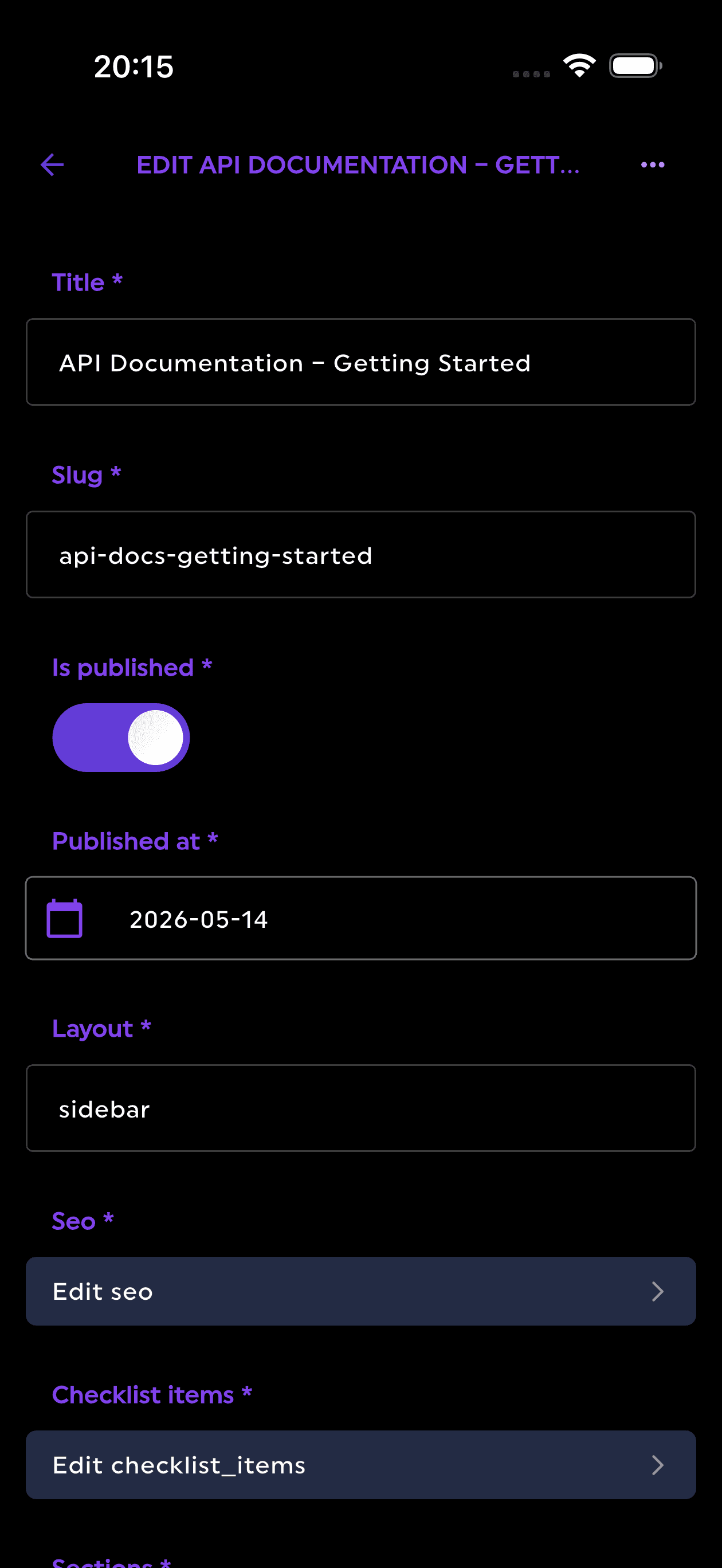
Firepanel occupies a different category than every other platform in this list. Rather than adding a new data layer to your stack, it connects directly to your existing Firestore collections, Firebase Auth, and Firebase Storage. There is no data migration, no second API to query, and no content silo to maintain. When an editor updates a document in Firepanel, the change propagates to your React app via Firestore's native real-time WebSockets, with no webhooks or cache invalidation required.
The practical implication is significant. A React app already using Firebase's JavaScript SDK reads content the same way it always has: collection(), doc(), onSnapshot(). Firepanel does not change the data access pattern; it adds a management interface on top of it.
Key capabilities for React + Firebase projects:
- Auto-detection of Firestore structure: Firepanel reads your existing collections and generates content types automatically, so there is no schema definition step for projects with existing data
- Role-based access control: Admins, Editors, and Viewers map directly to Firebase Auth roles
- Firebase Storage Manager: File and metadata management without leaving the panel
- Algolia integration: Full-text search sync for content that Firestore's native querying cannot handle (see the full-text search section below)
- Zero-code CRUD: Non-technical team members can create, edit, and delete Firestore documents without writing queries
Where it falls apart:
- Platform dependency: Firepanel only works with Firebase. If you ever migrate off Firebase, you migrate off Firepanel
- Not enterprise-grade: no SOC2 certification, limited SSO maturity
- No visual page builder or Slice Machine equivalent
Real cost at 5 editors: Free tier available. Starter plan at €9.99/mo, Pro at €19.99/mo. The most affordable production option in this list by a wide margin.
The honest verdict for Firebase teams: every other CMS in this list treats Firebase as an afterthought or a workaround target. Firepanel is the only option where Firebase is the architecture, not an integration challenge.
Which CMS Should You Actually Choose?
The ranking above is ordered by general React developer experience. But the right choice depends on your specific stack and team profile. Here is the decision tree:
If your app already uses Firebase
Use Firepanel. Adding a second CMS database to a Firebase app creates operational complexity that compounds over time: two sources of truth, two sets of access controls, two places where content can drift out of sync. Firepanel eliminates that entirely. The €9.99/mo entry price also makes it the most cost-effective option for indie projects and small agencies.
If you need maximum schema flexibility and editorial DX
Use Sanity. The React-based Studio, GROQ query language, and real-time collaboration are the strongest combination in this category. The free tier is genuinely usable for small teams, and the growth path to $99/mo is reasonable.
If you need full data ownership and TypeScript control
Use Payload CMS. The ability to co-locate your CMS and Next.js app in a single repository, with TypeScript types flowing end-to-end, is a genuine architectural advantage for teams that can absorb the self-hosting overhead.
If you have non-technical editors composing pages
Use Storyblok for visual editing, or Prismic if you want a more structured component workflow. Both offer live preview and drag-and-drop page building that reduces developer involvement in content operations.
If budget is the primary constraint
Strapi self-hosted is free beyond hosting costs. Firepanel is the cheapest managed option at under $11/mo. Contentful and Hygraph are not competitive for cost-sensitive projects.
If you are at enterprise scale (50+ editors, governance requirements)
Contentful is the defensible choice despite the price. Its Fastly CDN, GraphQL Federation, and editorial workflow maturity are difficult to replicate elsewhere at that scale.
The decision most teams get wrong: choosing a CMS based on brand recognition rather than stack fit. Contentful is well-known, but it is genuinely the wrong choice for a Firebase React app. Sanity is excellent, but it is overkill for a project that already has a perfectly good real-time database in Firestore.
A Note on Full-Text Search Across All Options
Every CMS in this list handles structured content queries differently, and full-text search is the gap that surprises most teams mid-project.
Cloud SaaS platforms (Sanity, Contentful, Hygraph, Storyblok, Prismic) handle full-text search through their own APIs, with varying quality. Hygraph's GraphQL approach supports full-text filtering natively. Sanity's GROQ includes text matching operators. Contentful's search is limited without an external service.
Self-hosted platforms (Payload, Strapi) give you control over the database, which means you can configure PostgreSQL full-text search or add Elasticsearch/Meilisearch as a sidecar. This is powerful but requires setup.
Firepanel + Firebase: Firestore does not support native full-text search. This is a known limitation of the platform. Firepanel addresses it through Algolia integration, which syncs Firestore collection data to Algolia indexes automatically. Your React app queries Algolia for search and Firestore for everything else. The sync is managed by Firepanel, so there is no custom Cloud Function to write and maintain.
The real cost of ignoring search architecture early: teams that choose a CMS without considering search often retrofit Algolia or Meilisearch six months later, after their content volume makes the gap painful. Factor search requirements into your CMS decision before you start, not after.
Bottom Line
The headless CMS market in 2026 is mature enough that there is no universally "best" option for React. The right answer depends on three decisions you need to make before evaluating any platform:
- Where does your data live? If it is already in Firestore, a Firebase-native CMS eliminates an entire category of complexity.
- Who edits content? Developers who write schema code have different needs than marketing teams composing landing pages.
- What does production actually cost? Free tiers are useful for prototypes. The $99-$300/mo gap between options is real money at a startup's scale.
For Firebase React projects, Firepanel is the clear answer. Start with the free tier at firepanel.io and connect it to an existing Firestore collection in under five minutes. If your project outgrows it, the migration path is straightforward because your data was always in Firestore.
For everyone else, Sanity is the strongest default for developer-led projects, Payload for teams that want full ownership, and Storyblok for marketing-heavy workflows. Contentful and Hygraph are excellent at scale but priced out of reach for most teams in this list's audience.