Firestore Enterprise in 2026: Native Full-Text Search, MongoDB Compatibility and What It Means for Developers

Luis Freire
Founder & CTO

For years, the standard description of Firestore was straightforward: a serverless document database optimized for mobile and web applications, real-time synchronization and offline-first client SDKs.
It was fast to adopt and easy to scale, but developers learned to work around several limitations.
Complex aggregation pipelines were limited. Full-text search required an external service. MongoDB applications needed a different database. Many advanced queries depended on carefully designed indexes and denormalized data.
Firestore Enterprise changes that picture.
By 2026, Google has expanded Firestore with:
- An advanced query engine
- Pipeline operations
- Native text-search capabilities
- MongoDB compatibility mode
- A broader set of query operators and data types
- Customizable indexing behavior
- Higher limits in several areas
This does not make Firestore identical to MongoDB, Elasticsearch or a relational database. It does mean that developers should reassess assumptions based on the original Firestore query model.
It also changes what a Firebase CMS, Firebase admin panel or Firestore GUI should be able to do.
Firestore now has Standard and Enterprise editions
Firestore projects can use one of two editions:
- Standard edition — the familiar Firestore experience used by most existing Firebase applications.
- Enterprise edition — the newer edition with an advanced query engine, expanded query capabilities and support for MongoDB compatibility.
Enterprise is not simply a support contract or a larger pricing tier. It changes database capabilities and query execution behavior.
Google’s current edition documentation describes Enterprise as the edition that maximizes developer flexibility and control. It supports both Firestore APIs and Firebase SDKs in native mode, while also supporting a MongoDB-compatible API through a separate compatibility mode.
That distinction is important: the selected mode affects which APIs, drivers and query model the database uses.
What is Firestore Enterprise native mode?
Enterprise native mode keeps the Firestore development model.
Applications can continue to use Firebase and Firestore SDKs for platforms such as:
- Web
- iOS
- Android
- Flutter
- Node.js
- Java
- Python
- Go
- Unity
Developers still work with collections and documents, but the database uses the Enterprise query engine and supports a wider range of operations.
For existing Firebase teams, this is the least disruptive way to adopt Enterprise capabilities because the application remains inside the Firestore ecosystem.
What is MongoDB compatibility mode?
Firestore with MongoDB compatibility exposes a MongoDB-compatible API implemented by Google on top of Firestore’s managed infrastructure.
The goal is to let developers use familiar MongoDB application code, drivers and tools while gaining Firestore’s serverless operations, scalability and Google Cloud integration.
Potential benefits include:
- Reusing MongoDB drivers and libraries
- Migrating selected MongoDB applications without adopting the Firestore client API
- Using familiar MongoDB query patterns and tooling
- Avoiding database server or cluster management
- Integrating with Google Cloud IAM, monitoring and audit services
This is not the same as running MongoDB Atlas inside Google Cloud. It is Firestore implementing compatibility with MongoDB APIs.
Compatibility also does not guarantee support for every MongoDB feature, command or ecosystem tool. Before migrating a production application, compare the supported feature matrix and test the exact driver versions and operations used by your system.
Native full-text search is the most visible change
Full-text search has historically been one of the most requested Firestore features.
Classic Firestore queries are effective for exact values, ranges, arrays and indexed filters. They are not designed to tokenize text, rank matches or search natural-language fields.
Teams commonly solved this by synchronizing documents into:
- Algolia
- Elasticsearch
- Typesense
- Meilisearch
- A custom search index running in Cloud Functions or Cloud Run
These solutions work, but they introduce another system that must stay synchronized with Firestore.
That creates operational concerns:
- Indexing delays
- Failed synchronization jobs
- Duplicate storage
- Additional billing
- Separate permissions
- Search schema management
- Reindexing workflows
- Vendor-specific query code
Firestore Enterprise now provides native text-search capabilities through its advanced pipeline query system.
This allows applications and admin tools to search indexed text fields without always maintaining an external search platform.
What native text search can do
Google’s Firestore Enterprise text-search documentation describes operations for:
- Searching for an exact term
- Searching for combinations of terms
- Excluding terms
- Sorting results
- Returning selected fields
Text search uses dedicated text indexes rather than treating strings as ordinary exact-match values.
For an admin panel, this can support practical workflows such as:
- Find a user by part of a name or profile description
- Search product titles and descriptions
- Search game items, quests or event content
- Search support tickets and moderation notes
- Search blog posts or knowledge-base content
- Search orders using descriptive metadata
It can also reduce setup friction for prototypes and smaller applications that do not need the advanced ranking, typo tolerance, analytics and merchandising capabilities of a specialized search service.
Native search does not eliminate every external search service
Firestore Enterprise search is significant, but it is not automatically a replacement for every search platform.
Algolia, Elasticsearch and other dedicated engines may still be preferable when you need:
- Sophisticated relevance tuning
- Typo tolerance and language-specific analysis
- Faceting and merchandising
- Search analytics
- Recommendations
- Vector or hybrid retrieval workflows beyond the Firestore feature set
- Search across several unrelated data systems
- Dedicated operational tooling for search teams
The practical improvement is choice.
Firestore teams no longer need to assume that every text-search requirement demands a second database or indexing service.
Pipeline operations expand the Firestore query model
Enterprise edition includes an advanced query engine and pipeline operations.
Pipelines let developers compose stages that transform, filter, join, group and return data in ways that are more expressive than traditional Firestore queries.
Google has announced capabilities such as:
- Full-text search
- Geospatial queries
- Subqueries and join-like operations
- Aggregation and transformation stages
- Expanded filtering and projection
The exact availability status of individual pipeline features can change as Google moves them between preview and general availability. Production teams should verify the current documentation for the region, SDK and database mode they plan to use.
The broader architectural point remains: Firestore is moving from a deliberately constrained mobile database query model toward a more capable serverless document database.
Indexing behaves differently in Enterprise edition
Enterprise edition makes indexes optional in more situations.
In Standard Firestore, developers are accustomed to receiving an error and a link to create a missing composite index when a query cannot run.
Enterprise’s advanced engine can execute some unindexed queries by scanning the collection. This improves flexibility during development but introduces a performance and cost consideration.
An unindexed query that works is not necessarily an efficient query.
Teams should monitor:
- Documents scanned
- Query latency
- Read or processing cost
- Index selectivity
- Query plans
Indexes remain important for production performance. The difference is that the engine can support a broader range of execution strategies instead of rejecting every query that lacks a predefined index.
Larger documents and expanded capabilities
Google’s editions overview also lists higher document-size limits and an expanded set of query and data capabilities for Enterprise.
These changes can help applications with richer document structures, but larger documents should still be used deliberately.
A document that is technically allowed can still be inefficient if every client must download it frequently. Good Firestore modeling continues to depend on access patterns, security rules, client bandwidth and update frequency.
Enterprise does not remove the need for sound document design.
Should an existing Firebase app move to Enterprise?
Not automatically.
Standard edition remains a strong choice for many mobile, web and game applications.
Stay with Standard when:
- Existing queries are simple and efficient
- Real-time listeners and offline support are the primary requirements
- External search is already working well
- The team does not need MongoDB compatibility
- Predictability is more important than new query flexibility
- A migration would add risk without removing meaningful infrastructure
Consider Enterprise when:
- Native full-text search can replace an external index
- The application needs pipeline queries or more expressive operations
- A MongoDB-compatible API simplifies migration or integration
- Higher limits solve a concrete modeling constraint
- Advanced query behavior reduces denormalization or backend code
- The team is starting a new project and wants the newer query engine
The decision should be based on workload and architecture, not on the word “Enterprise.” Google explicitly positions the edition as available to developers beyond large corporations, including a free usage tier.
Migration questions to answer first
Before adopting Firestore Enterprise, validate the following areas.
1. Database mode
Decide whether the application needs Enterprise native mode or MongoDB compatibility mode.
Do not treat them as interchangeable connection options. The application code, drivers and operational tools depend on the selected mode.
2. SDK and driver support
Confirm that every application, Cloud Function, backend service and operational tool supports the required edition and mode.
This includes:
- Mobile applications
- Web applications
- Server APIs
- Scheduled jobs
- Analytics exports
- Backup tooling
- Admin panels
- Local development and emulators
3. Security model
Review authentication, Firebase Security Rules, Google Cloud IAM and database access patterns.
A MongoDB-compatible workload may rely more heavily on server-side access and IAM than a traditional client-heavy Firebase architecture.
4. Query performance
Test representative production queries with realistic data volumes.
Pay particular attention to unindexed scans, text indexes, pipeline stages and high-cardinality filters.
5. Pricing
Enterprise has its own operation and storage pricing model. Estimate cost using expected reads, writes, deletes, indexes, storage and query behavior rather than assuming it matches Standard edition.
6. Tooling compatibility
A database upgrade is only useful if the tools around it can understand the edition.
This includes the CMS or admin interface used by content editors, support teams and developers.
Why Firestore Enterprise changes the Firebase CMS category
A Firebase CMS traditionally needed to solve several gaps around the database:
- Convert raw documents into structured forms
- Add validation and reusable content models
- Provide safe access for non-developers
- Manage files in Cloud Storage
- Add full-text search through a separate index
- Trigger Cloud Functions and operational actions
- Support content generation and bulk entry
Enterprise changes the search and query layer, but it does not replace the content-management interface.
Developers still need a Firebase GUI or backoffice that understands:
- Collections and documents
- Nested structures
- Field validation
- User roles
- Storage objects
- Search indexes
- Advanced queries
- Database edition and mode
An admin panel that assumes every Firestore project uses Standard edition may be unable to expose Enterprise-specific capabilities correctly.
Firepanel support for Firestore Enterprise
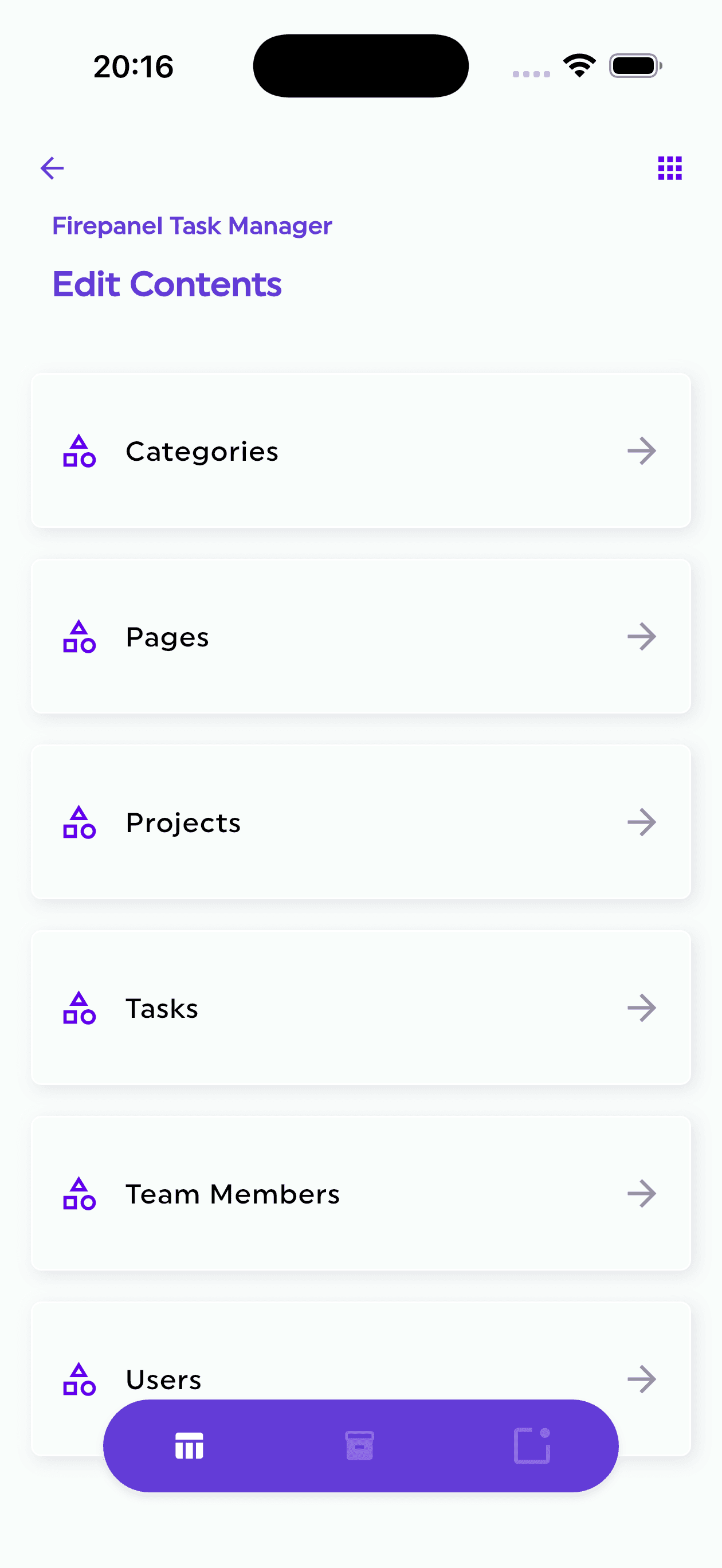
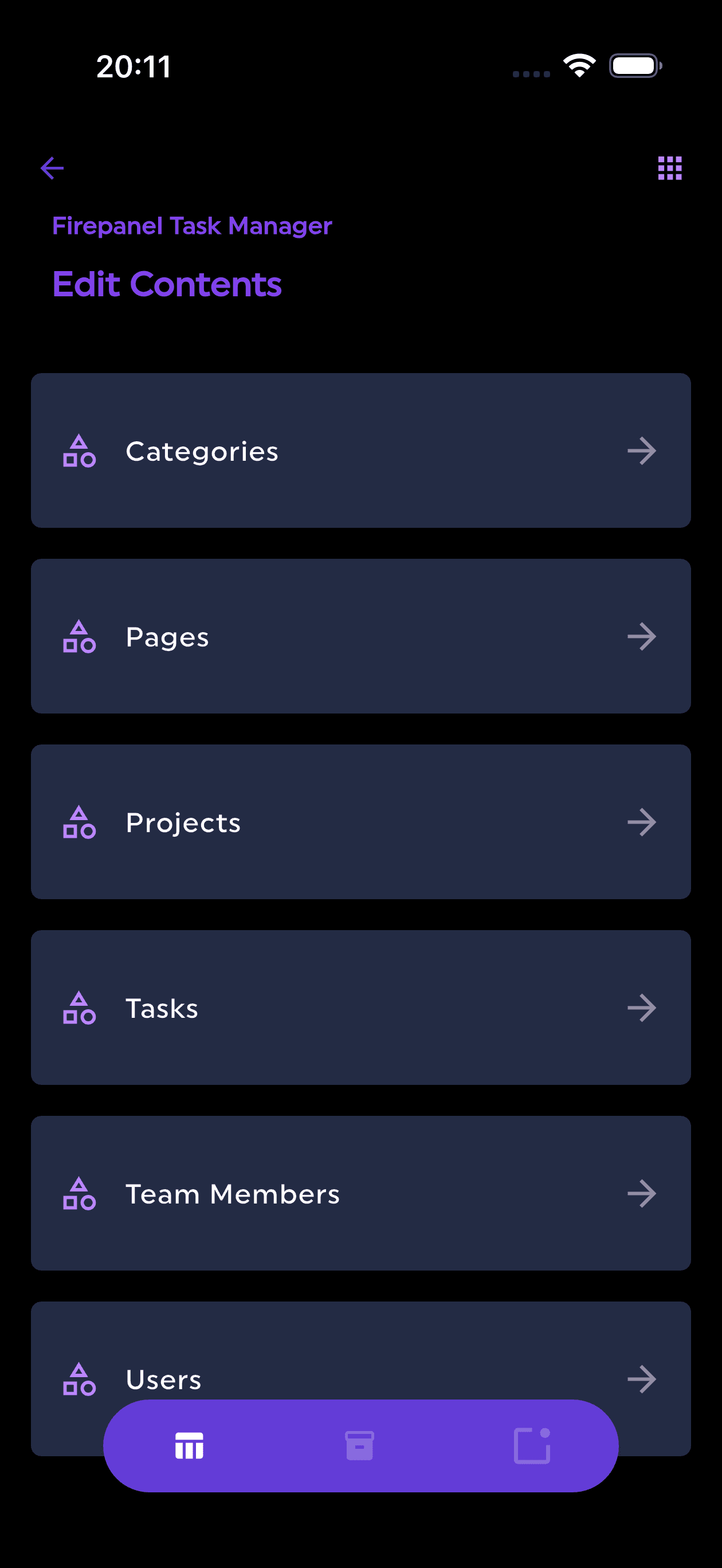
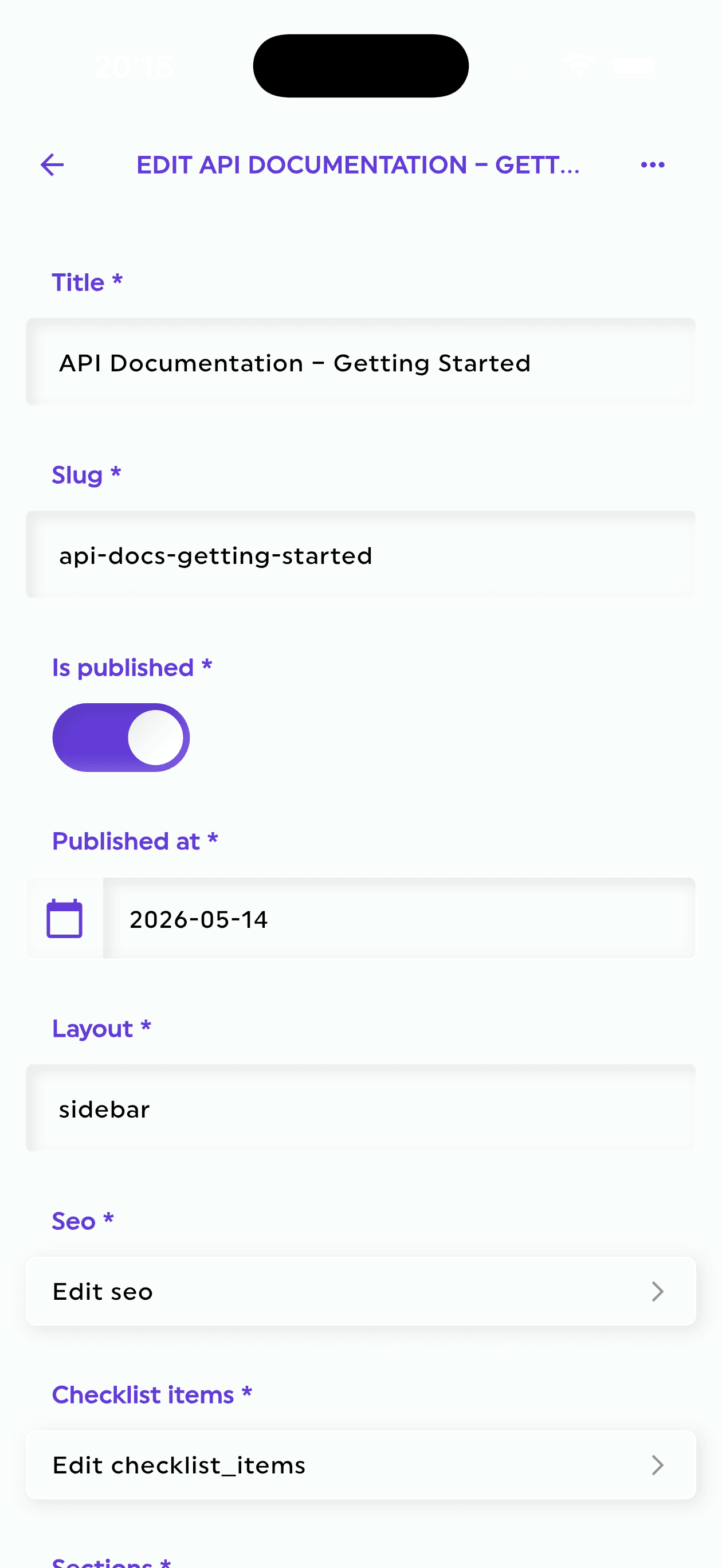
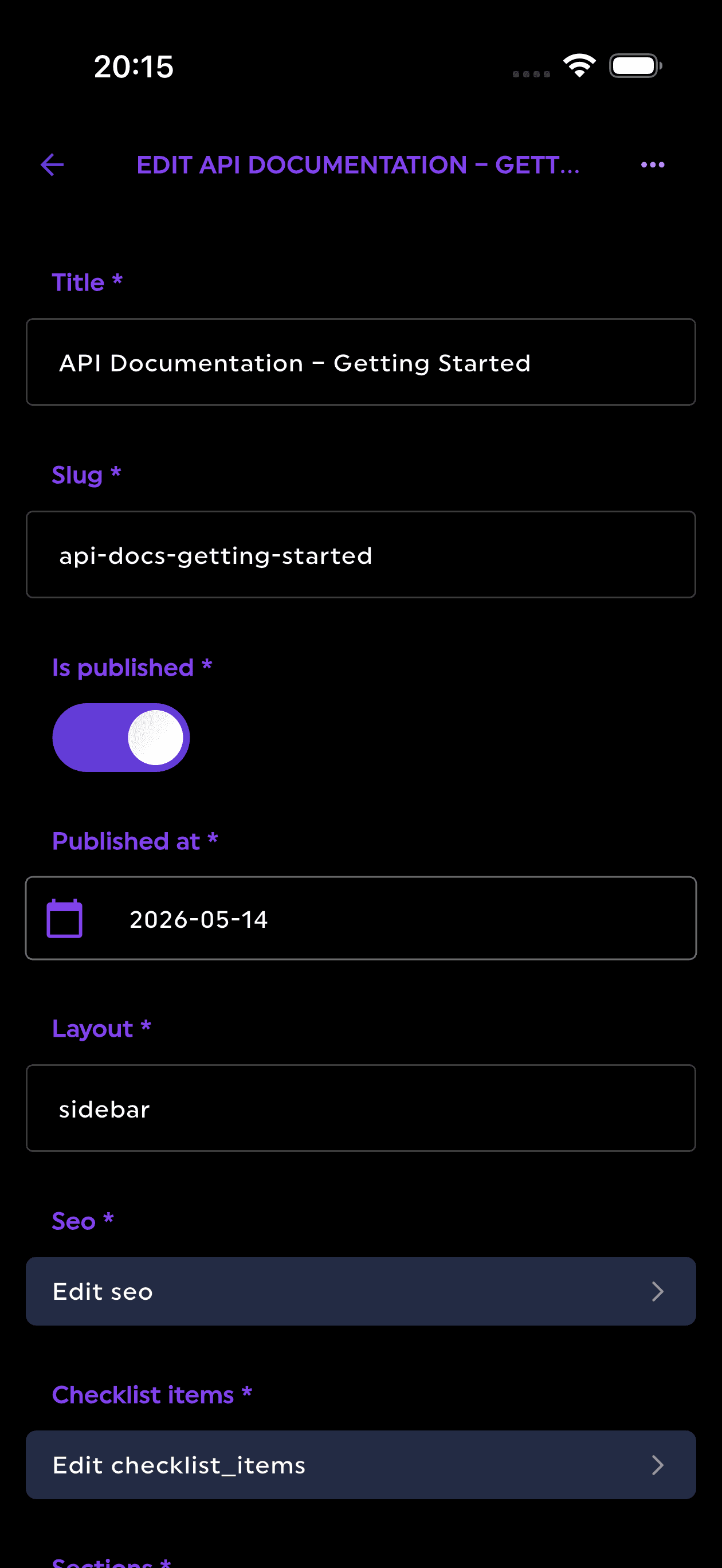
Firepanel supports Firestore Enterprise edition and detects the edition associated with a project.
Its current feature set includes:
- Firestore Enterprise native-mode support
- MongoDB compatibility-mode support
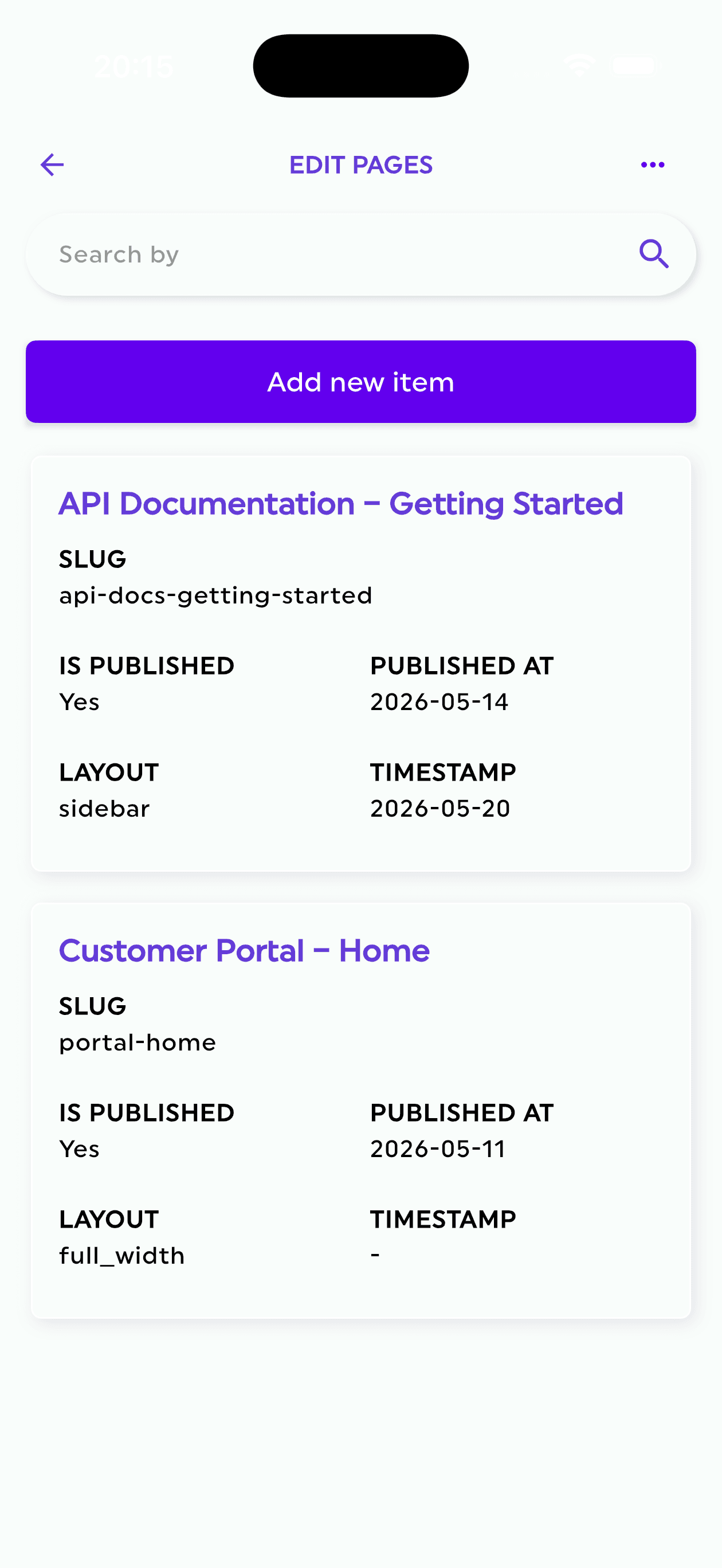
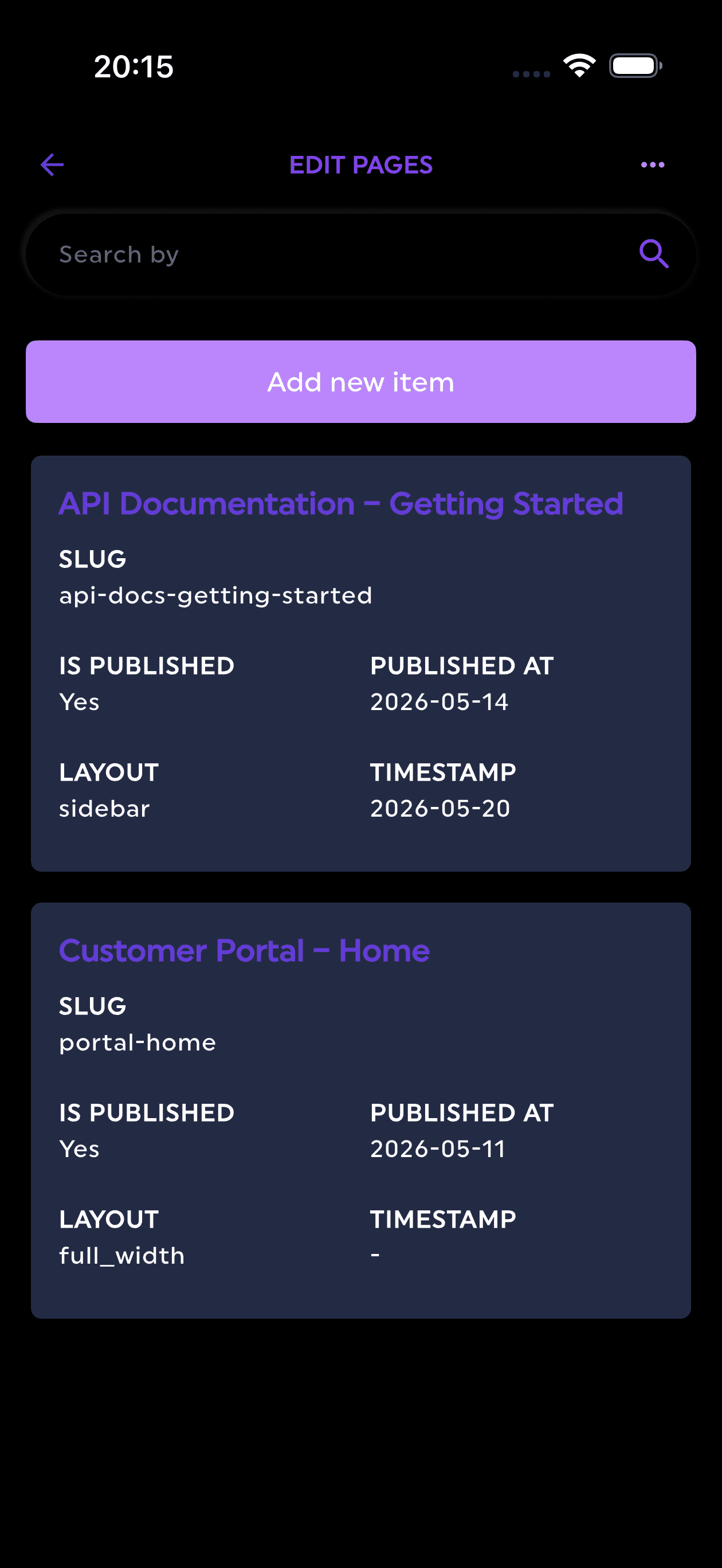
- Native Firestore search on Enterprise databases
- Algolia or Elasticsearch options for other search architectures
- Content types mapped to existing database collections
- Automatic content-type generation from existing data
- AI-generated content types from natural-language prompts
- Bulk generation of realistic sample documents
- More than 20 field types
- Nested reusable components
- Storage management
- Push notifications and scheduling
- Developer model generation and JSON inspection
This makes Firepanel relevant in two different scenarios.
Existing Standard project
Firepanel can provide a structured CMS and use an external or Firepanel-supported indexing approach for full-text search.
New or migrated Enterprise project
Firepanel can recognize the edition and use native Firestore search where supported, reducing the need for an additional search service.
For MongoDB compatibility mode, Firepanel provides a visual administration layer while the application continues to use MongoDB-compatible drivers and queries.
Example: product catalog
Consider a mobile commerce application with a products collection containing:
- Title
- Description
- Categories
- Brand
- Price
- Availability
- Images
- Attributes
- Search metadata
In a Standard architecture, product search may require an Algolia or Elasticsearch index synchronized from Firestore.
With Enterprise native search, the team may be able to index relevant text fields directly in Firestore and query them through the Enterprise pipeline system.
Firepanel can then provide the operational interface for:
- Editing products
- Uploading images
- Managing nested attributes
- Searching the catalog
- Generating sample products with AI
- Inviting merchandising or content users
The application database remains the source of truth.
Example: game live operations
A game studio may store:
- Players
- Inventory
- Items
- Quests
- Events
- Rewards
- Announcements
- Support tickets
Enterprise queries can make it easier to locate and analyze operational records, while native text search can improve discovery across names, descriptions and support notes.
Firepanel can expose those collections through structured forms and tables, allowing the team to manage live content without giving every operator direct access to Firebase Console.
AI bulk generation is also useful for creating realistic item sets, quests, rewards or test players in development environments.
Example: MongoDB application moving to Google Cloud
A team with an existing MongoDB application may want serverless scaling and tighter Google Cloud integration without rewriting the entire data access layer around Firebase SDKs.
Firestore with MongoDB compatibility can reduce the migration surface by supporting MongoDB drivers and familiar query patterns.
The team must still validate command compatibility, indexes, transactions, operational tools and cost.
Once connected, Firepanel can provide a content and administration interface over the compatible database, avoiding the need to build a separate backoffice during migration.
AI becomes more useful when the database is more expressive
AI-generated content is often discussed as a writing feature. For developers, structured generation is more important.
Firepanel can use a prompt to generate a content type and then produce multiple documents that conform to it.
For example:
Create a collection for live game events with title, description, start and end dates, reward tiers, required player level, localized messages and a nested list of tasks.
The generated structure can become a starting point for the Firestore collection. AI can then create realistic sample events for testing the UI and query behavior.
Combined with Enterprise search and pipelines, this shortens the path from idea to a working, searchable dataset.
The developer still reviews the model, security and indexes. AI removes repetitive setup rather than replacing architecture decisions.
Practical checklist for new projects
When starting a Firebase project in 2026:
- Choose Standard or Enterprise based on query needs, not branding.
- Choose native or MongoDB compatibility mode deliberately.
- Model the most important read and write patterns before creating collections.
- Identify which fields require text search.
- Create indexes for production queries even when unindexed scans are allowed.
- Estimate Enterprise operation and storage cost.
- Select an edition-aware admin panel.
- Use AI-generated schemas and data as reviewed scaffolding, not unquestioned production design.
- Test mobile, web and server SDK behavior in the selected mode.
- Measure query plans and latency with representative data.
Final perspective
Firestore Enterprise is the most substantial expansion of the Firestore model since the database became a central part of Firebase.
Native full-text search removes a long-standing limitation for many applications. Pipeline operations make queries more expressive. MongoDB compatibility creates a bridge for teams that prefer MongoDB drivers and tooling. Edition-specific indexing and limits give developers more control.
The result is not that every Firestore project should immediately migrate.
The result is that Firebase developers now have a broader architectural choice:
- Standard edition for the familiar mobile and web development model
- Enterprise native mode for advanced Firestore queries and search
- Enterprise MongoDB compatibility mode for MongoDB-oriented applications on Firestore infrastructure
The surrounding tools must evolve with the database.
A modern Firebase CMS or Firestore admin panel should do more than display collections. It should understand the edition, expose native search where available, support complex content structures and give developers and editors a safe operational interface.
That is the direction Firepanel is taking: a Firebase-native CMS and backoffice that works with both established Firestore projects and the new Enterprise capabilities arriving in 2026.
Try Firepanel with your Firebase project
Connect a Standard or Enterprise Firestore database, generate content types from existing collections and manage content through a structured interface.
Start with the free Firepanel plan