Firebase Console vs Firestore Admin Panel: When Developers Need a Better Way to Manage Production Data

Luis Freire
Founder & CTO

Firebase is one of the fastest ways to ship an app. You can authenticate users, store data in Firestore, upload files to Cloud Storage, send push notifications, and deploy a backend without building infrastructure from scratch.
For developers, that speed is a huge advantage.
But there is a common point where a Firebase project starts to feel less lightweight: the moment your team needs to manage real production data every day.
At the beginning, the Firebase Console is usually enough. You open a collection, inspect a document, edit a value, and continue coding. It works well for development, debugging, and occasional data checks.
Then your app grows.
You have users, orders, posts, game items, app configuration, notification content, uploaded files, support requests, and editorial content. Suddenly, the Firebase Console is no longer just a developer tool. It becomes the place where your team tries to run operations.
That is where a dedicated Firestore admin panel becomes useful.
What Firebase Console does well
The Firebase Console is not the problem. It is an essential part of the Firebase experience.
For developers, it is useful for:
- Inspecting Firestore collections and documents
- Adding, editing, and deleting data manually
- Checking authentication users
- Reviewing Cloud Storage files
- Monitoring usage and project configuration
- Debugging data issues during development
Google's own documentation describes the Firebase Console as a way to manage Cloud Firestore data directly, including adding, editing, and deleting documents and collections. That is exactly what it should do: provide direct access to your Firebase project.
For a developer working alone on an MVP, that may be enough for a while.
The problem appears when the console becomes the operational interface for people, processes, and production workflows.
Where Firebase Console starts to break down
Firestore is a flexible NoSQL document database. Data is stored in documents, documents live inside collections, and documents can contain nested objects, arrays, references, timestamps, and other field types.
That flexibility is great for application development. But it also means that managing the data manually can become messy once the project has real content and real users.
Here are the most common problems developers run into.
1. The data is technically visible, but not operationally usable
In Firebase Console, you can see collections and documents. But production teams usually need higher-level views.
For example, a support person does not think in terms of raw Firestore paths. They think in terms of:
- Users waiting for approval
- Orders that failed payment
- Player accounts with suspicious activity
- Published vs draft content
- Push notifications scheduled for next week
- Uploaded media that needs review
Raw document browsing works for developers. It is less useful for people who need to operate the product.
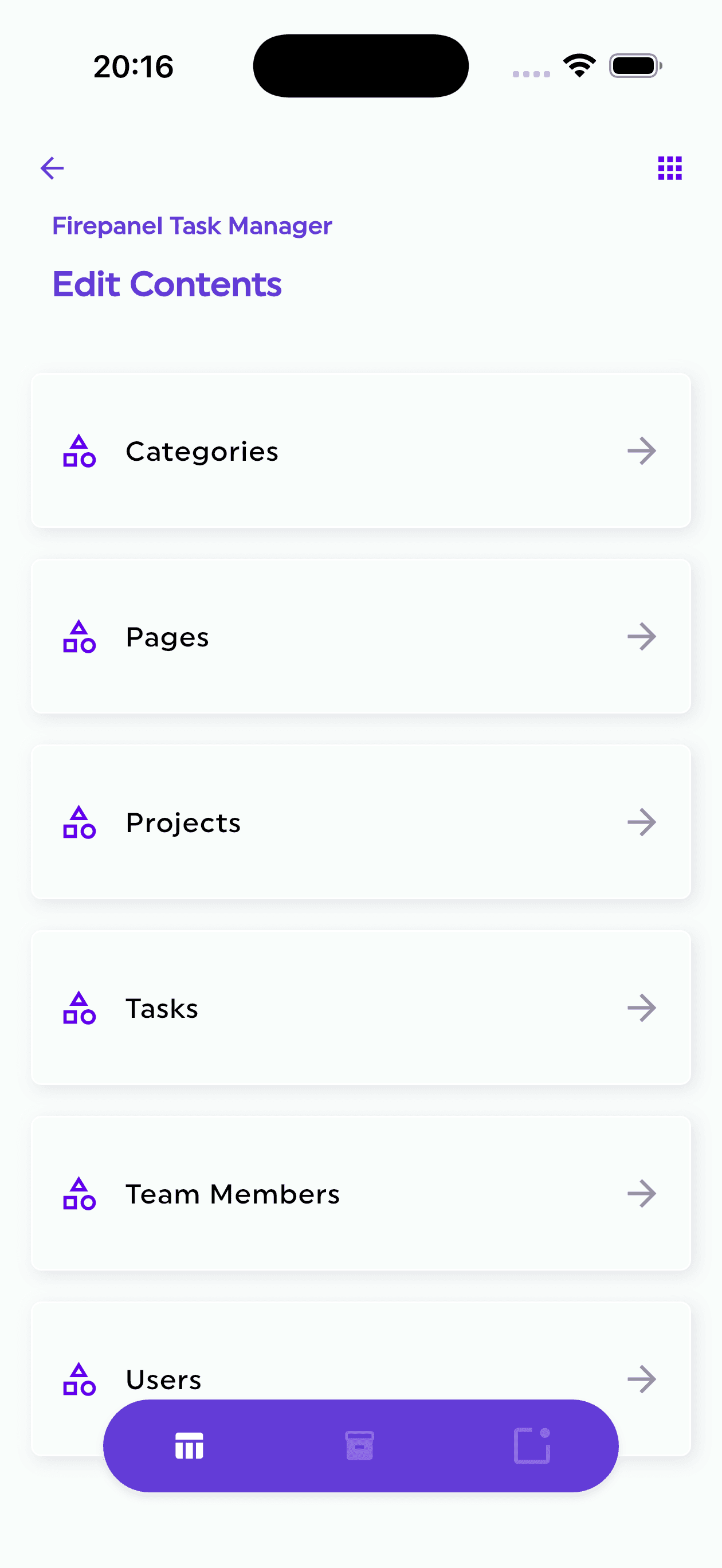
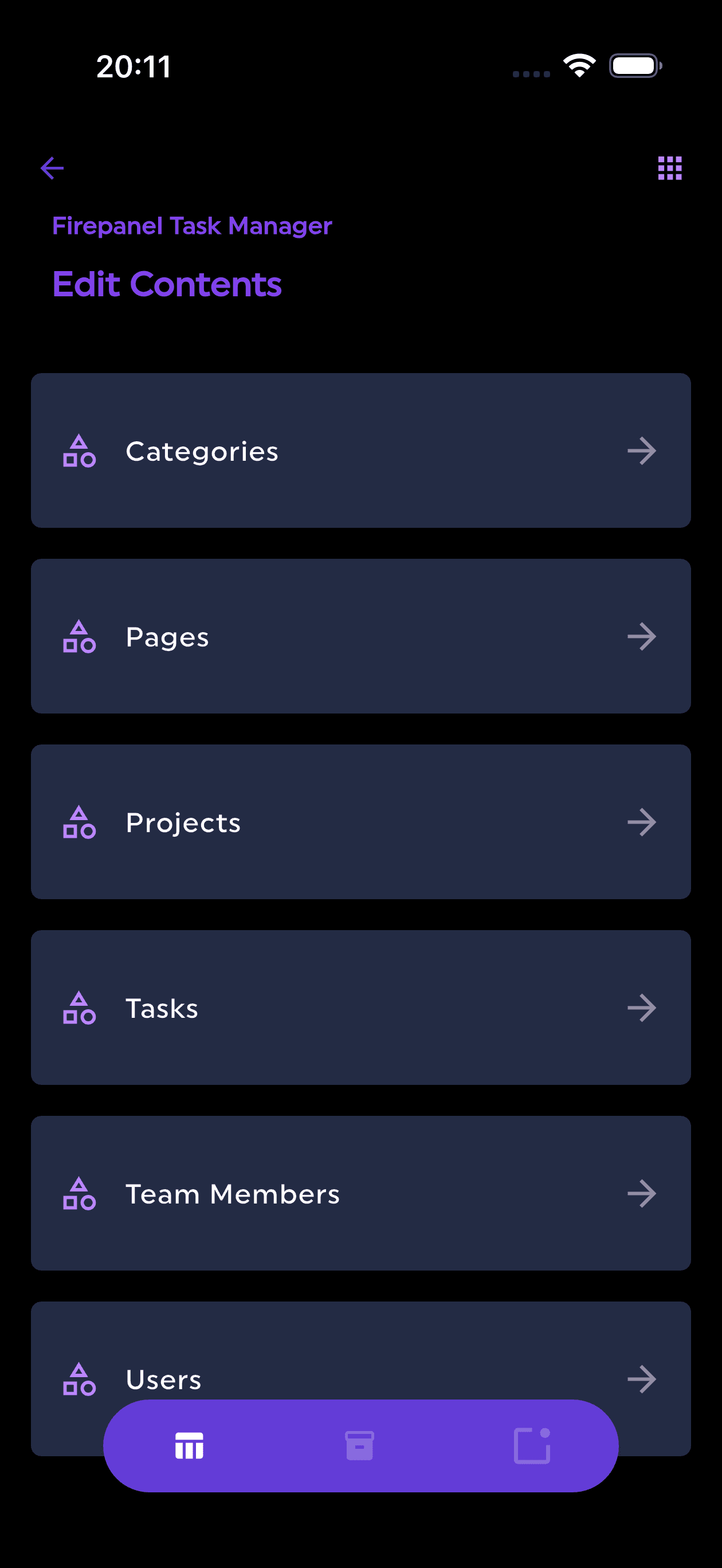
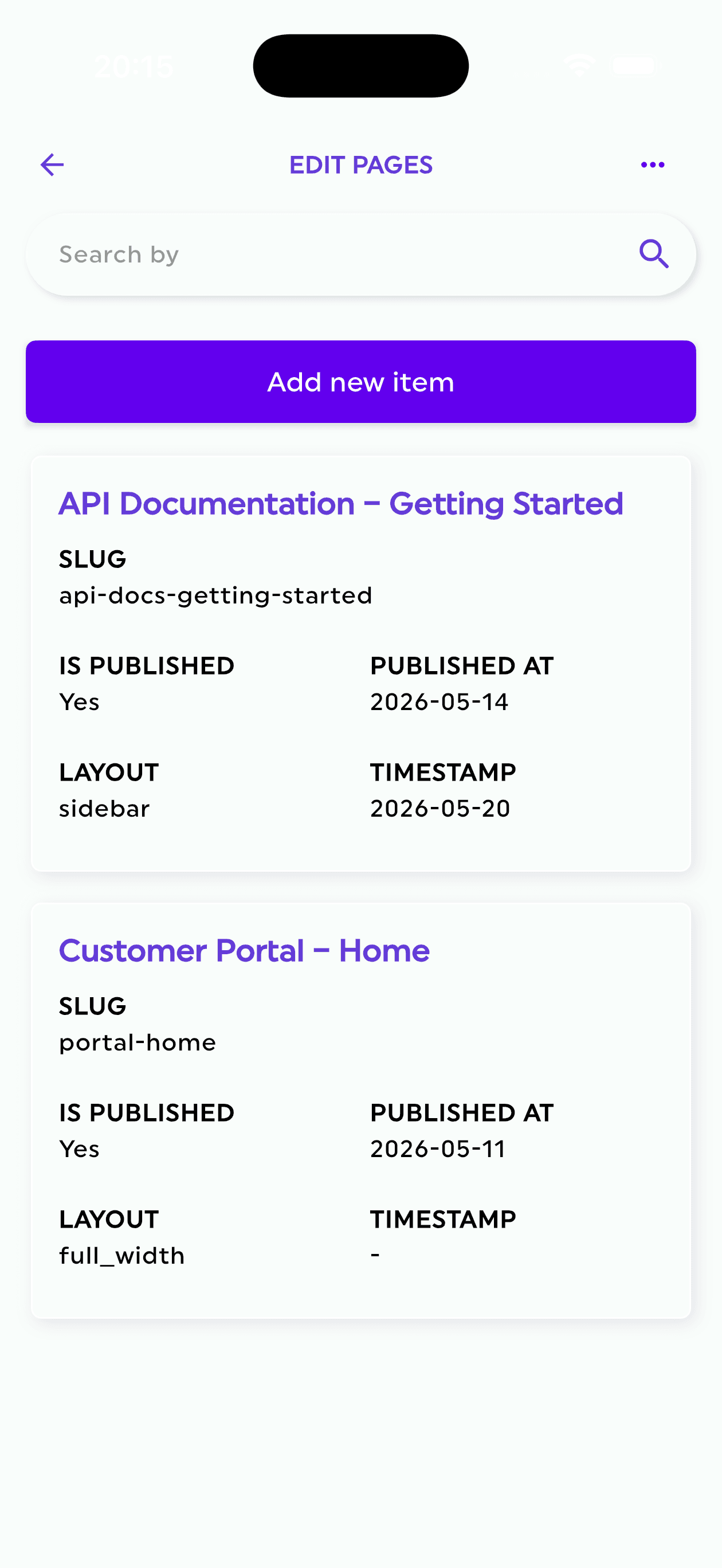
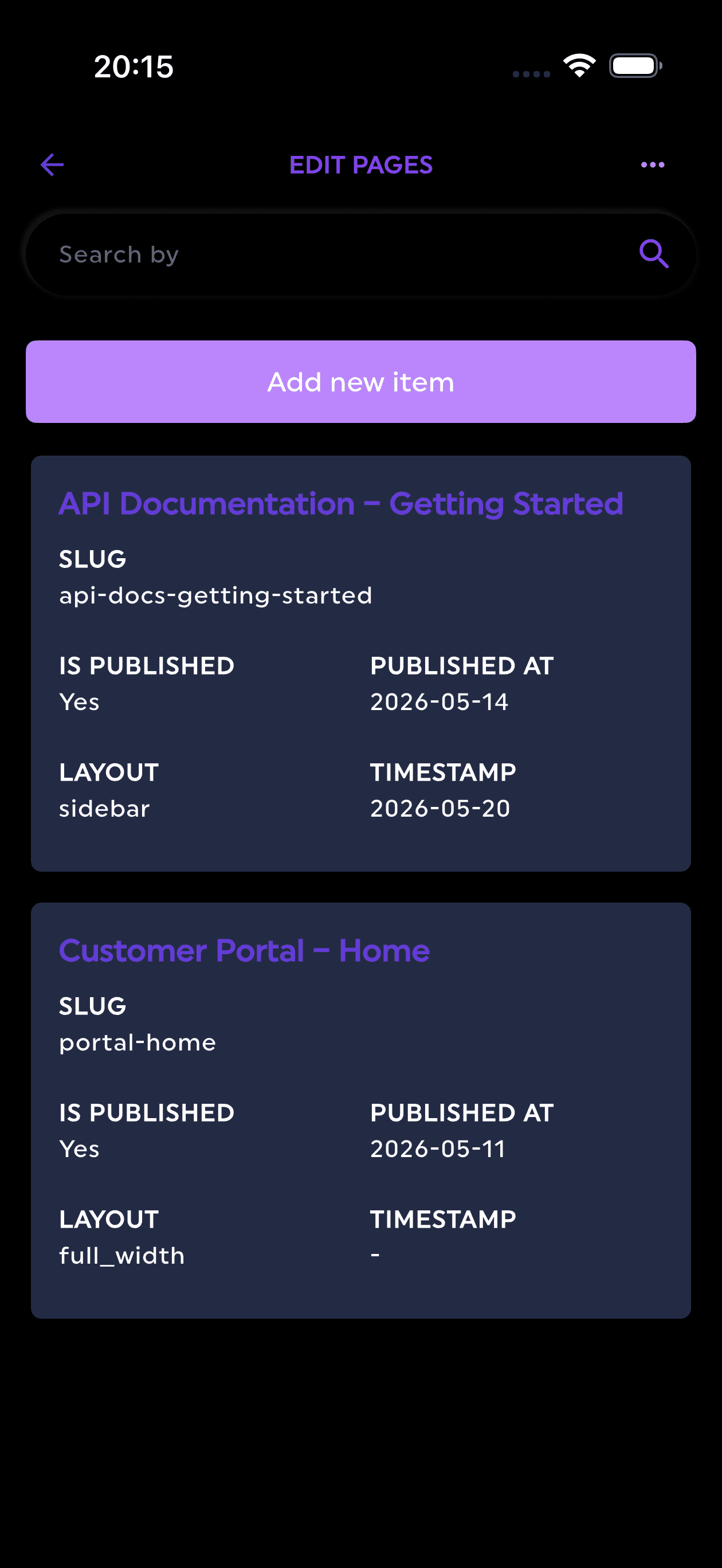
A proper Firestore admin panel should turn database collections into manageable content types, tables, forms, filters, and workflows.
2. Editing production data directly is risky
The more important your data becomes, the more dangerous manual edits become.
A developer may understand that subscription.status, billing.currentPeriodEnd, and role should not be edited casually. A content editor or operations teammate may not have that context.
Even experienced developers make mistakes when working directly with production data:
- Editing the wrong document
- Deleting a field by accident
- Changing a value to the wrong type
- Updating production instead of staging
- Forgetting that a nested object is used by the app
- Breaking frontend assumptions with inconsistent data
A Firestore admin panel should reduce this risk by adding structure around the data.
That can include field validation, role-based access, safer editing interfaces, and clear content models that map to the way the product actually works.
3. Non-technical teammates should not need Firebase access
Many Firebase projects eventually need non-developers to manage content or operations.
That might include:
- Content editors
- Customer support agents
- Game economy managers
- Marketing teams
- Community managers
- Product managers
- QA testers
Giving all of these people direct Firebase Console access is rarely ideal.
They do not need full access to your Firebase project. They need access to specific collections, fields, files, and actions.
For example:
- A content editor should edit articles, guides, categories, and media.
- A support agent should view users and update support-related status fields.
- A game ops teammate should manage events, rewards, and player flags.
- A marketing teammate should schedule push notifications.
This is a permissions problem, not just a UI problem.
A dedicated admin panel should let developers create custom roles and invite people with granular access, without exposing the full Firebase project.
4. Firestore data often needs a content model
Firestore itself is schema-flexible. That is one of its strengths.
But admin interfaces need structure.
If your app has a posts collection, your team probably needs to know that:
titleis requiredslugmust be uniquepublishedAtis a datecoverImageshould point to a storage assetauthorshould reference a valid authorstatusshould only bedraft,scheduled, orpublished
Without a content model, your admin interface is just a database browser.
With a content model, it becomes a CMS.
This matters for websites, mobile apps, marketplaces, SaaS products, and games. In all of those cases, the database holds more than technical data. It holds content and operational state.
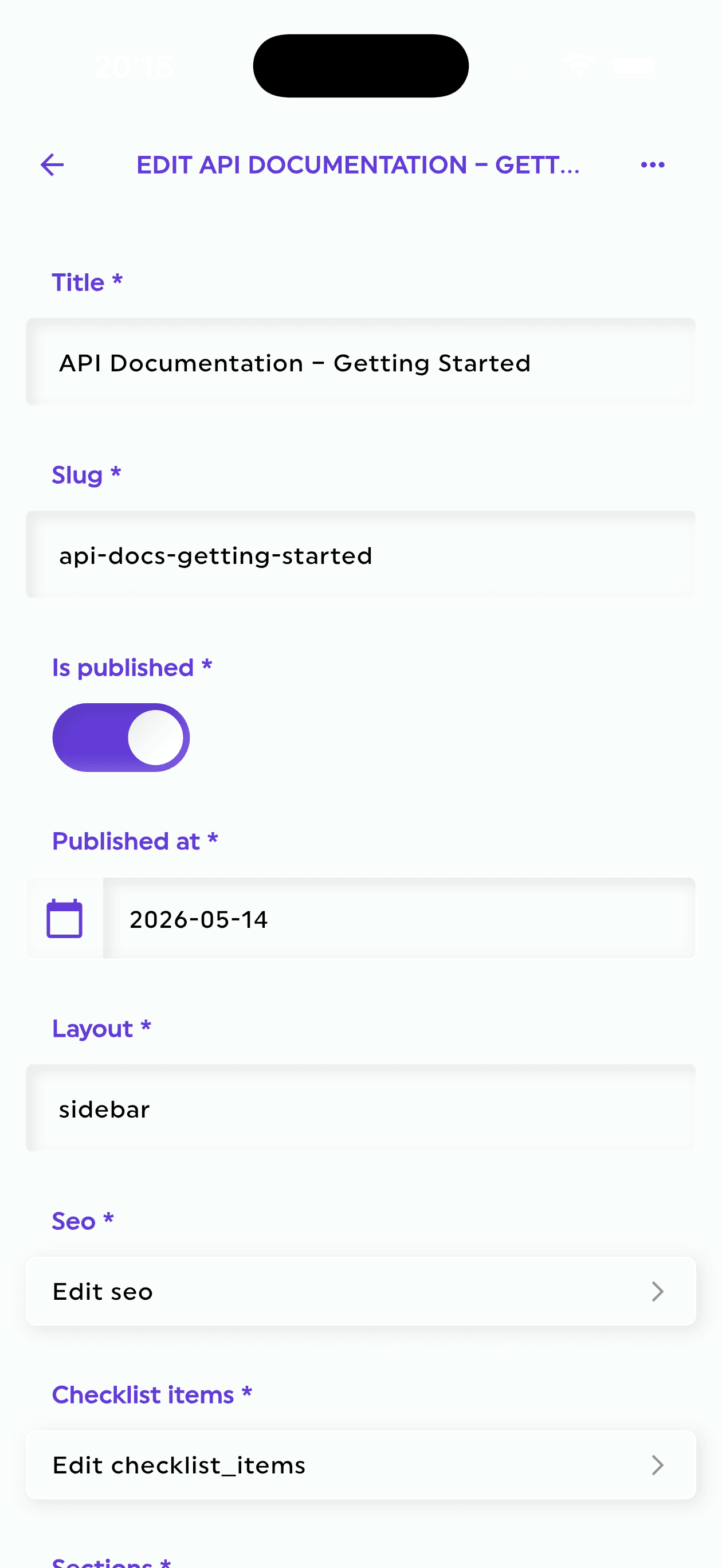
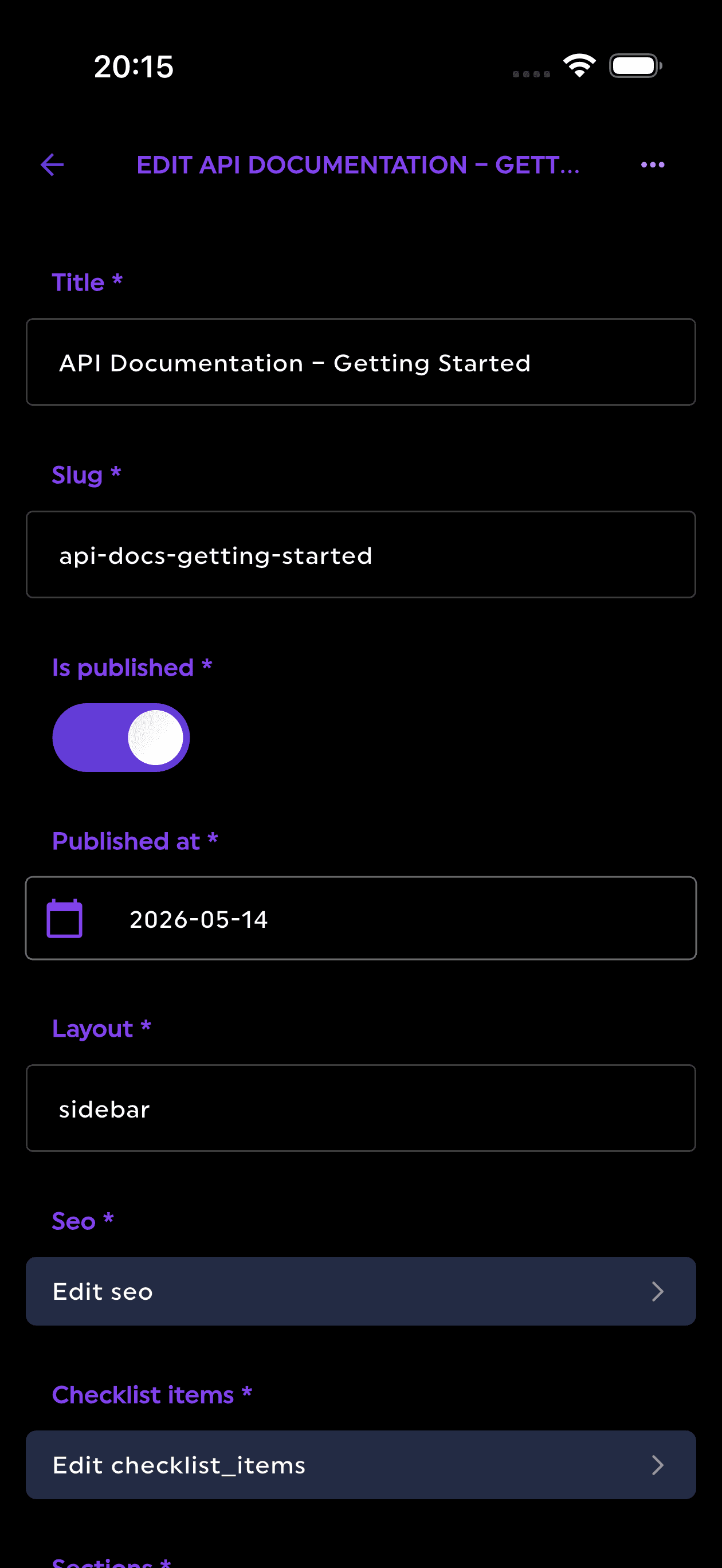
Firepanel is built around this idea: developers can create content types that sync with Firebase collections, generate structure from existing Firestore data, and define fields with validation and clear editing controls.
5. Search and filtering become essential as data grows
A small Firestore collection is easy to browse manually.
A large collection is not.
Once you have thousands of users, products, posts, levels, matches, purchases, or messages, you need fast ways to find the right records.
Common operational searches include:
- Find a user by email
- Filter orders by status
- Search content by title
- Find players above a certain level
- View scheduled notifications
- Find assets by name or metadata
- Locate records created in the last 24 hours
Firestore supports powerful querying when your indexes and data model are designed correctly. But the Firebase Console is not designed to be a full operational search interface for your team.
A Firestore admin panel should make frequent searches, filters, and data views much more accessible.
Firepanel includes full-text search through a custom indexing engine, making it easier to find and manage content quickly across your Firebase-backed project.
6. Files are part of the admin workflow too
Many Firebase apps do not only store documents in Firestore. They also use Cloud Storage.
That can include:
- Profile photos
- Product images
- Blog covers
- Game assets
- Level thumbnails
- PDFs
- Audio files
- User-generated uploads
- Marketing images
In practice, data and files are connected. An article has a cover image. A player has an avatar. A product has a gallery. A notification may include an image. A level may reference a JSON file or asset bundle.
If your team has to jump between Firestore documents and Cloud Storage paths manually, the workflow becomes slow and error-prone.
A better admin experience should include storage management: browsing, uploading, editing, searching, moving files, and managing metadata from the same operational interface.
7. Notifications often need to be managed outside the codebase
Mobile apps and games often rely on push notifications.
But not every notification should require a code deployment.
Teams may need to create and schedule notifications for:
- Product announcements
- Content updates
- Game events
- Daily rewards
- Abandoned flows
- Re-engagement campaigns
- Maintenance notices
- Community updates
If those notifications are driven by database content, your admin panel can become the natural place to manage them.
Firepanel supports creating and scheduling push notifications based on database content, with support for Expo and OneSignal. That makes it especially relevant for mobile developers and game teams using Firebase as their backend.
When Firebase Console is enough
You may not need a dedicated admin panel immediately.
Firebase Console can be enough when:
- You are still prototyping
- Only developers access the data
- You rarely edit production data manually
- Your collections are small
- Your app does not have much editable content
- You do not need custom roles or editorial workflows
In that phase, staying simple is a good decision.
When you should consider a Firestore admin panel
You should consider a dedicated admin panel when:
- Your Firebase project is in production
- Non-developers need to manage content or data
- Your app has many collections or complex documents
- You need safer editing and validation
- You manage files alongside Firestore data
- You need full-text search over content
- You want custom roles and granular permissions
- You need to create or schedule push notifications
- You are tired of building internal CRUD tools
At that point, the cost is no longer just inconvenience. The cost is developer time, operational risk, and slower product iteration.
The developer tradeoff: build or use?
Developers often default to building their own admin panel.
That makes sense in some cases. If your internal workflows are highly custom, deeply integrated with business logic, or central to your product's competitive advantage, a custom admin may be worth it.
But many Firebase admin needs are predictable:
- CRUD over Firestore collections
- Typed fields and validation
- File management
- User roles
- Search
- Content publishing
- Push notification management
- Simple automation actions
Building and maintaining all of that can take days or weeks before it becomes polished enough for real usage.
And after the first version, you still have to maintain it.
Every new collection needs a screen. Every new field needs UI. Every role needs permissions. Every mistake becomes a support issue for the development team.
A dedicated Firebase CMS removes much of that overhead.
How Firepanel fits into a Firebase project
Firepanel is designed for Firebase teams that want an admin experience without building one from scratch.
It helps developers and teams:
- Create content types that sync with Firestore collections
- Auto-generate content structure from existing Firestore data
- Model data using 20+ field types with validation
- Use custom components for flexible nested structures
- Manage Cloud Storage files
- Invite users with custom roles and granular permissions
- Search content with a full-text indexing engine
- Create and schedule push notifications
- Run custom actions to automate workflows
The goal is not to replace Firebase. The goal is to make Firebase easier to operate once your app needs a real admin layer.
Final thoughts
Firebase Console is excellent for developers. It gives you direct access to your Firebase project and helps you debug, inspect, and configure your backend.
But production data management is a different job.
When your team needs structured content editing, safer workflows, storage management, search, roles, and notification scheduling, a raw database console is no longer enough.
That is where a Firestore admin panel becomes valuable.
With Firepanel, you can keep Firebase as your backend and give your team a proper CMS and admin experience on top of it.
Try Firepanel
If your Firebase project is growing beyond the console, Firepanel can help you manage Firestore content, files, users, roles, and notifications without building an internal tool from scratch.
Start with the free plan and connect your Firebase project in minutes.