Firestore Data Modeling at Scale: An Architecture Playbook for Relational-Like Schemas

Luis Freire
Founder & CTO

Most Firestore scaling problems are not Firestore problems. They are schema design problems that Firestore's constraints make impossible to ignore.
Relational databases are forgiving. Normalize the data, add an index, run a JOIN, and the query planner handles the rest. Firestore is not forgiving. Its document model, distributed architecture, and billing model punish the same patterns that work fine in Postgres. The pain arrives gradually: a counter field that stops incrementing reliably under load, a query that returns stale results because the composite index grew too large, a listener that fires on every write to a shared document when it only needed to watch one field.
The core problem: developers trained on relational databases reach for familiar patterns — foreign keys modeled as reference fields, arrays of IDs for many-to-many relationships, single documents as aggregate counters — and those patterns hit hard limits at scale.
This playbook covers the specific Firestore constraints that break naive relational modeling, the architectural patterns that work instead, and how to operationalize those patterns inside Firepanel so your team can manage the resulting schema without rebuilding internal tooling from scratch.
What this guide covers:
- The four Firestore scaling limits that break relational-style schemas
- Denormalization and subcollection strategies for one-to-many and many-to-many relationships
- Distributed counter patterns to replace single-document aggregates
- How to model Firepanel content types, nested fields, and validation around a scalable schema
The Four Firestore Constraints That Break Relational Schemas
Before redesigning anything, you need to understand which specific limits you are working around. Firestore's official best practices documentation identifies several hard constraints that are easy to hit once traffic grows.
1. Write Rate Hotspotting (500 Writes/Second on Sequential Fields)
Firestore distributes data across shards based on document path. When many writes target documents with sequential IDs — auto-incremented integers, timestamp-prefixed keys, or a single high-traffic document — they land on the same shard, creating a hotspot. The practical ceiling for a single hotspot is roughly 500 writes per second before latency degrades.
What breaks: order IDs, event logs with timestamp keys, counters stored in a single document, any collection where documents are created in sequential order under load.
The fix: use Firestore's own recommendation and prefix document IDs with a random hash segment, or restructure writes to distribute across a subcollection fan-out. The Firebase documentation on understanding reads and writes at scale covers the 500/50/5 ramp guidance: start at 500 operations per second, increase by 50% every five minutes when ramping a new collection.
2. Index Fanout and the 40,000 Entry Risk
Every indexed field in a document generates index entries. For arrays and maps, Firestore creates one index entry per value. A document with an array of 500 tags generates 500 index entries for that field alone. The Firestore quota documentation sets a hard limit of 40,000 index entries per document across all fields.
What breaks: documents with large arrays of user IDs (many-to-many modeling), tags arrays, permission lists stored inline, or maps with many dynamic keys.
The fix: exempt high-cardinality array fields from indexing when you do not query on them, or move the relationship out of the document into a subcollection.
3. Single-Document Contention
Firestore supports roughly 1 write per second to a single document before contention causes write failures or retries. Any pattern that routes multiple concurrent writes to the same document — a global like counter, a shared session document, an aggregate total — will fail under concurrent load.
4. Listener Overhead on Large Documents
Realtime listeners download the entire document on every change. A 500KB document with 50 listeners means 25MB of data transfer per write event. Smaller, purpose-built documents with only the fields a listener needs keep bandwidth and cost proportional to actual usage.
| Constraint | Hard Limit | Common Cause |
|---|---|---|
| Write hotspotting | ~500 writes/sec per shard | Sequential IDs, single counter docs |
| Index entries per document | 40,000 | Large arrays, dynamic map keys |
| Single-document write rate | ~1 write/sec sustained | Global counters, shared state |
| Listener payload | Full document on every write | Oversized documents with mixed concerns |
Architectural Patterns That Work at Scale
Once you know which constraints apply to your schema, the fixes follow a predictable set of patterns. None of them are exotic. They are just unfamiliar to developers who learned data modeling on relational systems.
Denormalization: Duplicate Data Intentionally
In SQL, duplication is a bug. In Firestore, controlled duplication is a feature. The core idea: store the data a query needs directly in the document it will read, rather than requiring a second read to resolve a reference.
A practical example: a posts collection where each document stores authorId (a foreign key pattern) requires a second read to fetch the author's display name and avatar for every post list view. At scale, that is two reads per document per list render. Instead, denormalize the author fields directly into the post document:
posts/{postId}
  title: string
  body: string
  authorId: string        // keep for writes and auth rules
  authorName: string      // denormalized
  authorAvatarUrl: string // denormalized
  publishedAt: timestamp
The tradeoff: when a user updates their display name, you must update every post they authored. This is acceptable when writes are infrequent relative to reads, which is true for the vast majority of content-heavy applications.
Rule of thumb: denormalize fields that are read frequently and updated rarely. Keep the source-of-truth document for writes.
Subcollections for One-to-Many Relationships
A common mistake is embedding one-to-many data as an array inside the parent document. A users document with an orders array that grows unboundedly will eventually hit the 1MB document size limit and generate excessive index entries for every indexed field in the array.
The correct pattern is a subcollection:
users/{userId}/orders/{orderId}
  total: number
  status: string
  createdAt: timestamp
Subcollections scale independently of the parent document. You can query them with collectionGroup queries across all users, paginate them, and index them separately. The parent document stays small and fast for listener use cases.
Junction Collections for Many-to-Many Relationships
The relational junction table has a direct Firestore equivalent: a top-level collection where each document represents the relationship itself.
userCourses/{userId_courseId}
  userId: string
  courseId: string
  enrolledAt: timestamp
  progress: number
Using a composite document ID (userId_courseId) makes existence checks a single read rather than a query. This pattern avoids the index fanout problem entirely because no document carries a large array of related IDs.
Distributed Counters for High-Write Aggregates
Any counter that receives more than one write per second needs to be distributed. Firestore's distributed counter pattern works by maintaining a shards subcollection under the counter document, writing increments to a randomly selected shard, and summing shards on read.
counters/globalLikes/shards/{shardId}
  count: number
The number of shards determines the maximum write throughput. Ten shards support approximately 10 writes per second. For most applications, 10 to 20 shards is sufficient. For high-traffic events (live voting, real-time leaderboards), increase the shard count before the traffic spike, following the 500/50/5 ramp guidance.
Key takeaway: Every relational pattern has a Firestore equivalent. The difference is that Firestore makes you choose the pattern explicitly at design time rather than letting the query planner decide at runtime.
Operationalizing the Schema in Firepanel
A well-designed Firestore schema is only useful if your team can manage it safely. The alternative to building internal tooling is giving non-technical teammates raw Firebase console access, which means no field validation, no type enforcement, and no guardrails against overwriting a denormalized field in one place without updating it in another.
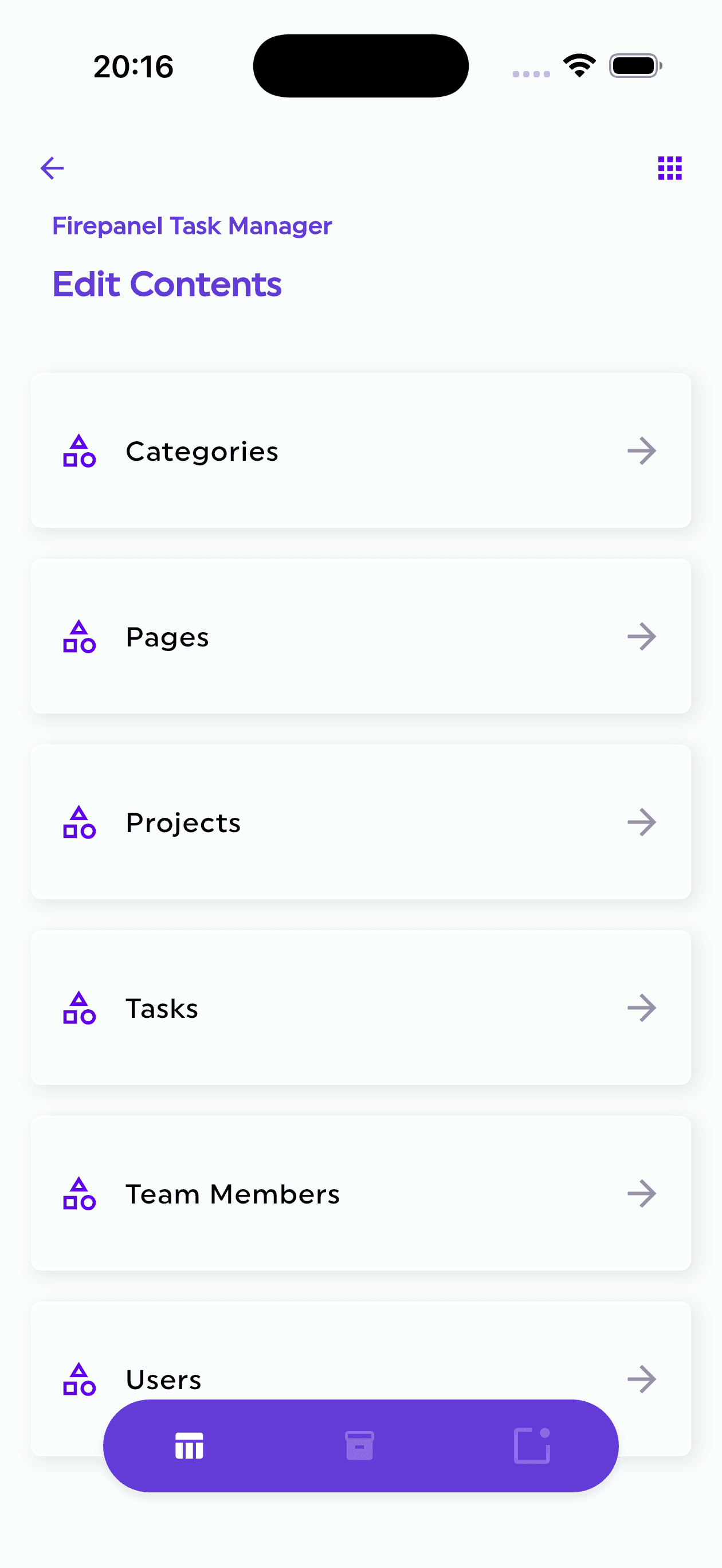
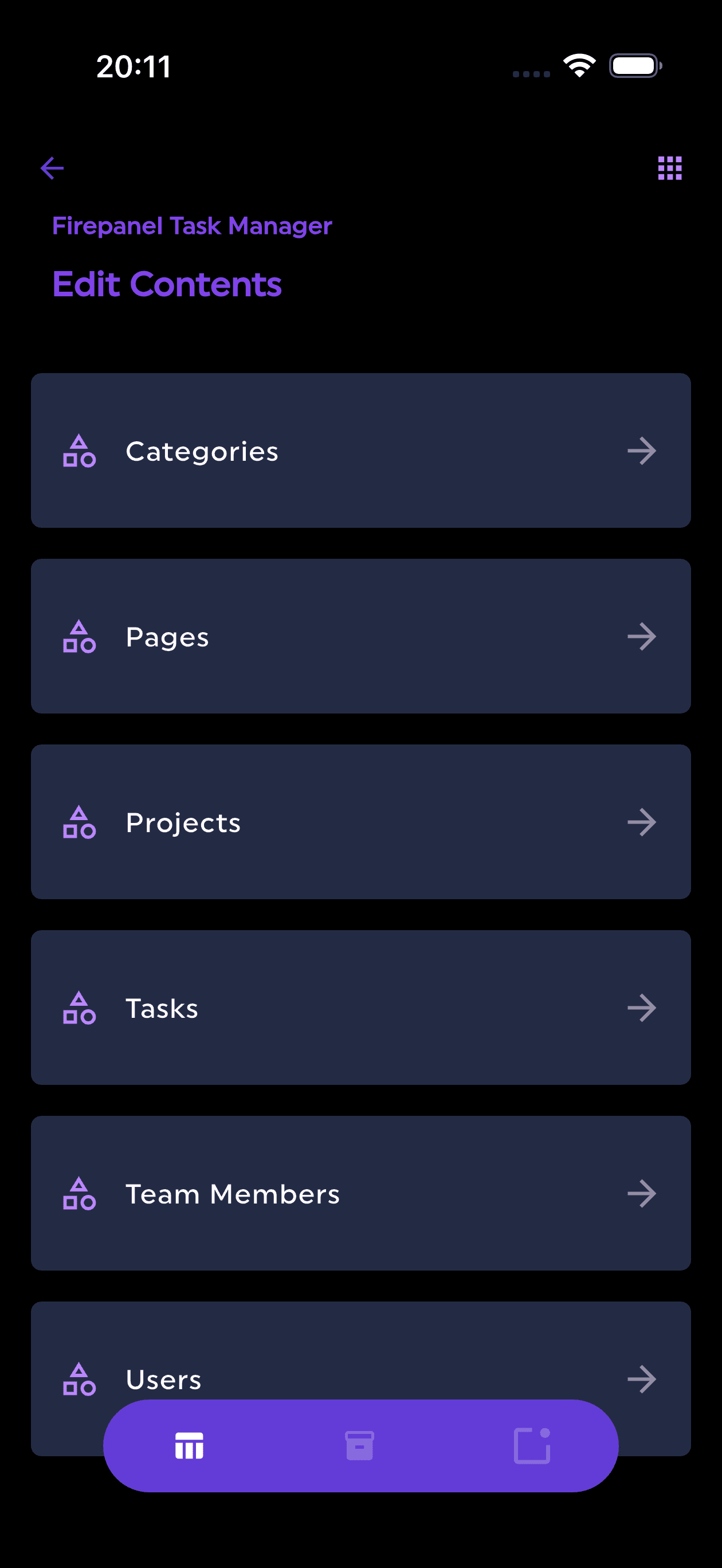
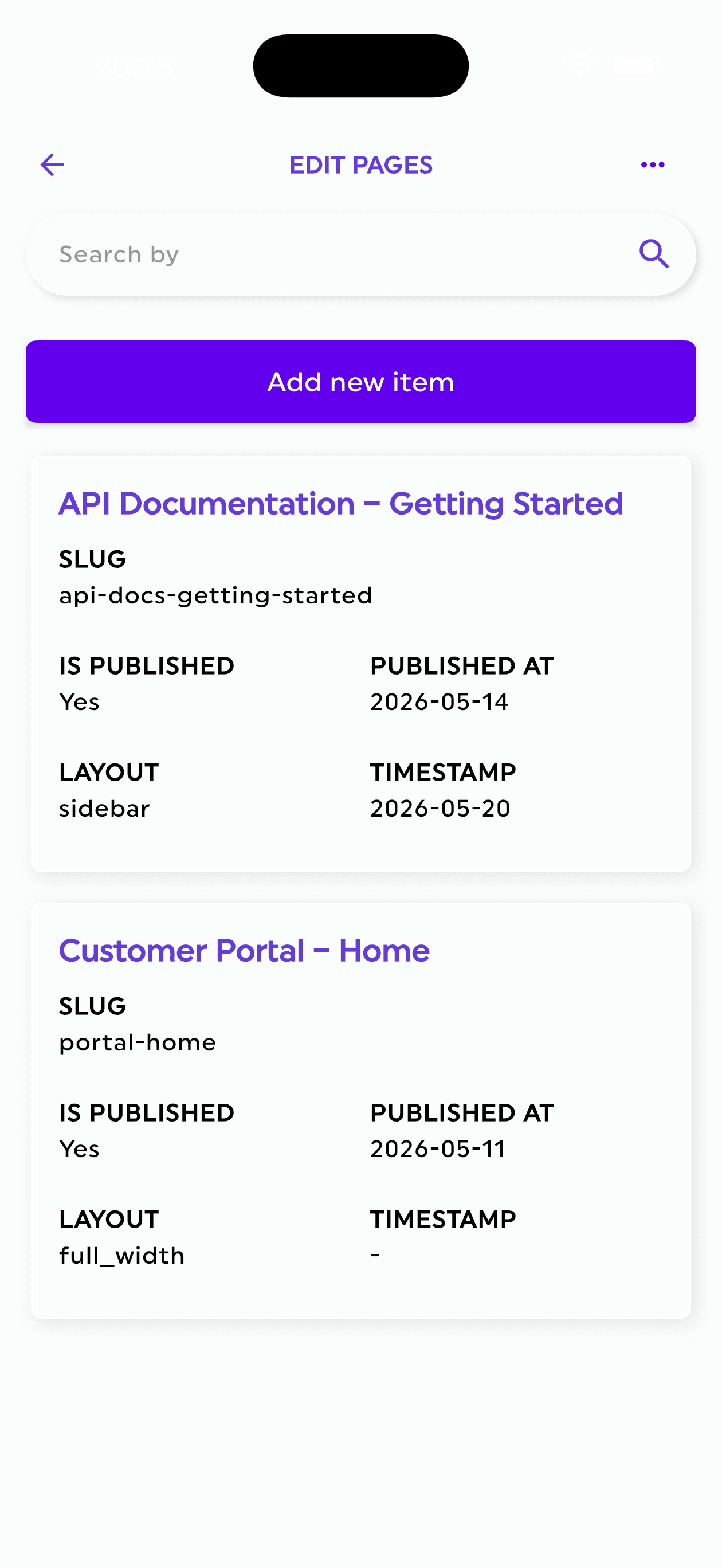
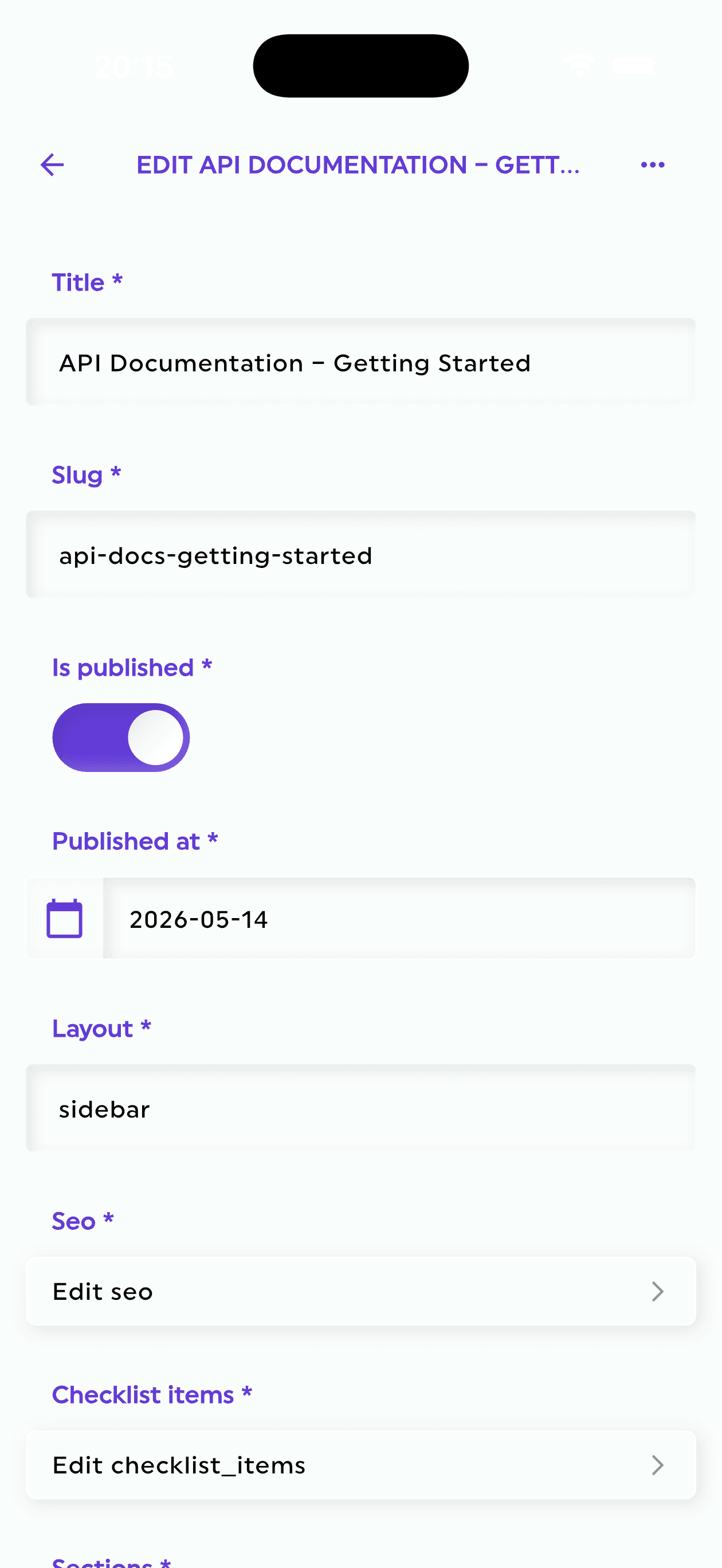
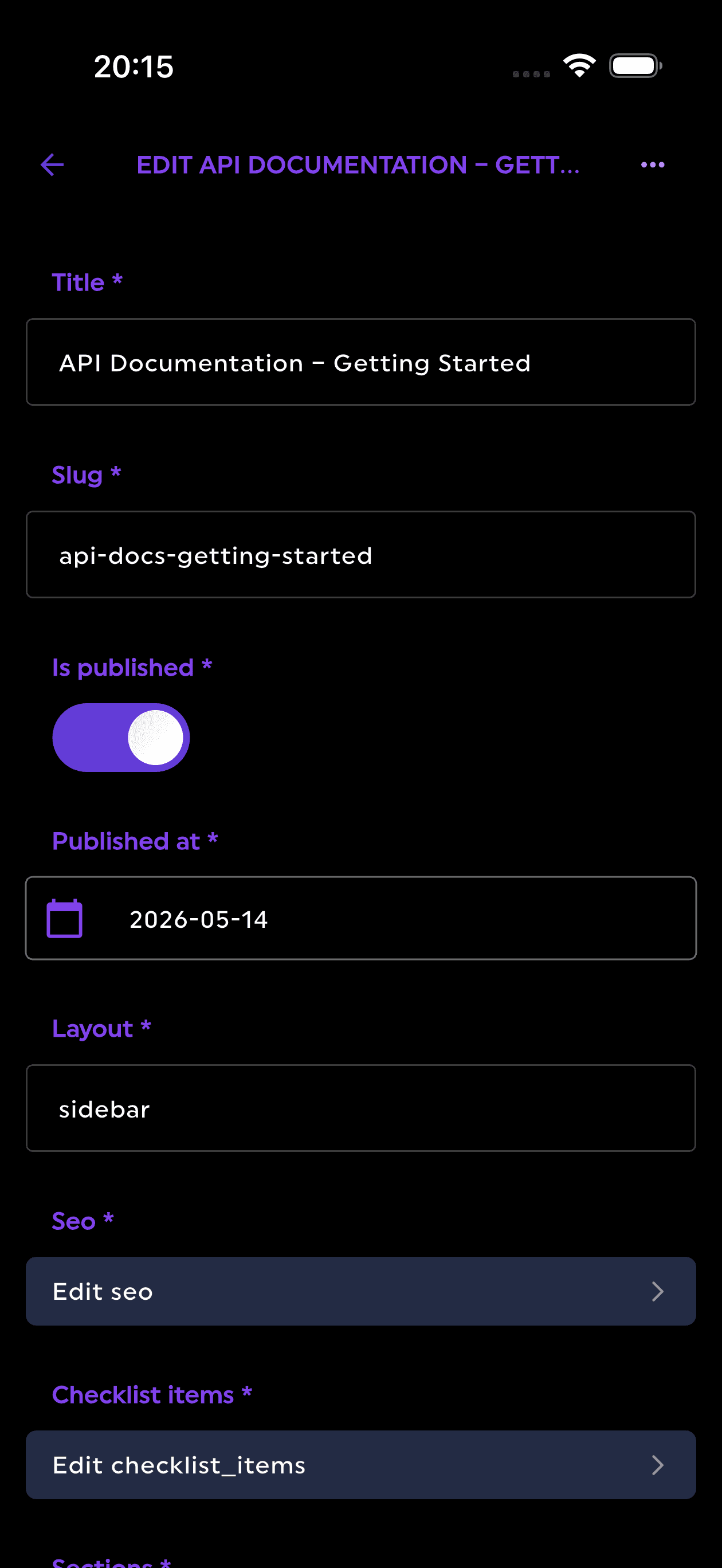
Firepanel bridges that gap by auto-detecting your Firestore collections and generating editable content types from them. The result is a managed admin layer that enforces the schema you designed rather than working around it.
Mapping Content Types to Your Schema Patterns
Each Firestore collection maps to a Firepanel content type. The configuration decisions you make here directly reflect the architectural choices from the previous section.
For denormalized parent documents (like the posts collection above): define the content type with the denormalized fields marked as read-only or system-managed. Editors can update the post body and title; Firepanel enforces that authorName and authorAvatarUrl are not edited directly, reducing the risk of stale denormalized data.
For subcollections (like users/{userId}/orders): Firepanel supports nested collection paths. You can define a content type scoped to a subcollection and filter the admin view by the parent document ID, giving support teams a clean interface for reviewing a specific user's orders without exposing the entire orders dataset.
For junction collections (like userCourses): define the content type with both reference fields (userId, courseId) as required, and set the document ID pattern to enforce the composite key convention. This prevents duplicate junction documents from being created through the admin interface.
Field Validation as Schema Enforcement
Firestore itself has no schema enforcement at the database level. As the Firebase Security Rules documentation notes, rules validate writes but do not define or constrain document shape beyond what you explicitly check. Nothing stops a write from adding an unexpected field, omitting a required one, or storing a string where a number is expected. At scale, schema drift is a serious operational problem: a malformed document can break a query, cause a listener to throw, or silently corrupt a denormalized field downstream.
Firepanel's field-level validation closes this gap at the admin layer:
- Type constraints: enforce that
totalin an order document is always a number, not a string - Required fields: prevent saving a document without
userIdandcourseIdin a junction collection - Enum validation: restrict
statusfields to defined values (pending,active,cancelled) rather than allowing free-text entry - Reference validation: link a field to another content type so editors select from valid document IDs rather than typing them manually
None of these constraints replace Firestore Security Rules for write operations from client applications. They are an additional layer of protection for admin-initiated writes, which are often where schema drift originates.
Role-Based Access for Multi-Team Workflows
A scalable schema often involves collections that different teams need to access differently. A products collection might be managed by a merchandising team, while a userCourses junction collection should only be writable by a platform engineering team.
Firepanel's role system (Admin, Editor, Viewer) maps to this cleanly. Assign Editor access to the products content type for the merchandising team, and restrict the userCourses content type to Admin-only. The result is a single admin panel that serves multiple teams without requiring separate tooling or custom access logic in your application code.
The operational reality: schema architecture decisions made at design time become daily operational friction if the admin layer does not enforce them. Firepanel turns schema constraints into interface constraints, so the right pattern is also the only available path.
A Migration Checklist: From Relational Habits to Firestore Patterns
Redesigning an existing schema is rarely a big-bang migration. The practical approach is to identify the highest-risk patterns first, fix them incrementally, and configure Firepanel content types to reflect each change as you make it.
Use this checklist as a starting point for any Firestore schema audit:
Identify Hotspot Risk
- Are any collections using sequential or timestamp-based document IDs? Switch to random IDs or hash-prefixed keys.
- Does any single document receive more than one write per second under normal load? Distribute the state or move to a sharded counter.
- Are you ramping a new collection rapidly? Follow the 500/50/5 guidance: start at 500 ops/sec, increase by 50% every five minutes.
Audit Index Fanout
- Do any documents contain arrays with more than 100 elements? Consider whether those fields need indexing. If not, add a single-field index exemption.
- Are you storing many-to-many relationships as arrays of IDs inside a document? Replace with a junction collection.
- Are there maps with dynamic keys that grow over time? Move them to a subcollection.
Eliminate Single-Document Contention
- Are global counters (likes, views, active sessions) stored in a single field on a single document? Implement the distributed counter pattern with at least 10 shards.
- Are multiple users writing to the same document concurrently (shared carts, collaborative state)? Evaluate whether the writes can be distributed or queued.
Right-Size Documents for Listeners
- Do any documents mix frequently-updated fields with large static payloads? Split them: one document for the live state, one for the static content.
- Are listeners attached to documents larger than 50KB? Smaller documents with targeted fields reduce bandwidth and listener latency.
Configure Firepanel to Match
- Create a content type for each collection in the redesigned schema.
- Mark denormalized fields as read-only in the admin interface.
- Set required fields and type constraints for every content type.
- Assign role-based access per content type to match team responsibilities.
- Use subcollection paths for nested content types (orders, messages, enrollments).
The patterns in this playbook are not theoretical. They reflect the constraints documented by Firebase engineering in the official Firestore best practices and quota references. The architectural decisions are yours to make at design time; Firepanel handles the operational layer so your team is not navigating raw Firestore console access or building a custom admin panel to manage the result.
Start free with Firepanel and connect your existing Firestore project. The auto-detection will generate content types from your current schema in minutes, giving you an immediate starting point for the configuration changes this playbook recommends.