How Indie Game Studios Can Manage Player Data in Firestore Without Building an Internal Tool

Luis Freire
Founder & CTO

Firebase is a popular backend choice for indie games, prototypes, mobile games, and small studios that want to move fast.
It gives developers authentication, Firestore, Cloud Storage, Cloud Functions, analytics, remote configuration, crash reporting, and messaging without requiring a traditional backend team.
For a small game team, that can be the difference between shipping and getting stuck building infrastructure.
But once the game is live, a new problem appears.
You do not just need a backend. You need a way to operate the game.
That means managing players, fixing broken accounts, adjusting rewards, reviewing inventory, scheduling events, sending notifications, and editing content without deploying a new build every time.
Many teams start by using the Firebase Console directly. That works during development. It becomes painful when your game has real players.
This article explains how indie game studios can manage player data in Firestore without building a custom internal tool from scratch.
Why game teams use Firebase and Firestore
Firebase is attractive for game developers because it reduces backend complexity.
Firestore is especially useful because it is a flexible document database. It stores data as documents inside collections, supports nested fields, and can represent many common game data structures without a rigid relational schema.
A game might use Firestore collections like:
playersprofilesinventorycurrencieslevelsmissionsdailyRewardseventsleaderboardspurchasessupportTicketsbansannouncements
That flexibility makes Firestore a good fit for games that evolve quickly.
You can add a new field for a seasonal event. You can store player-specific progression. You can keep configuration and content in the database. You can support live updates without forcing every change into an app release.
But flexibility has a cost: someone needs to manage the data.
The real problem: game ops needs an interface
A game is not static software. Even a small game needs operational work after launch.
Common game operations include:
- Granting missing rewards
- Fixing corrupted player progress
- Refunding soft currency
- Reviewing suspicious accounts
- Updating event content
- Editing seasonal rewards
- Managing limited-time offers
- Scheduling push notifications
- Uploading game content images
- Disabling broken content
- Testing player states
- Supporting QA and customer support
If every one of those tasks requires a developer, the studio slows down.
If every one of those tasks is done directly in Firebase Console, the studio accepts unnecessary risk.
A Firestore admin panel gives the team a safer middle layer: developers keep control over the data model, while non-developers get a usable interface for specific workflows.
Example: managing player profiles
Most games have a player document that stores identity and state.
A simplified players document might include:
{
  "displayName": "Player123",
  "email": "player@example.com",
  "level": 18,
  "xp": 24500,
  "softCurrency": 3400,
  "hardCurrency": 120,
  "status": "active",
  "createdAt": "2026-06-10T10:00:00Z",
  "lastSeenAt": "2026-06-10T12:30:00Z"
}
In Firebase Console, this is just a document.
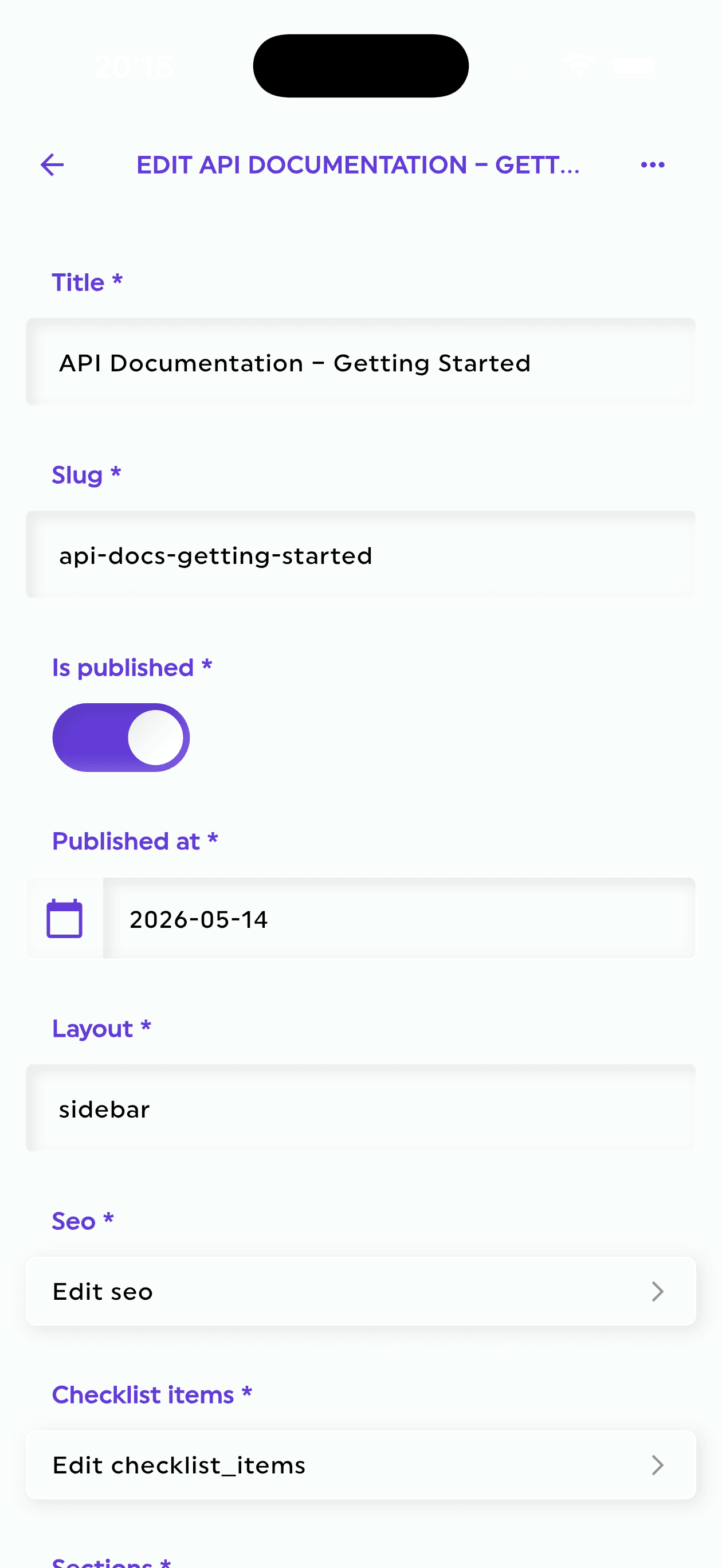
In an admin panel, it can become a player profile view with fields, validation, search, and controlled actions.
For example, a support agent might be allowed to:
- Search a player by email
- View account status
- Add a support note
- Grant a predefined compensation package
- Temporarily disable an account
But the same support agent should not be allowed to:
- Delete the player
- Change internal IDs
- Modify billing fields
- Edit security-sensitive metadata
- Change fields used by anti-cheat logic
That distinction is hard to enforce if everyone is working directly in Firebase Console.
Example: managing inventory and items
Inventory systems are common in mobile and indie games.
A player may own:
- Characters
- Skins
- Weapons
- Cards
- Boosters
- Consumables
- Crafting materials
- Cosmetics
- Quest items
Depending on your data model, inventory may be stored as nested arrays, maps, or subcollections.
For example:
{
  "items": [
    {
      "itemId": "sword_rare_01",
      "quantity": 1,
      "level": 3,
      "equipped": true
    },
    {
      "itemId": "health_potion",
      "quantity": 12
    }
  ]
}
The problem is not only displaying the data. The problem is editing it safely.
A broken inventory edit can create bugs, duplicate items, negative currency, or angry players.
A good admin panel should let developers define the structure of inventory-related content so that the team can edit it without accidentally breaking the expected schema.
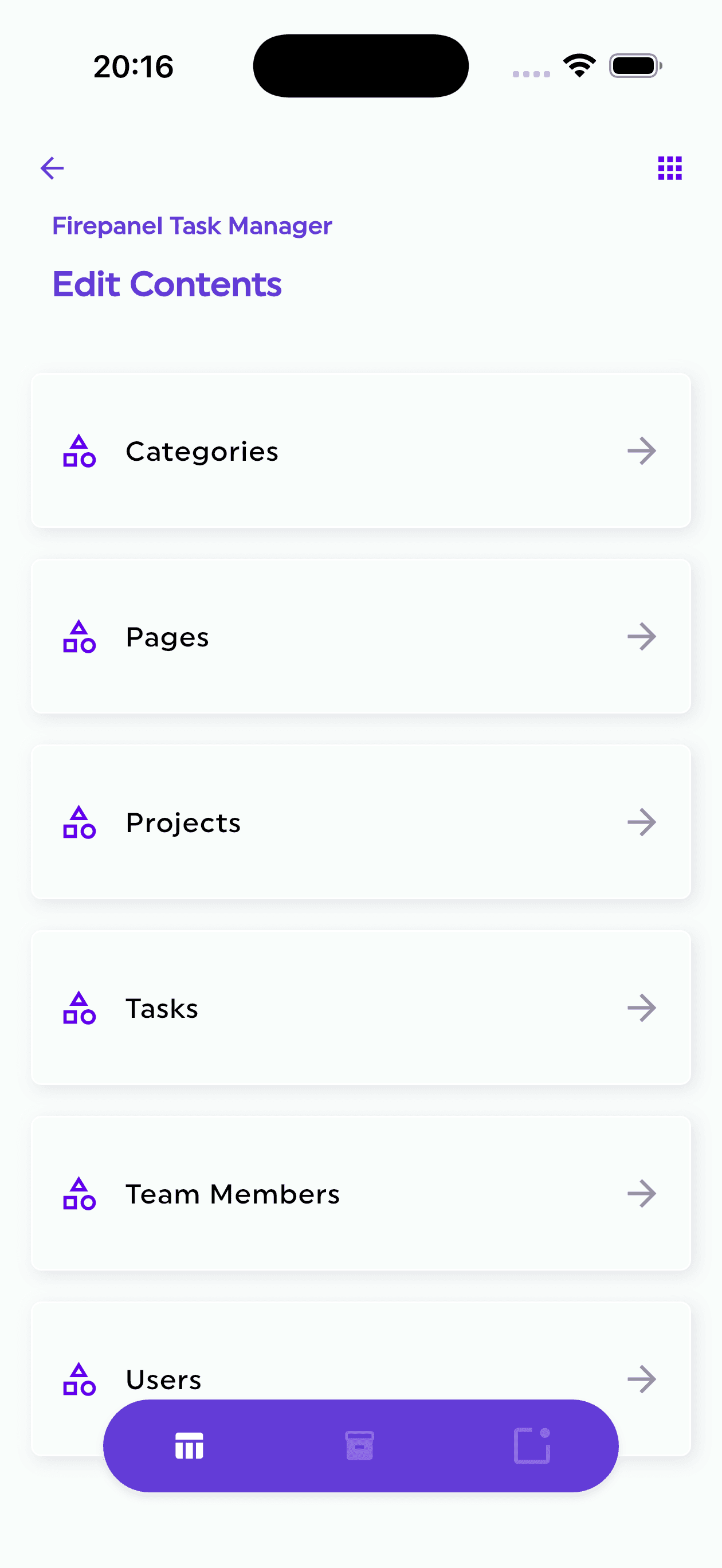
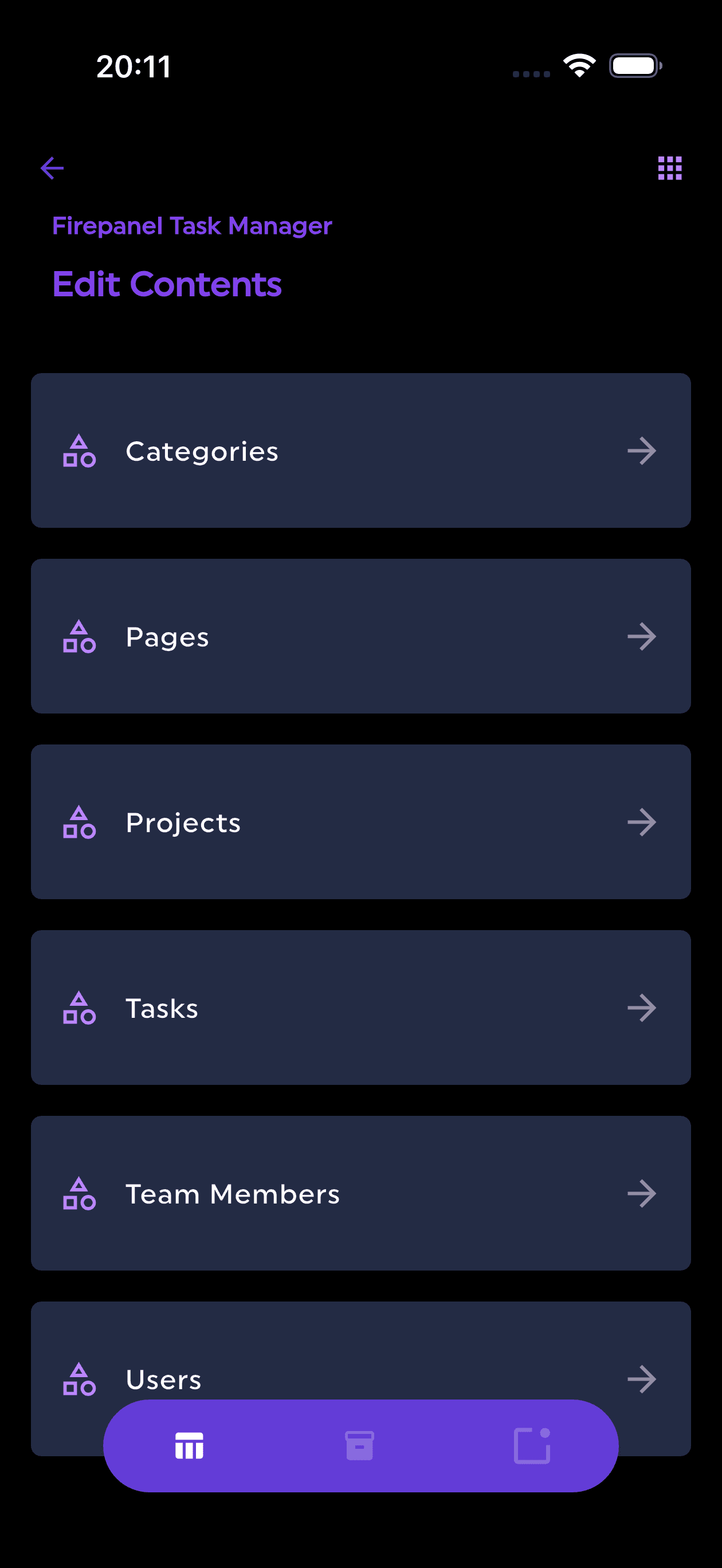
Firepanel supports custom components and nestable fields, which is useful when your Firestore documents contain structured game data like rewards, item lists, mission steps, or event configuration.
Example: managing currencies and rewards
Game economies are sensitive.
Soft currency, premium currency, XP, rewards, and purchases need careful handling. Manual edits should be controlled, traceable, and limited to trusted roles.
Instead of letting teammates freely edit numeric fields, an admin panel can expose safer workflows.
For example:
- Add 500 coins with a reason
- Grant a reward bundle
- Mark a purchase as manually resolved
- Add compensation after a bug
- Adjust event reward configuration
This is where custom actions become useful.
Rather than editing raw fields manually, the team can run predefined actions on data. Developers define what the action does, and operators use it through the admin interface.
That is safer than asking people to directly modify production documents.
Example: running live events
Live events are one of the strongest reasons for game teams to use an admin panel.
A seasonal event might include:
- Name
- Description
- Start date
- End date
- Reward table
- Featured assets
- Required app version
- Player eligibility rules
- Notification schedule
- Status: draft, scheduled, active, archived
This type of content should not require a new app release every time it changes.
It also should not be edited as raw JSON by non-technical teammates.
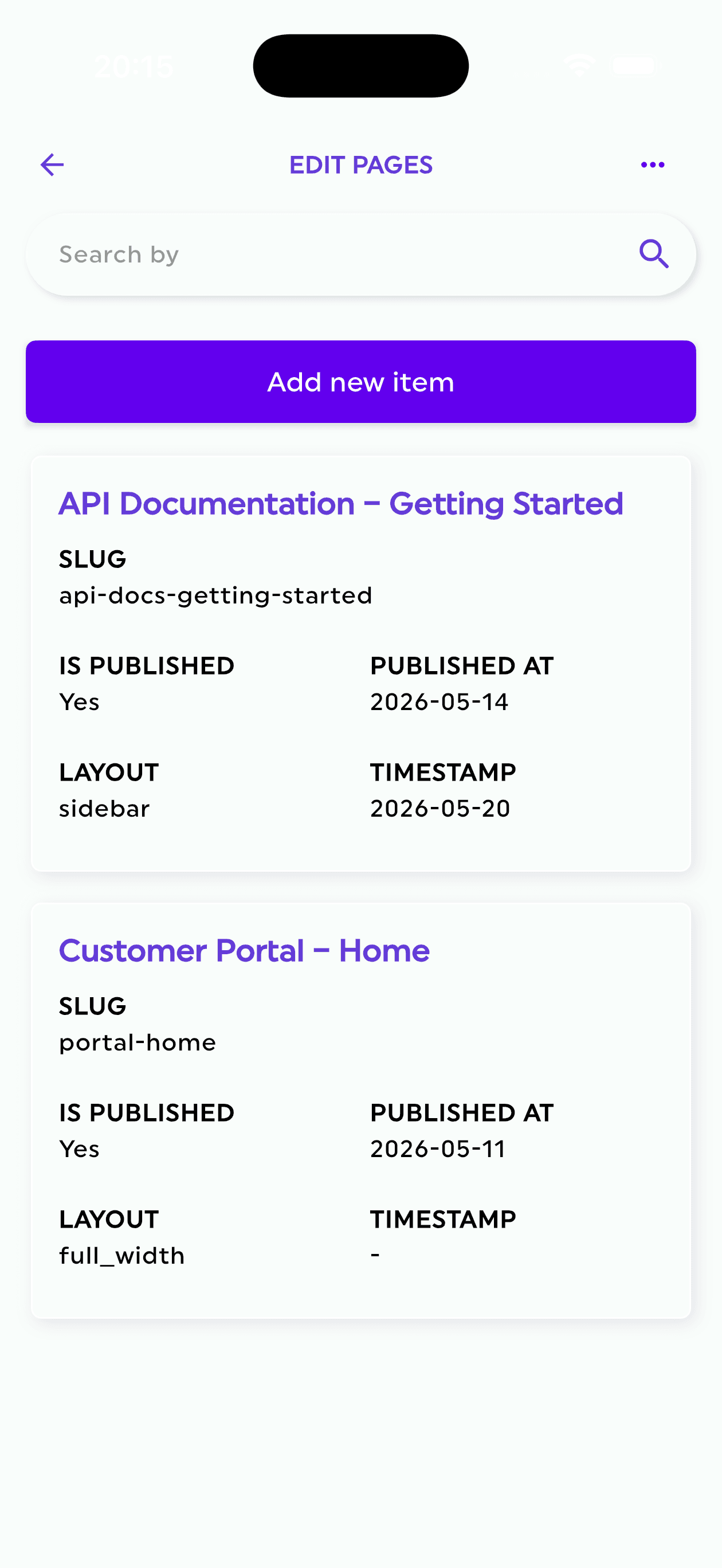
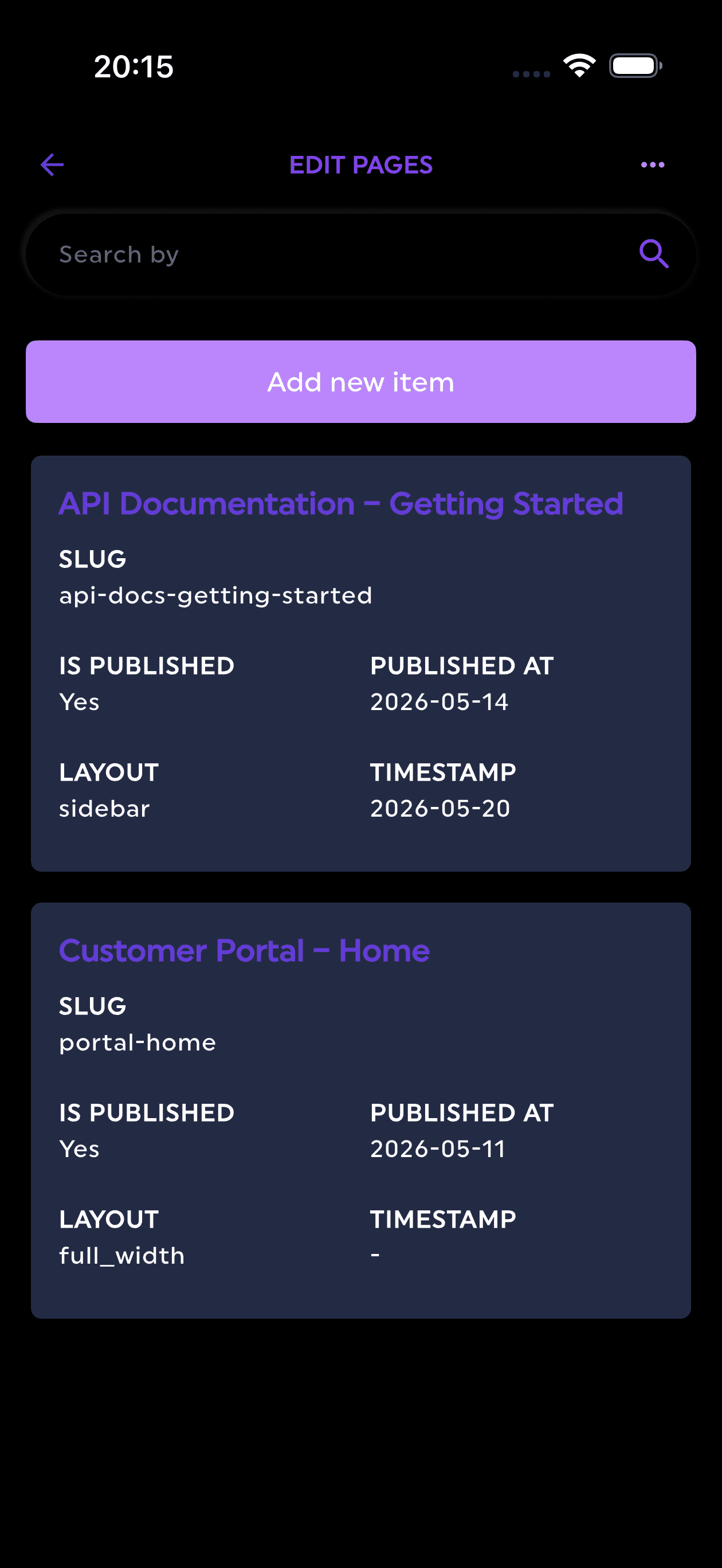
A Firestore admin panel can turn an events collection into a structured editor with dates, text fields, media fields, select fields, nested reward components, and validation.
That makes game operations faster and less dependent on engineering.
Example: scheduling push notifications
Push notifications matter for mobile games.
They are used for:
- Daily rewards
- Event reminders
- New content announcements
- Comeback campaigns
- Maintenance notices
- Time-limited offers
- Community updates
The challenge is that notifications are often connected to database content.
A notification might reference an event, a reward, a promotion, or a specific player segment.
Firepanel supports creating and scheduling push notifications based on database content, with support for Expo and OneSignal. For mobile game teams, this can reduce the number of separate tools needed for live operations.
Example: managing uploaded assets
Game teams often store assets outside the game build, especially for live content.
That can include:
- Event banners
- Store images
- Avatar images
- Reward icons
- News images
- Level thumbnails
- Downloadable content metadata
If these files live in Cloud Storage, developers and content managers need a safe way to browse, upload, edit, search, move, and manage metadata.
Firebase Console can expose storage objects, but it is not designed as a complete content management workflow.
An admin panel with storage management helps connect Firestore records with the assets that support them.
Why building your own internal tool is expensive
Many game developers underestimate the cost of internal tools.
A basic admin panel sounds simple:
- List players
- View a player
- Edit fields
- Search by email
- Upload an image
- Trigger an action
But the real version grows quickly:
- Authentication
- Role-based access
- Firestore collection mapping
- Field validation
- Nested object editing
- File uploads
- Search
- Pagination
- Environment separation
- Auditability
- Error handling
- Custom actions
- Push notification workflows
- Content previews
- QA workflows
That is not a weekend project anymore.
It becomes an internal product.
For a small studio, every week spent building internal tooling is a week not spent improving the game.
What a game-ready Firestore admin panel should include
For game teams, a useful Firestore admin panel should provide more than CRUD.
Look for:
Content type management
Developers should be able to map Firestore collections to clear content types.
For example:
- Players
- Events
- Reward bundles
- Store offers
- Missions
- Announcements
- Support tickets
This makes data understandable to the people operating the game.
Field validation
Validation matters because game data is easy to break.
The admin panel should support field types and validation rules so content managers do not accidentally enter invalid data.
Nested components
Games often use nested structures: reward arrays, item bundles, mission steps, event rules, and localization fields.
A useful admin panel should handle nested components cleanly.
Role-based permissions
Not every teammate should access every collection.
For example:
- Support can view players and update support fields.
- Marketing can create announcements and notifications.
- Game designers can manage events and rewards.
- Developers can configure content types and actions.
Search
Player support requires fast lookup.
Teams should be able to search by email, username, player ID, status, or other relevant fields.
Storage management
Game content often includes files. The admin panel should support Cloud Storage workflows, not only Firestore documents.
Push notification management
For mobile games, scheduling notifications from the same admin system can simplify live operations.
Custom actions
Some operations should be actions, not manual edits.
Examples:
- Grant reward bundle
- Ban player
- Unban player
- Reset daily reward streak
- Recalculate progression
- Mark support ticket as resolved
How Firepanel helps game studios using Firebase
Firepanel is a Firebase CMS and admin panel designed to help teams manage Firestore content without building an internal tool.
For game teams, that means:
- Create content types for player data, events, rewards, offers, and announcements
- Generate structure from existing Firestore collections
- Model complex game data with 20+ field types
- Use custom nestable components for reward bundles, item lists, and event configuration
- Manage Cloud Storage assets from the same admin experience
- Invite teammates with custom roles and granular permissions
- Search content quickly with full-text indexing
- Create and schedule push notifications through supported providers like Expo and OneSignal
- Run custom actions to automate operational workflows
The goal is simple: keep Firebase as your backend, but stop using the Firebase Console as your game operations dashboard.
A practical setup for an indie game
A small studio could start with this structure:
| Firestore collection | Firepanel content type | Who manages it |
|---|---|---|
| players | Players | Support, developers |
| events | Live Events | Game designer, marketing |
| rewardBundles | Reward Bundles | Game designer |
| announcements | Announcements | Marketing, community |
| storeOffers | Store Offers | Game designer, product |
| supportTickets | Support Tickets | Support |
| gameAssets | Game Assets | Content team, developers |
Final thoughts
Indie game teams need to move fast. Firebase helps with that.
But once a game has real players, the team needs more than raw database access. It needs operational workflows.
Using Firebase Console for everything may work during development, but it becomes risky when support, marketing, content, and game design need to manage production data.
Building an internal admin tool is possible, but it can consume valuable engineering time.
A Firestore admin panel like Firepanel gives game teams a faster path: structured content types, safer editing, storage management, roles, search, notifications, and custom actions on top of Firebase.
For an indie studio, that can mean less time building tools and more time improving the game.
Try Firepanel for your Firebase game
If your game uses Firebase and Firestore, Firepanel can help you manage player data, events, rewards, files, roles, and notifications without building a custom backoffice.
Start with the free plan and turn your Firestore data into a usable game operations panel.