The Fastest Way to Build an Admin Panel for a Firebase MVP

Filipe Oliveira
Full Stack Developer

Every MVP eventually needs an admin panel.
At first, it may not feel urgent. You are focused on the product: onboarding, core features, payments, user experience, mobile flows, or your first customer demo.
Then the first operational needs appear.
You need to:
- View users
- Edit a customer record
- Change a subscription status
- Review submitted content
- Upload images
- Moderate user-generated data
- Fix a broken document
- Send a push notification
- Export data for analysis
- Give a teammate access to manage content
If your MVP uses Firebase, the fastest temporary solution is usually the Firebase Console.
But temporary solutions have a habit of becoming permanent.
This article explains the fastest way to get a usable admin panel for a Firebase MVP, what tradeoffs to consider, and when a Firebase CMS like Firepanel is a better option than building your own internal tool.
Why Firebase is popular for MVPs
Firebase is a strong choice for MVPs because it lets small teams ship without managing backend infrastructure.
A typical Firebase MVP can use:
- Firebase Authentication for users
- Cloud Firestore for app data
- Cloud Storage for files
- Cloud Functions for backend logic
- Firebase Cloud Messaging for notifications
- Analytics and crash reporting for product visibility
Firestore is especially useful for MVPs because it uses a flexible document model. Data is organized into collections and documents, and documents can hold different field types, nested objects, and subcollections.
That flexibility makes it easy to evolve your product while you are still discovering the right data model.
But once your MVP becomes usable, you need a way to manage that data.
The hidden admin panel problem
Most product teams underestimate internal tooling.
The first version sounds simple:
"We just need a small admin page to edit users."
Then it becomes:
- Add filters
- Add search
- Add pagination
- Add role-based permissions
- Add image uploads
- Add validation
- Add support for nested fields
- Add CSV export
- Add audit logs
- Add staging vs production separation
- Add notification scheduling
- Add custom actions
- Add a better UI because non-technical people need to use it
The admin panel becomes its own product.
And unlike your customer-facing MVP, it rarely gets proper design time, proper QA, or proper maintenance.
That is dangerous because internal tools often touch production data directly.
Option 1: Use Firebase Console
The Firebase Console is the simplest place to start.
It lets developers inspect and edit Firestore data directly. Google's documentation explains how to add, edit, and delete Cloud Firestore data through the console.
For early development, this is useful.
Firebase Console is a good fit when:
- Only developers need access
- The MVP is not in production yet
- You only need occasional debugging
- Collections are small
- Data edits are rare
- There is no content or operations team
The main advantage is speed. There is nothing to build.
The main disadvantage is that it is not a product-specific admin experience.
Your content editor, support teammate, or client does not want to browse raw Firestore paths. They need forms, labels, validation, media management, search, and permissions.
Firebase Console is a developer console. It is not a complete CMS for your app.
Option 2: Build your own admin panel
Building your own admin panel gives you maximum control.
You can use React, Next.js, Vue, Angular, Flutter Web, or any stack you prefer. You can connect to Firebase, define your own screens, and design workflows exactly as needed.
This is the right choice when:
- Your workflows are highly specific
- The admin panel is a core part of your business
- You need deep custom business logic
- You have enough engineering capacity
- You expect internal tooling to become a long-term product investment
But for most MVPs, custom admin panels become a distraction.
Here is what you usually need to build:
Authentication and access control
You need to decide who can access the admin, how they log in, and what they can see.
If you have multiple roles, you need permission checks across screens and actions.
Firestore collection views
Each important collection needs a list view, detail view, create flow, edit flow, delete behavior, filters, and pagination.
Form generation and validation
Every field needs an input type. Strings, numbers, booleans, dates, arrays, maps, references, images, files, and nested objects all need different UI.
Validation must match what the frontend and backend expect.
File management
If your MVP uses Cloud Storage, you need upload flows, previews, file metadata, moving or deleting files, and a way to connect files to Firestore documents.
Search
As soon as your data grows, your admin needs search.
Searching users by email, content by title, orders by status, and records by metadata becomes a daily requirement.
Operational actions
Some admin tasks should not be raw edits.
For example:
- Refund user
- Approve creator
- Ban account
- Publish content
- Send notification
- Recalculate status
- Archive item
Those should be controlled actions with clear behavior.
Maintenance
The most expensive part is not the first version. It is keeping the admin panel aligned with your product as the Firestore data model changes.
Every new collection, field, permission, and workflow creates more internal tooling work.
Option 3: Use a Firebase CMS or Firestore admin panel
The third option is to use a dedicated admin panel built for Firebase.
This is usually the fastest path for MVPs that already store meaningful data in Firestore.
Instead of building internal CRUD screens, you connect your Firebase project and define content types on top of your collections.
A good Firebase CMS should help you:
- Convert Firestore collections into manageable content types
- Define fields with proper input controls and validation
- Manage nested data structures
- Browse and edit records quickly
- Invite teammates with controlled permissions
- Manage Cloud Storage files
- Search content
- Run custom actions
- Schedule notifications
This keeps your development team focused on the customer-facing product.
What an MVP admin panel actually needs
Not every MVP needs a complex backoffice.
But most need a small set of reliable capabilities.
1. A clean way to manage Firestore collections
Firestore collections are technical. Admin users need product language.
Instead of showing users, posts, plans, or events as raw collections, your admin should present them as understandable content areas.
For example:
- Customers
- Articles
- Pricing Plans
- Events
- Notifications
- Orders
- Support Requests
This sounds cosmetic, but it matters. Clear naming reduces mistakes.
2. Field types and validation
Firestore does not force every document in a collection to have the exact same fields. That flexibility is useful during development, but risky during manual editing.
Your admin panel should enforce the shape your app expects.
For example:
- Email fields should be emails
- Dates should use date pickers
- Status values should be selected from allowed options
- Images should connect to storage assets
- Required fields should not be empty
- Nested components should follow a defined structure
This is how you avoid production bugs caused by invalid content.
3. Role-based access
Your developer, founder, client, support teammate, and content editor should not all have the same access.
A useful admin panel should allow custom roles.
For example:
| Role | Access |
|---|---|
| Developer | Configure content types, manage all data |
| Content editor | Edit posts, pages, files, and announcements |
| Support | View users, edit support status fields |
| Marketing | Create campaigns and notifications |
| Client | Review and edit approved content only |
This helps your MVP become operational without giving everyone direct Firebase project access.
4. Storage management
If your product has images or files, your admin panel needs storage support.
That includes:
- Uploading files
- Browsing assets
- Searching files
- Editing metadata
- Moving files
- Connecting files to Firestore documents
This is especially important for content-heavy apps, marketplaces, portfolios, communities, media apps, and games.
5. Search and filtering
Even small MVPs can accumulate data quickly.
You need to search by:
- User email
- Status
- Title
- Date
- Category
- Payment state
- Content type
- Owner
Without search, developers become the search interface.
That is not scalable.
6. Notification workflows
Mobile MVPs often need push notifications.
Common use cases include:
- User activation
- Product announcements
- Content updates
- Game events
- Reminders
- Retention campaigns
If notifications are connected to database content, managing them from the same admin panel can save time and reduce mistakes.
7. Custom actions
Some operations should be performed through controlled actions rather than direct field edits.
Examples:
- Approve a creator
- Feature an item
- Archive content
- Reset a user state
- Send a notification
- Sync data with another service
Custom actions are useful because they let developers encode business logic while giving non-technical users a simple button or workflow.
Why Firepanel is a fast option for Firebase MVPs
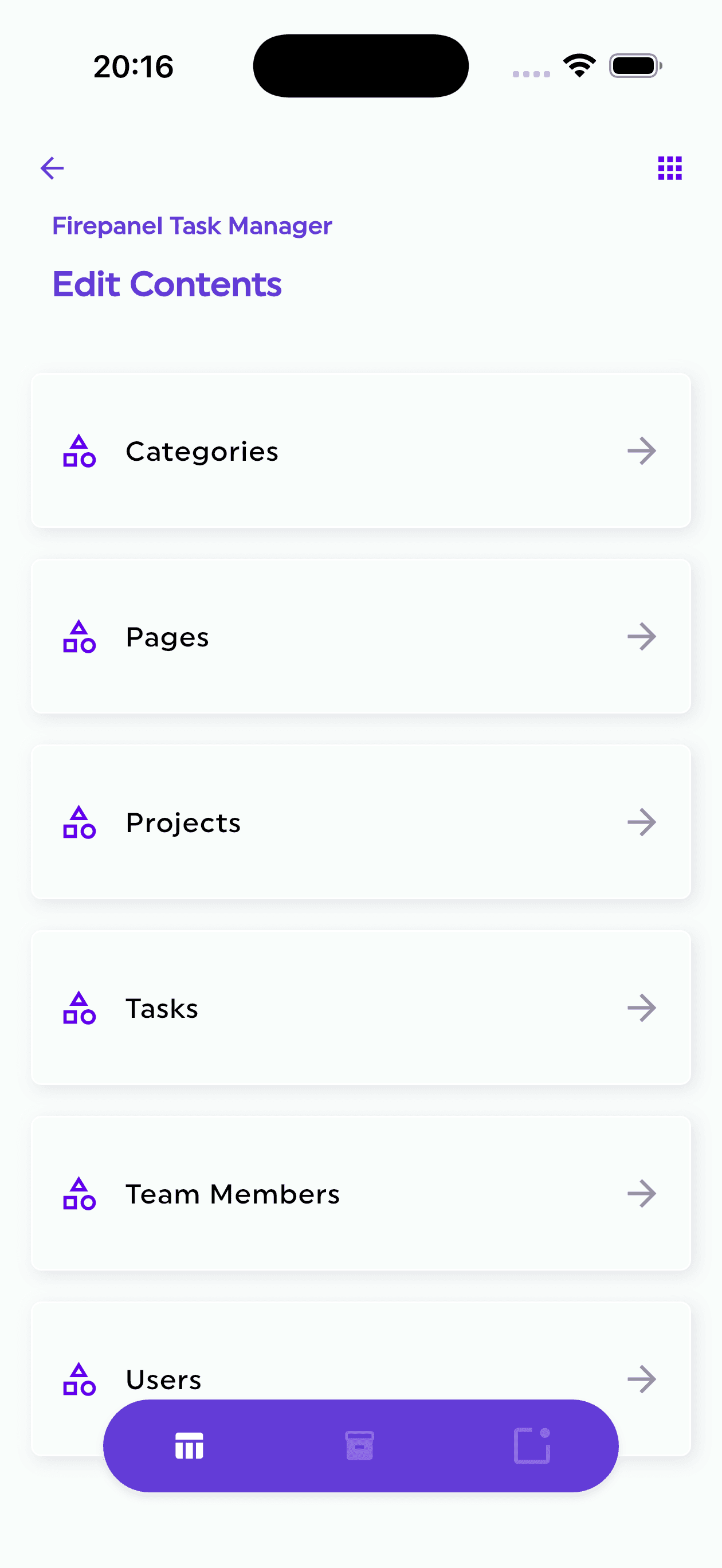
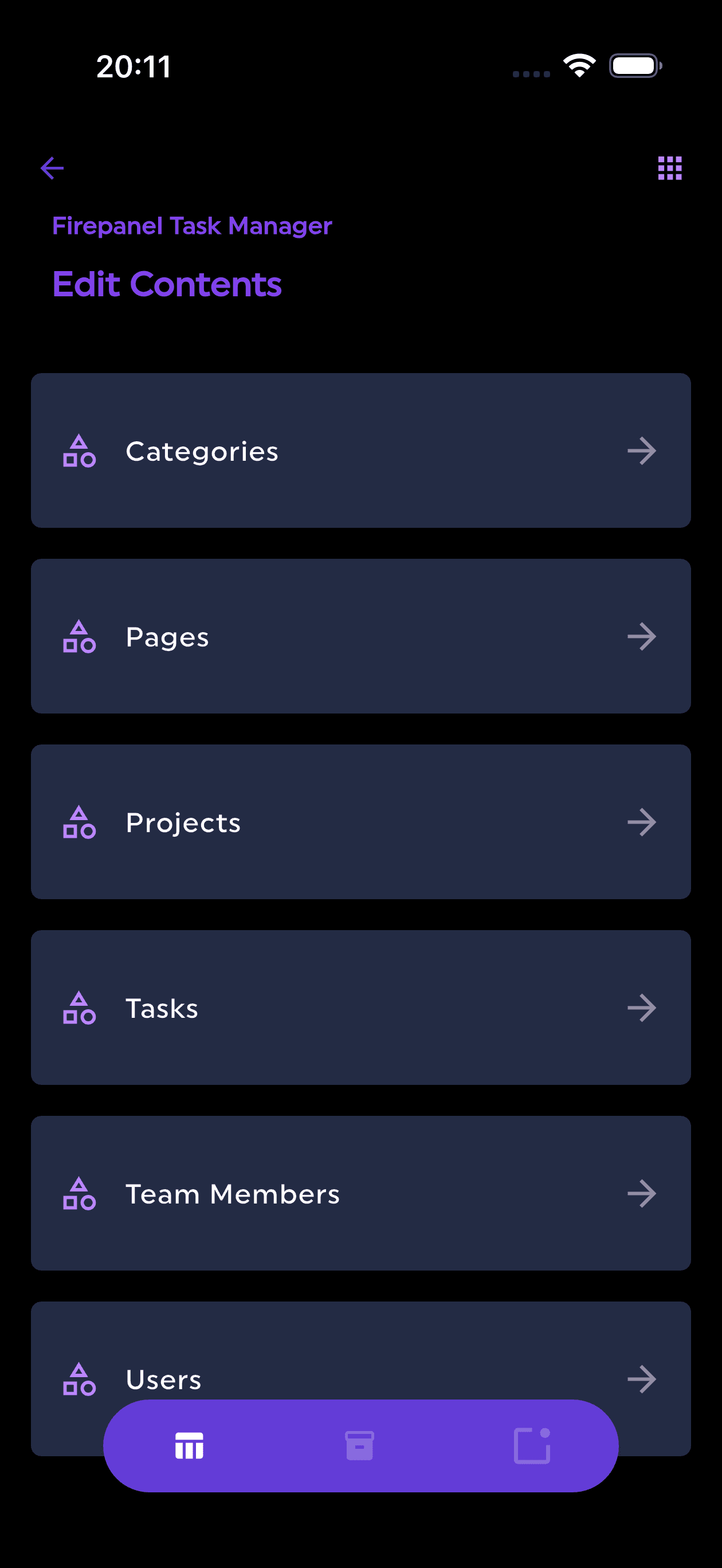
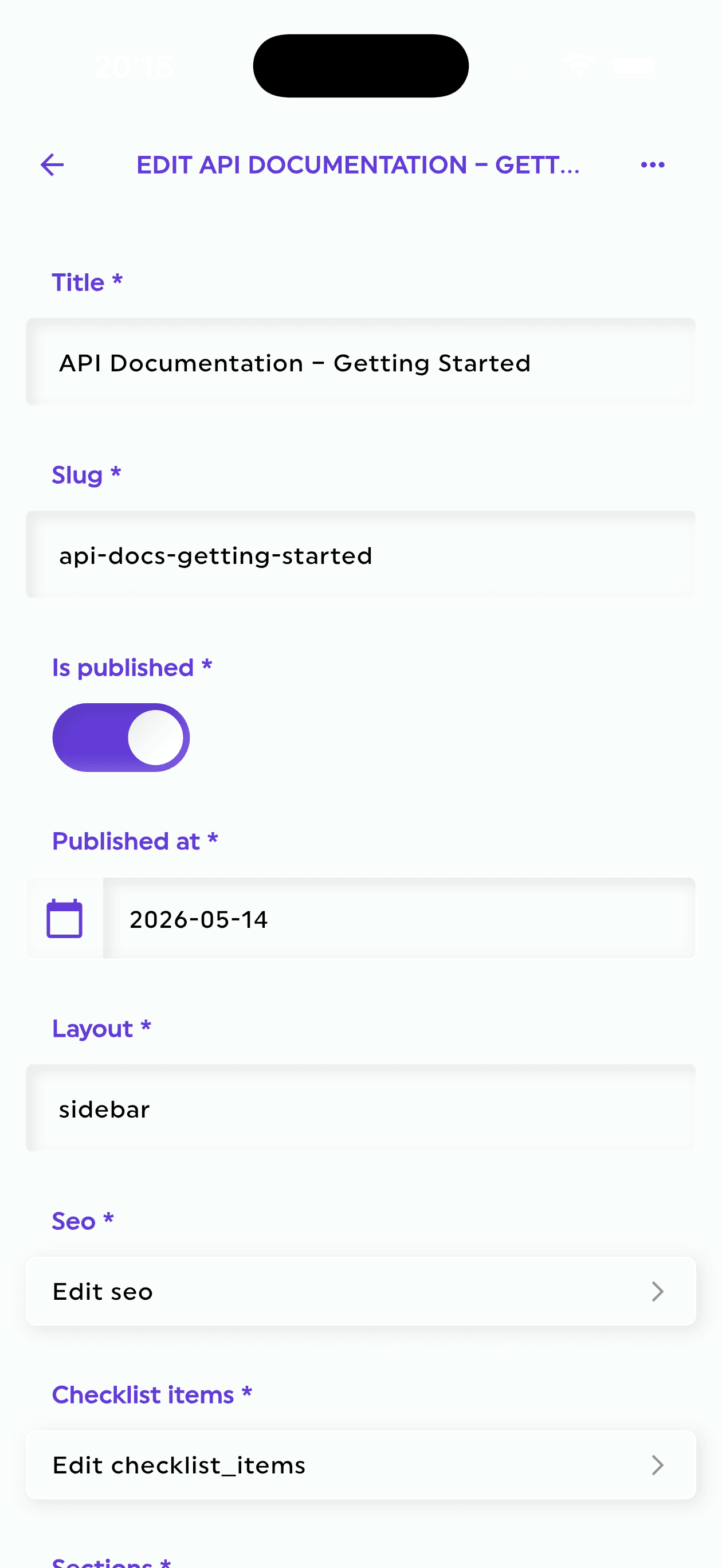
Firepanel is designed to bridge the gap between Firebase's developer-focused tools and the user-friendly admin experience that teams need.
It gives Firebase projects a CMS and admin layer without forcing developers to build one manually.
With Firepanel, you can:
- Create and manage content types that sync with Firebase collections
- Auto-generate content types from existing Firestore data
- Model content with 20+ field types and built-in validation
- Define nestable custom components for flexible structures
- Manage Cloud Storage files
- Create users and custom roles with granular permissions
- Search content through a full-text indexing engine
- Create and schedule push notifications based on database content
- Run custom actions to automate workflows
- Start with a developer-friendly free plan
This makes Firepanel useful for SaaS MVPs, mobile apps, content apps, marketplaces, communities, and Firebase-powered games.
A practical MVP admin setup with Firepanel
Here is a common starting point.
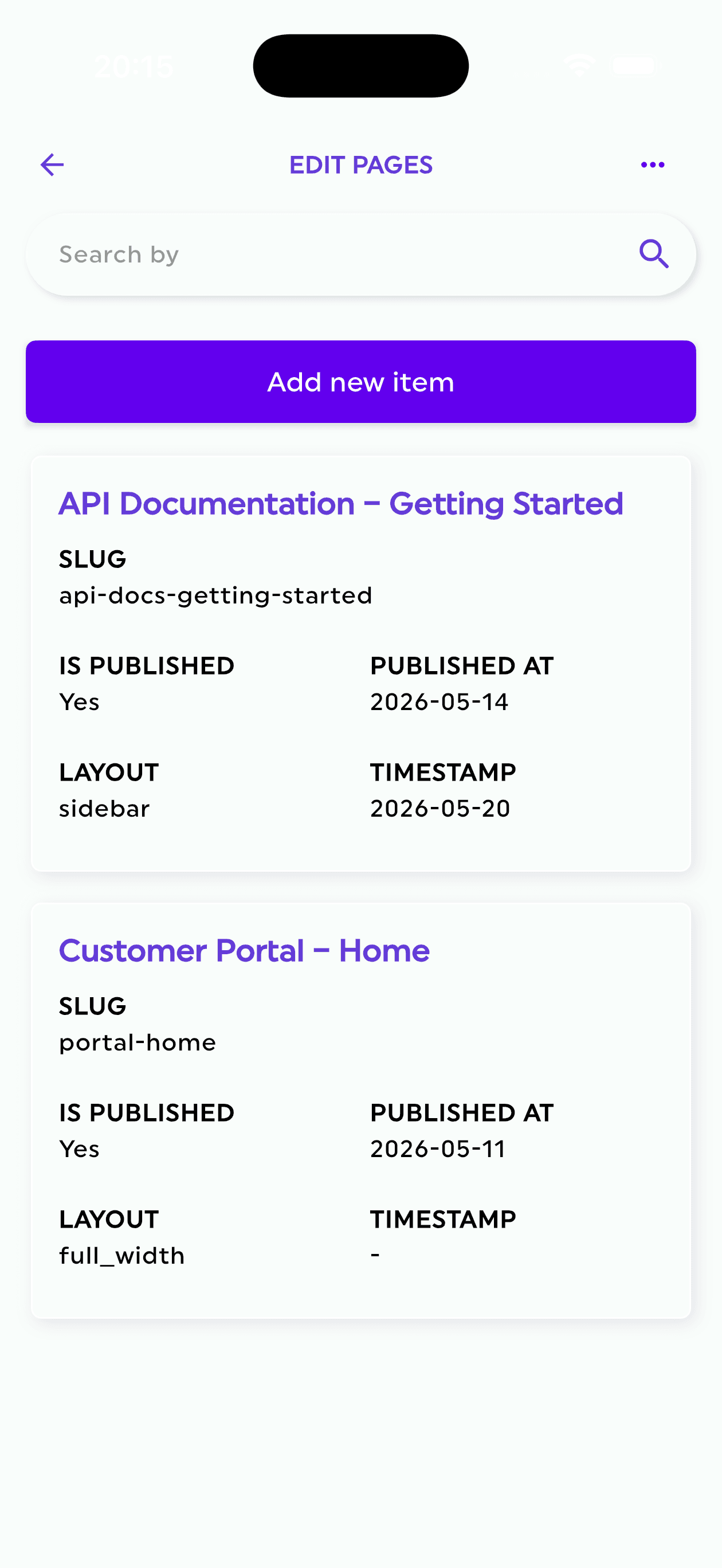
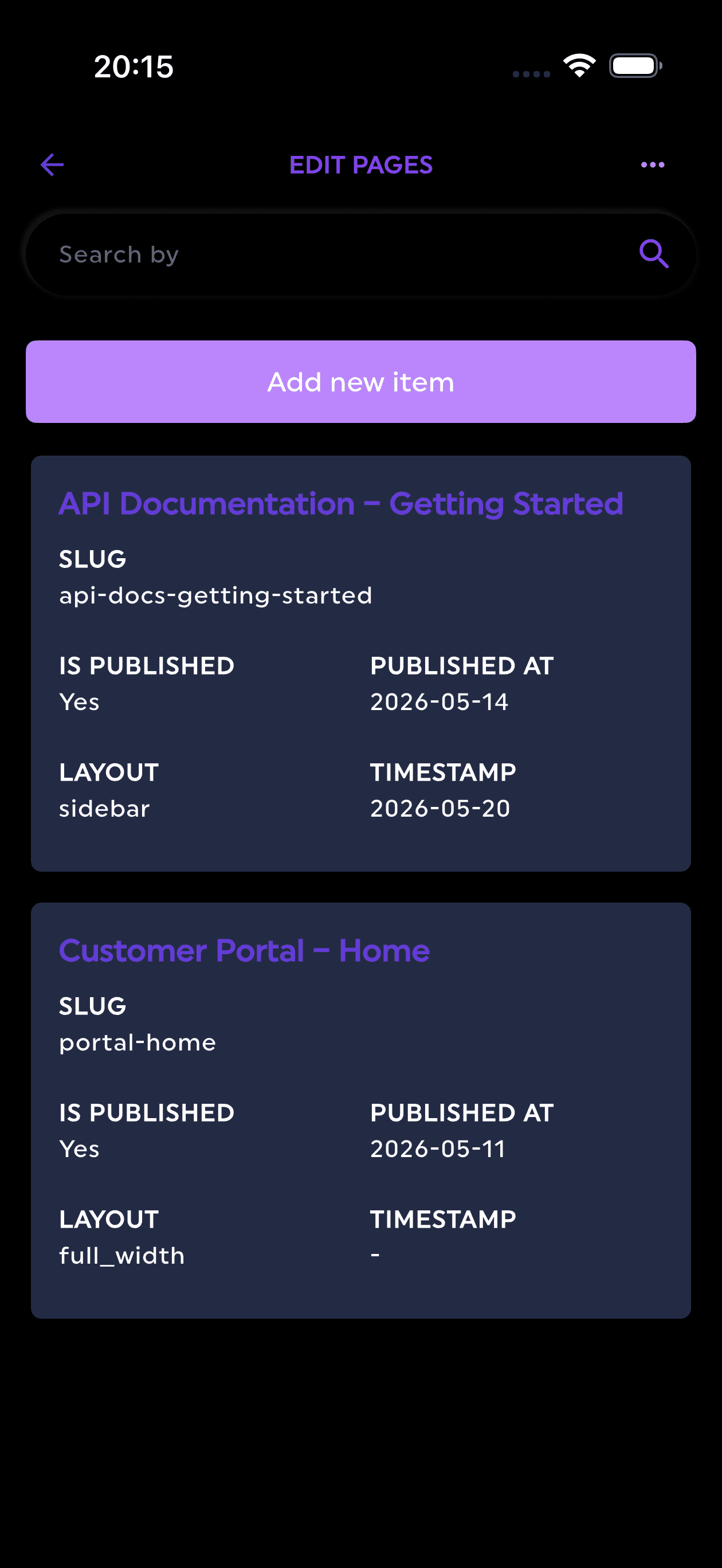
| Area | Firestore collection | Firepanel content type |
|---|---|---|
| Users | users | Customers |
| Content | posts | Blog Posts |
| App content | pages | Pages |
| Orders | orders | Orders |
| Files | Cloud Storage | Storage Manager |
| Notifications | notifications | Push Notifications |
| Support | supportTickets | Support Tickets |
From there, you can define fields and permissions.
For example, a Blog Posts content type might include:
- Title
- Slug
- Excerpt
- Cover image
- Body
- Author
- Status
- Published date
A Customers content type might include:
- Name
- Plan
- Status
- Created date
- Last active date
- Support notes
A Push Notifications content type might include:
- Title
- Message
- Target
- Scheduled date
- Linked content
- Provider
- Status
The result is a usable admin panel without creating every screen manually.
When you should still build your own
A dedicated Firebase CMS is not always the right answer.
You should consider building your own admin panel when:
- Your admin workflows are a major product differentiator
- You need highly custom real-time interfaces
- Your internal tool requires complex visualizations
- You have deep integrations that cannot be represented through content types or actions
- You have a dedicated team for internal tooling
But for many MVPs, those conditions do not apply.
Most teams need reliable data management, not a bespoke internal platform.
Decision framework
Use this simple decision framework:
| Situation | Best option |
|---|---|
| Early prototype, developer-only access | Firebase Console |
| Production MVP with basic data edits | Firestore admin panel |
| Content-heavy Firebase app | Firebase CMS |
| Mobile app with push workflows | Firebase CMS with notification support |
| Game with live ops content | Firestore admin panel with roles and actions |
| Highly custom internal operations | Build your own admin |
The key question is:
Is building an admin panel the best use of engineering time right now?
For most MVPs, the answer is no.
Final thoughts
Firebase helps teams build faster. But managing production data still requires a proper interface.
Firebase Console is useful for developers, especially during early development. A custom admin panel gives maximum control, but it takes time to build and maintain.
For many Firebase MVPs, the fastest practical option is a dedicated Firestore admin panel or Firebase CMS.
Firepanel gives your Firebase project a structured admin layer with content types, fields, validation, storage management, roles, search, notifications, and actions.
That means you can launch sooner, support users faster, and keep your development team focused on the product.
Try Firepanel
If your MVP uses Firebase and you need an admin panel, Firepanel can help you manage Firestore data, files, users, content, and notifications without building an internal tool from scratch.
Start with the free plan and turn your Firebase project into a manageable product backend.